

 Accounting
- Price
- 60 UAH/mo
- For
- services, food service, shops
- Required modules
- Finances
What it does
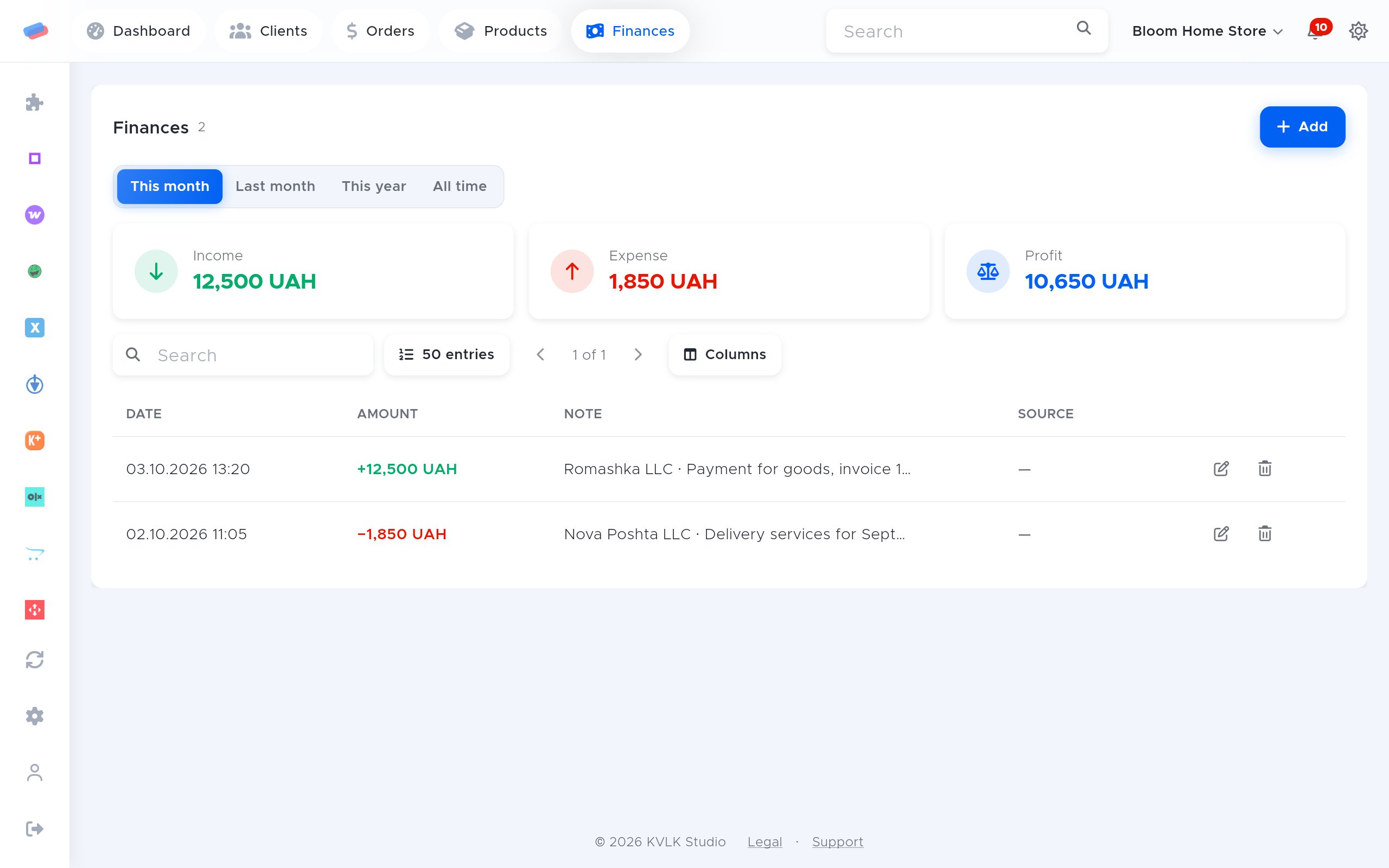
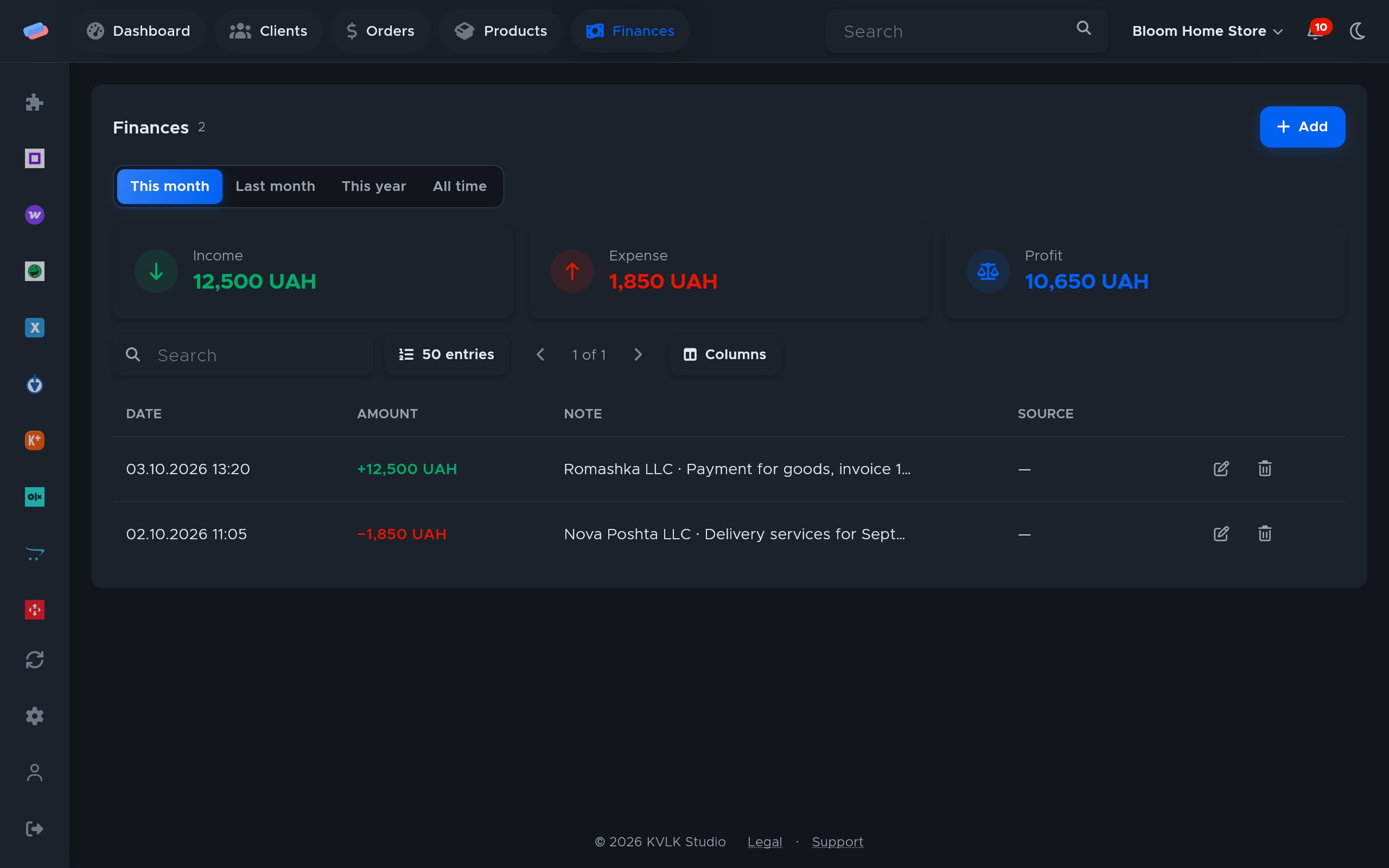
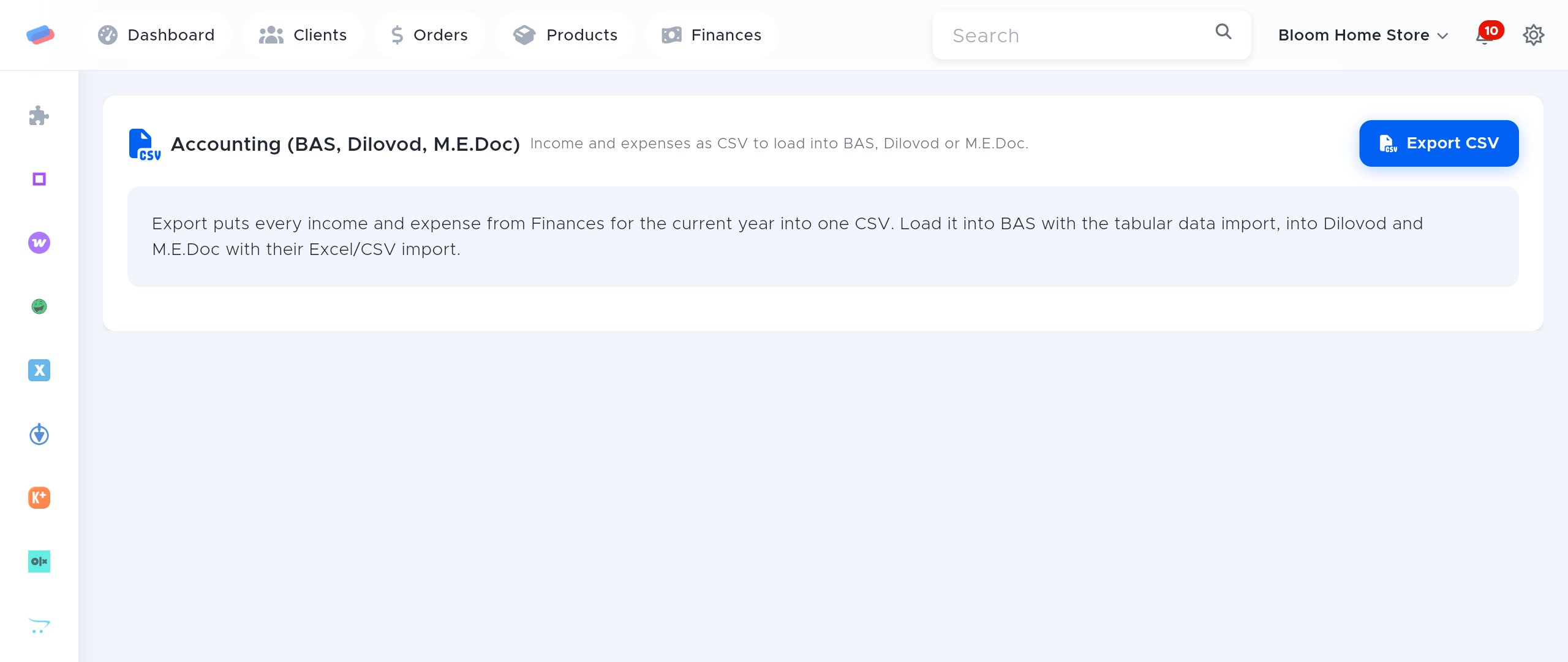
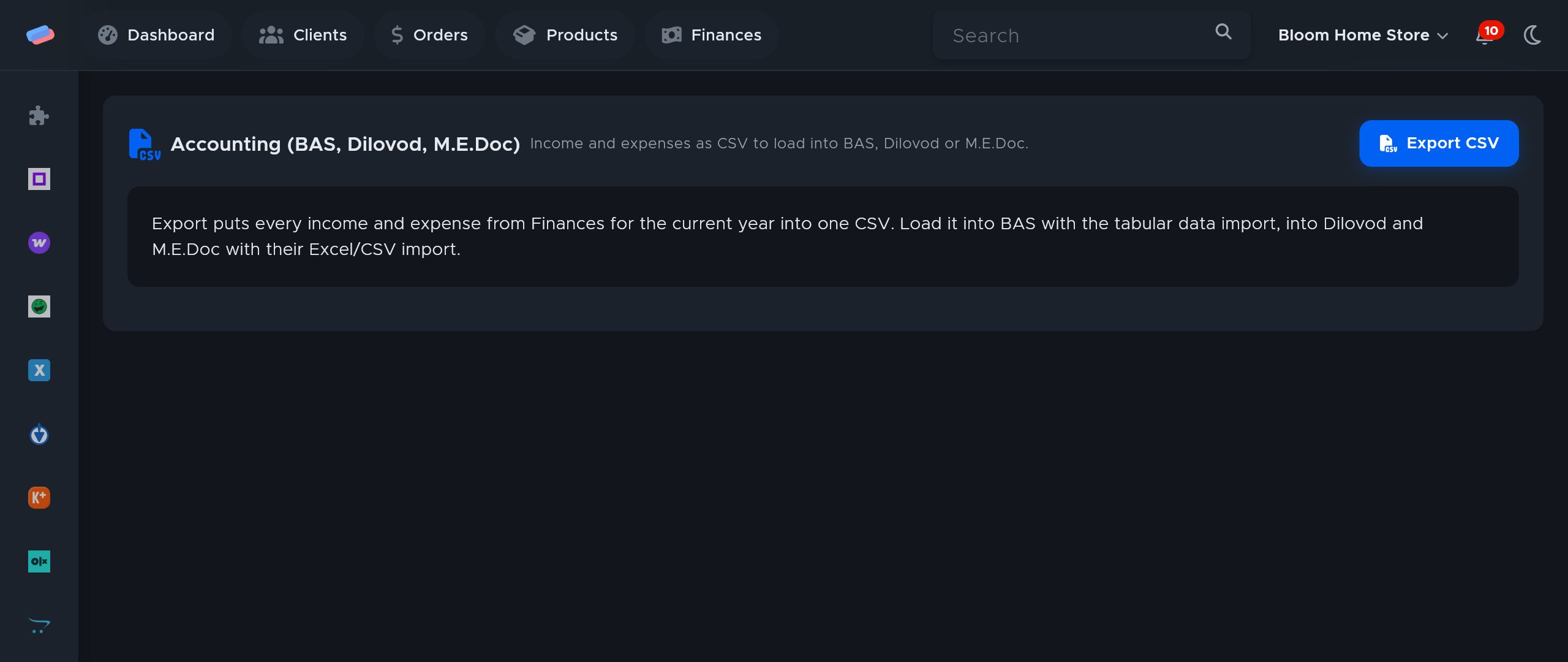
Every income and expense in Finances for the year as one CSV, to load into BAS, Dilovod or M.E.Doc without retyping.
What you need
- Accounting software that imports CSV or Excel.
Where to get the keys
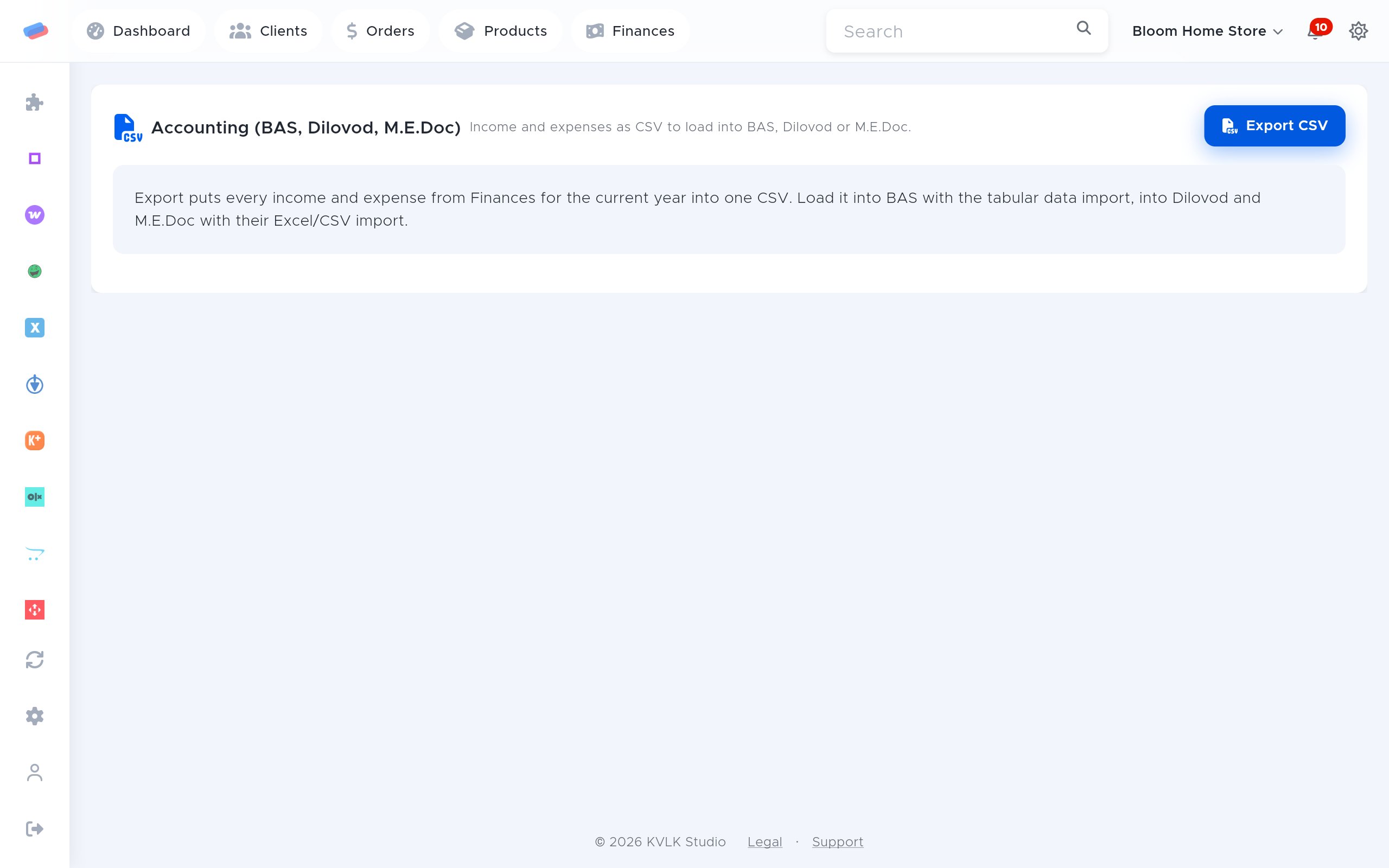
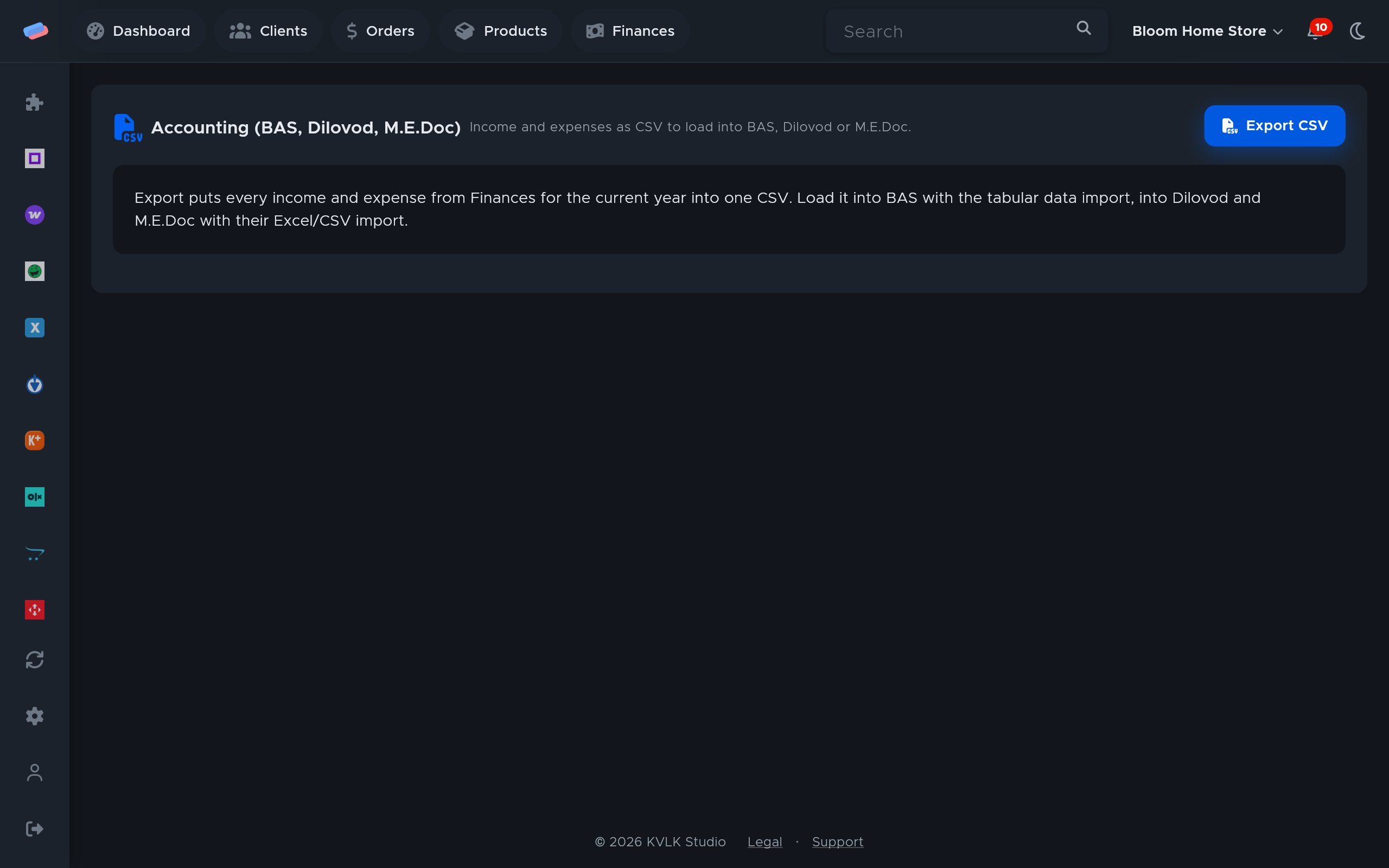
- In anyCRM, on the module page, press Export CSV.
Connecting in anyCRM
- Open Modules in anyCRM, find “Accounting” and press Enable.
- Go to the module’s page in the side panel and press Connect.
- The account appears in the list with a green tick. An error, if any, shows in red under its name.
After connecting
- In BAS, load the file with the tabular data import.
- In Dilovod and M.E.Doc, with their Excel/CSV import.
Good to know
- Columns: date, type, amount, currency, account, source, order, visit, purpose. Separator: semicolon.
- The group 3 sole-trader declaration for M.E.Doc (XML) comes from the Taxes module: the Declaration XML button.
Can’t get it connected? Write to us and we’ll help.