

 Fondy
Fondy- Price
- free
- For
- services, food service, shops
- Required modules
- Orders
What it does
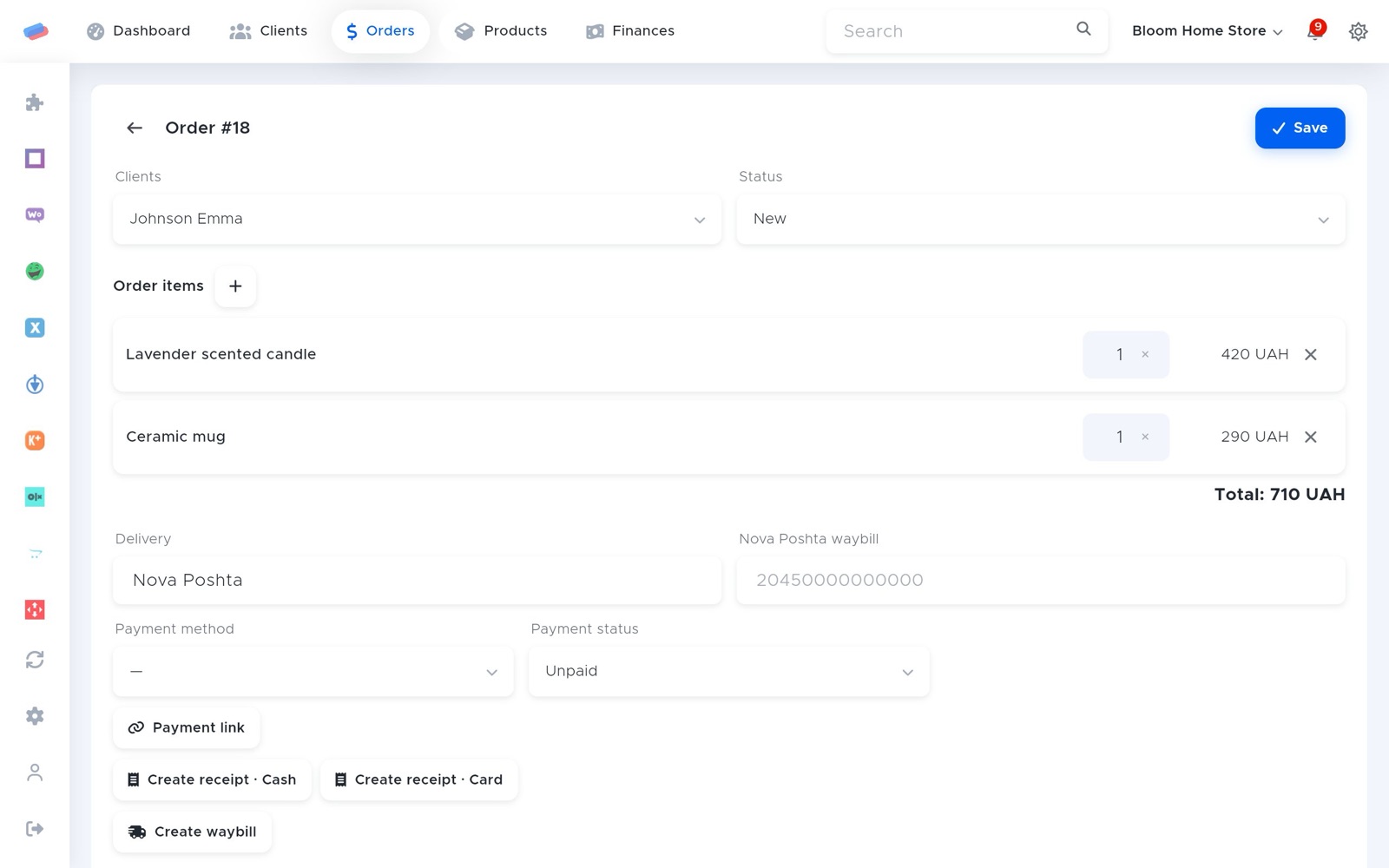
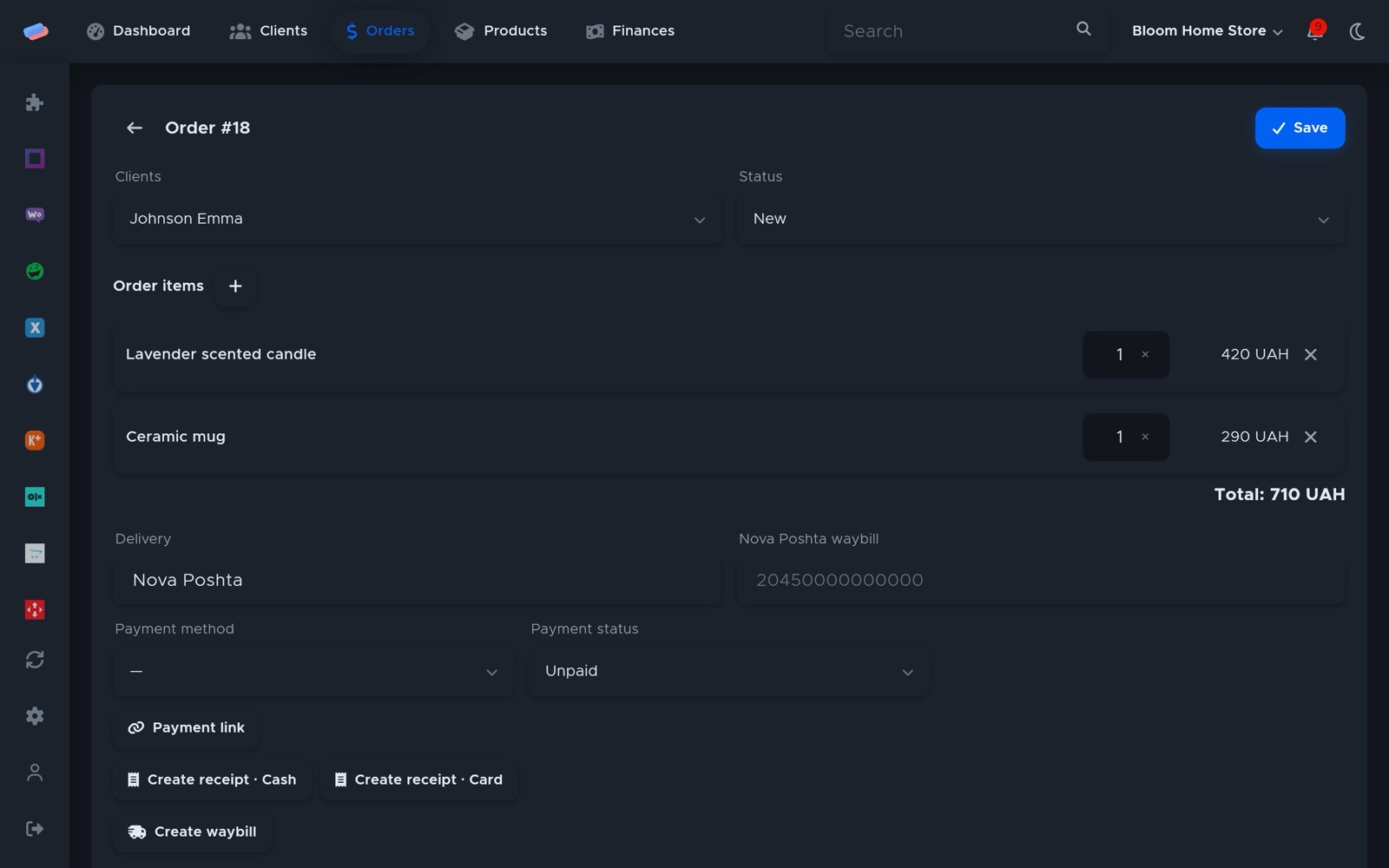
Card payments through Fondy: a payment link in the order and in the web app.
What you need
- A Fondy merchant.
Where to get the keys
- Sign in to Fondy.
- Open Settings → Technical.
- Copy the merchant id and secret key.
Connecting in anyCRM
- Open Modules in anyCRM, find “Fondy” and press Enable.
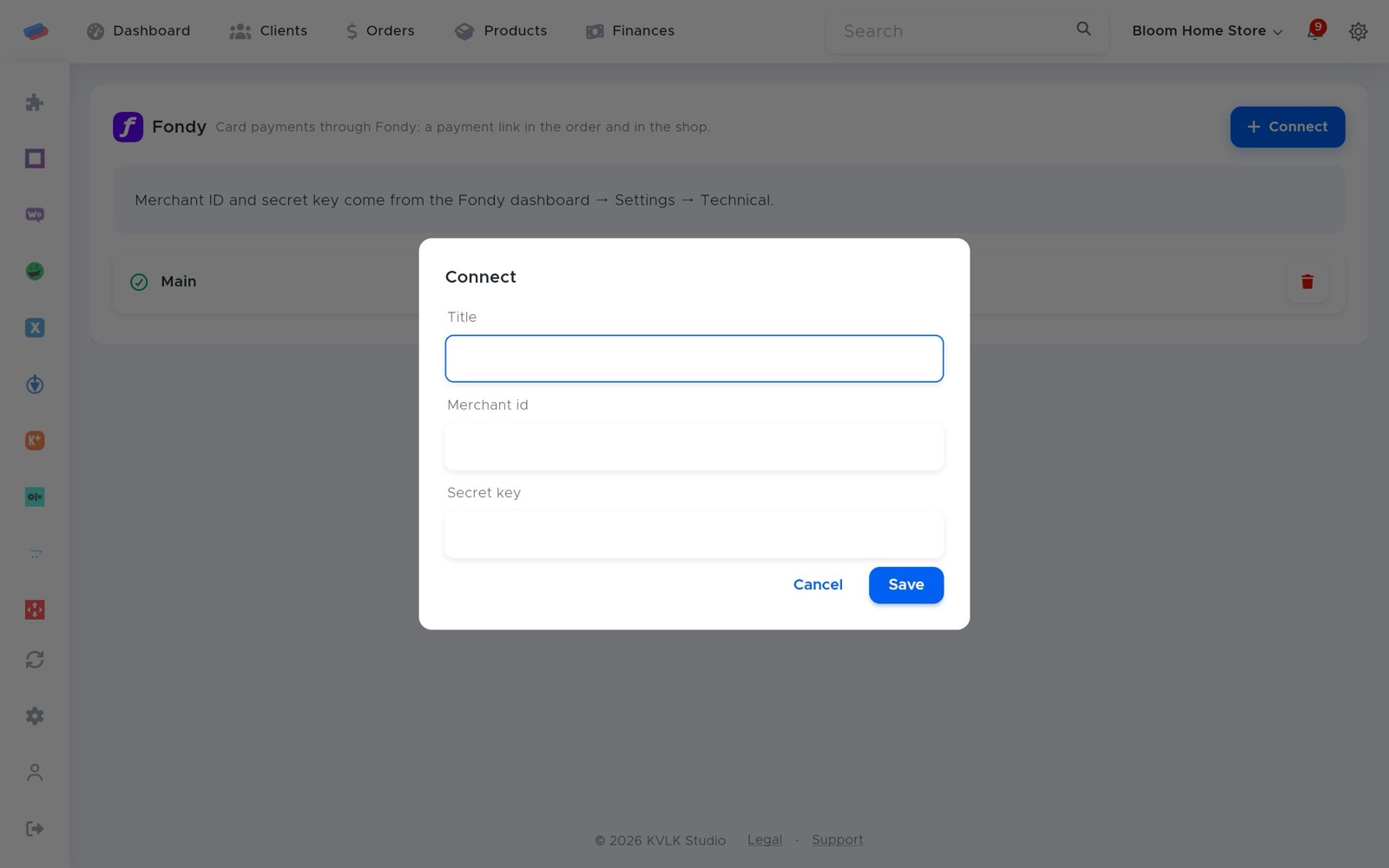
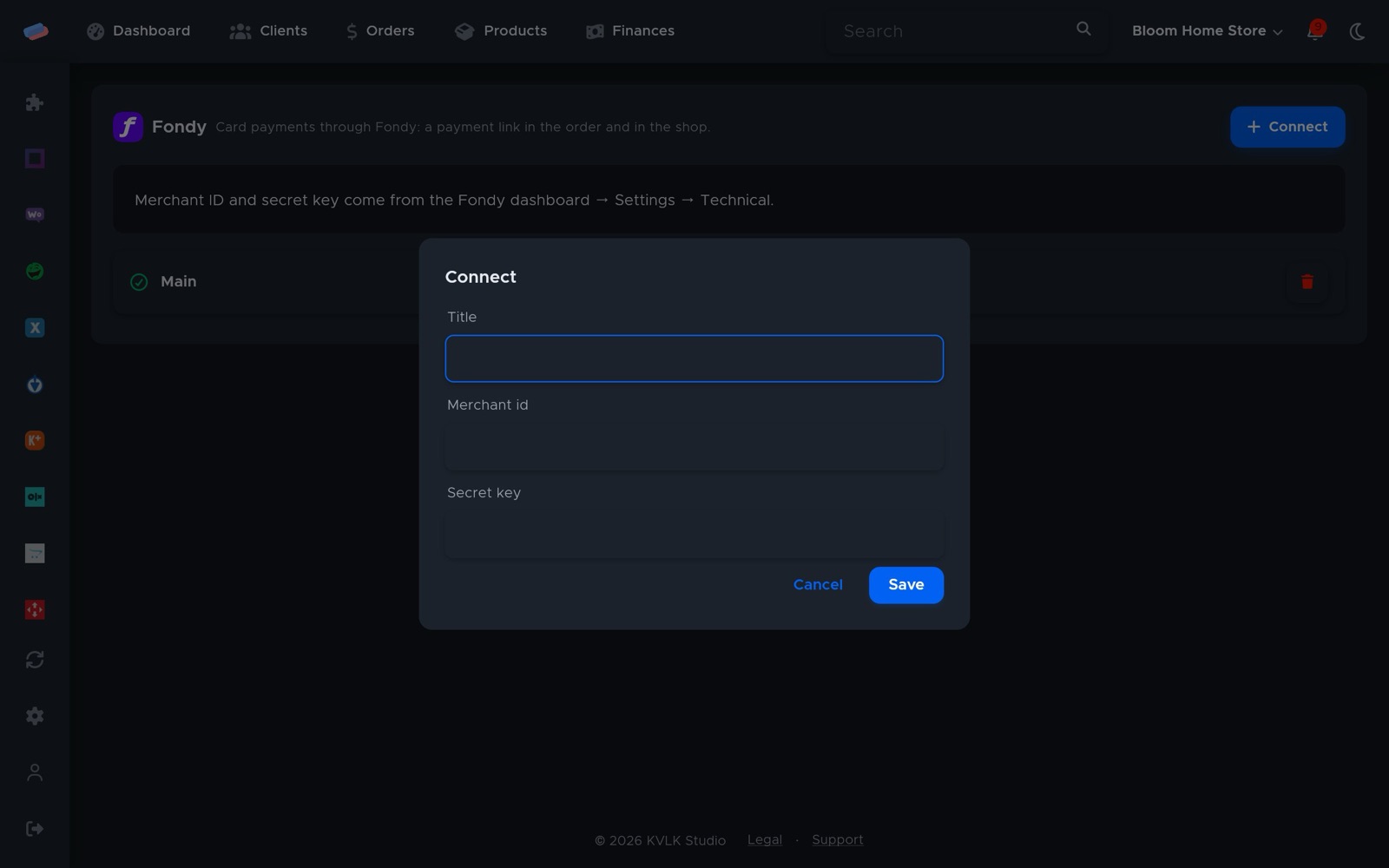
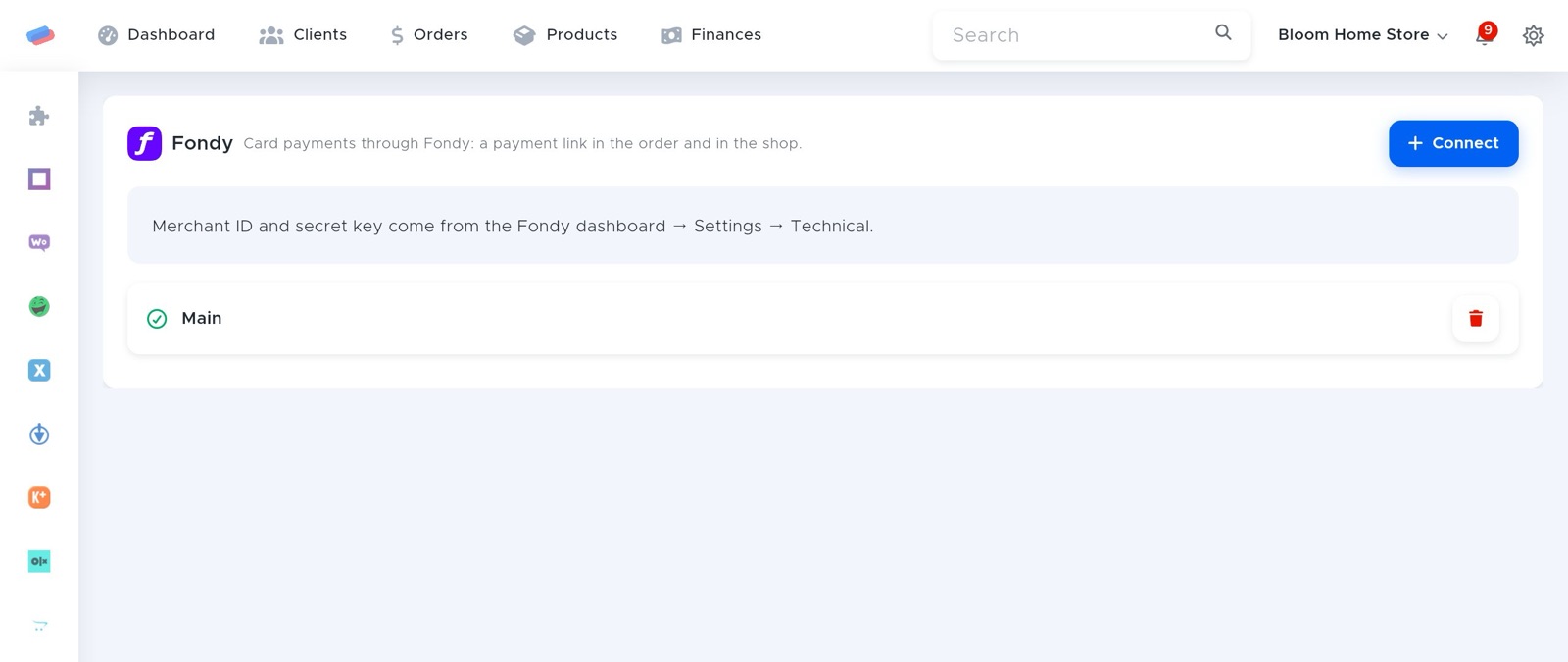
- Go to the module’s page in the side panel and press Connect.
- Fill in the fields and press Save:
- Title — how the account is labelled in anyCRM (optional)
- Merchant id
- Secret key
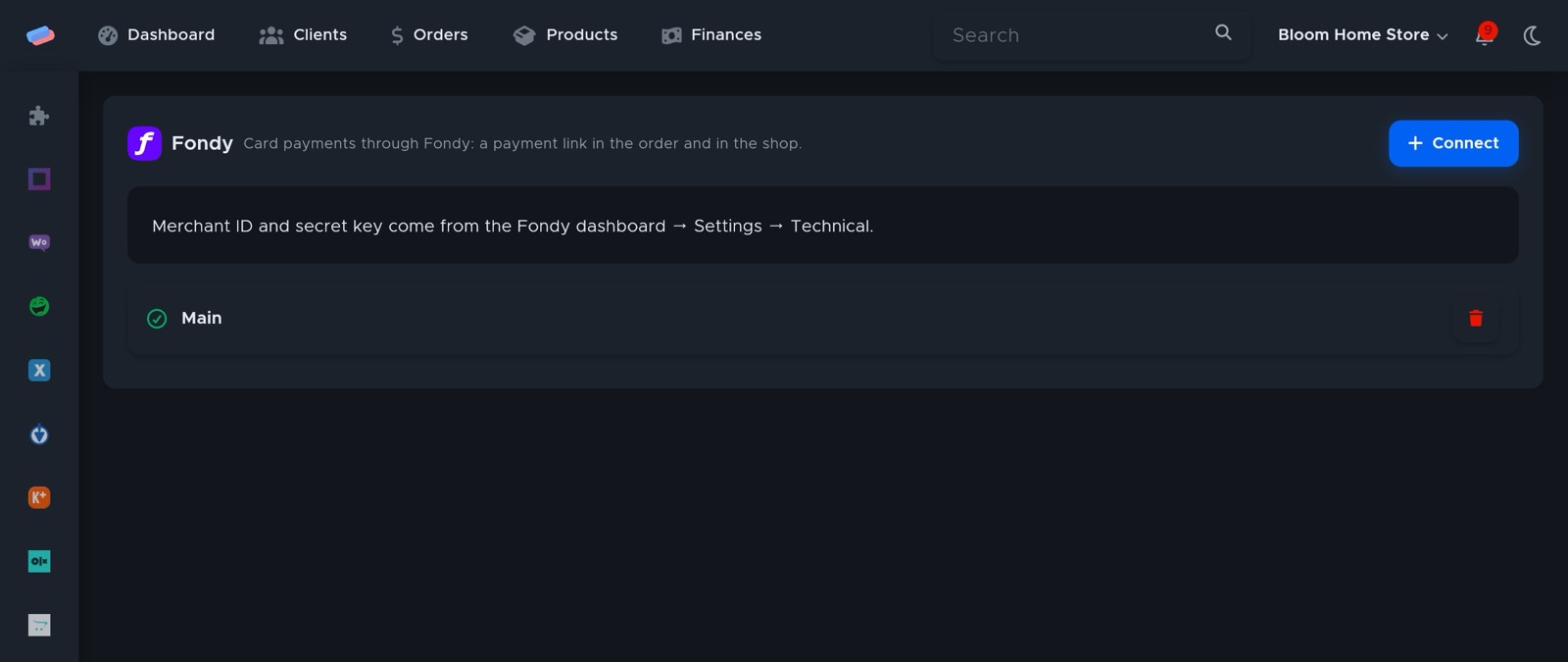
- The account appears in the list with a green tick. An error, if any, shows in red under its name.
Can’t get it connected? Write to us and we’ll help.