
 Google Calendar
- Price
- 50 UAH/mo
- For
- services
- Required modules
- Calendar
What it does
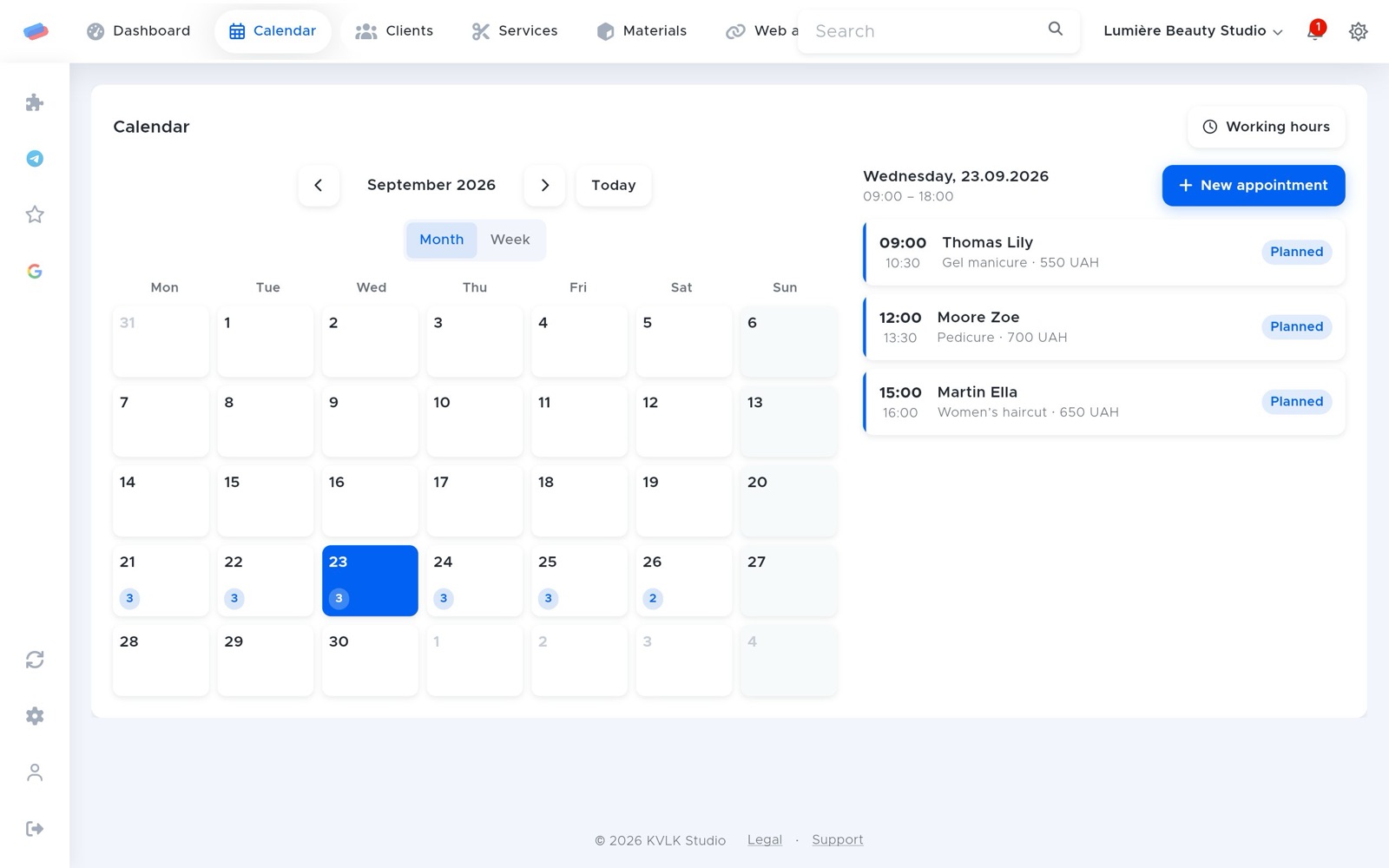
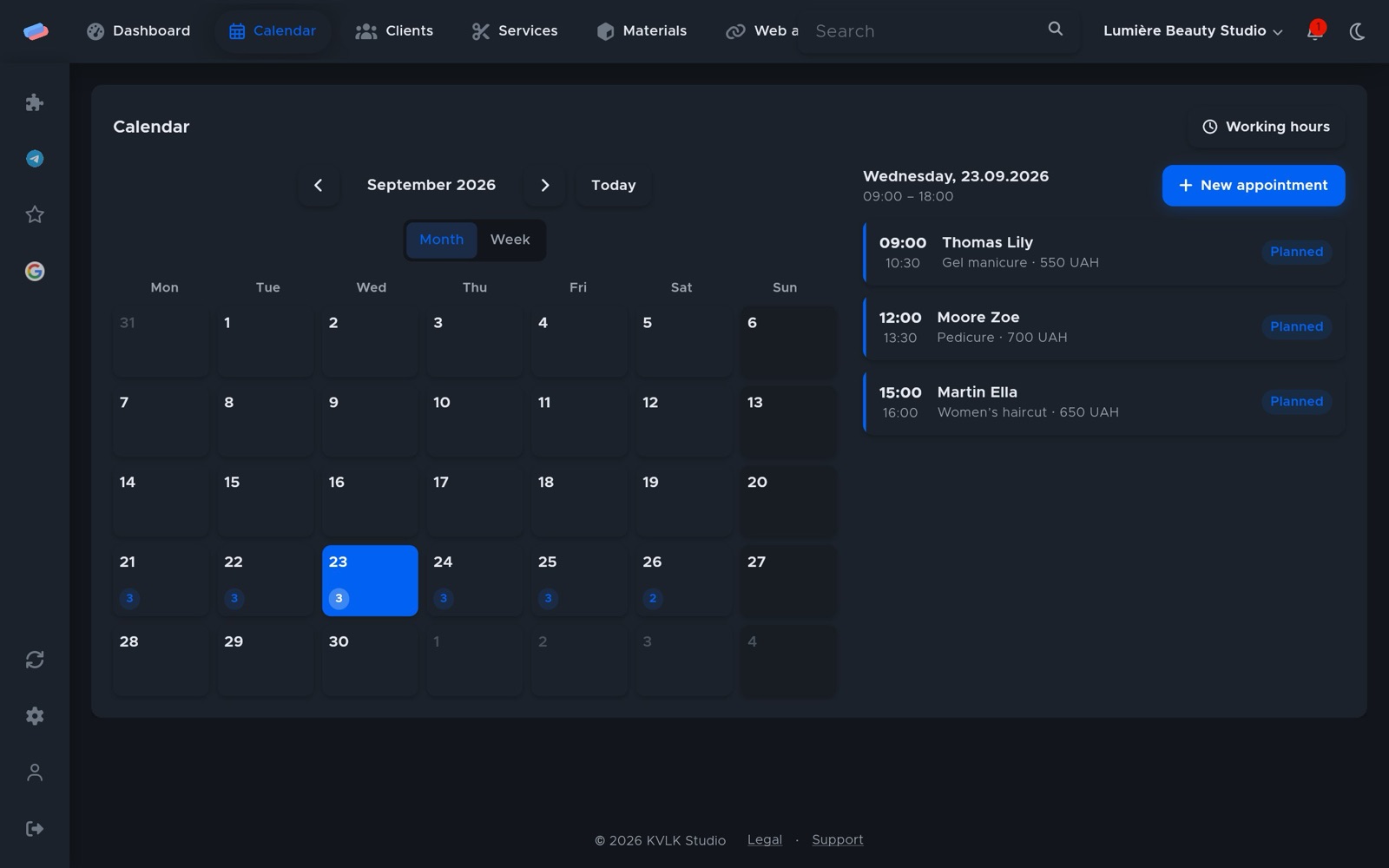
Every booking appears as an event in Google Calendar and moves or disappears along with it. Time taken by other events there isn’t offered to customers for online booking.
What you need
- A Google account.
Where to get the keys
- Press Connect in anyCRM and a Google sign-in opens.
- Sign in and allow calendar access.
Connecting in anyCRM
- Open Modules in anyCRM, find “Google Calendar” and press Enable.
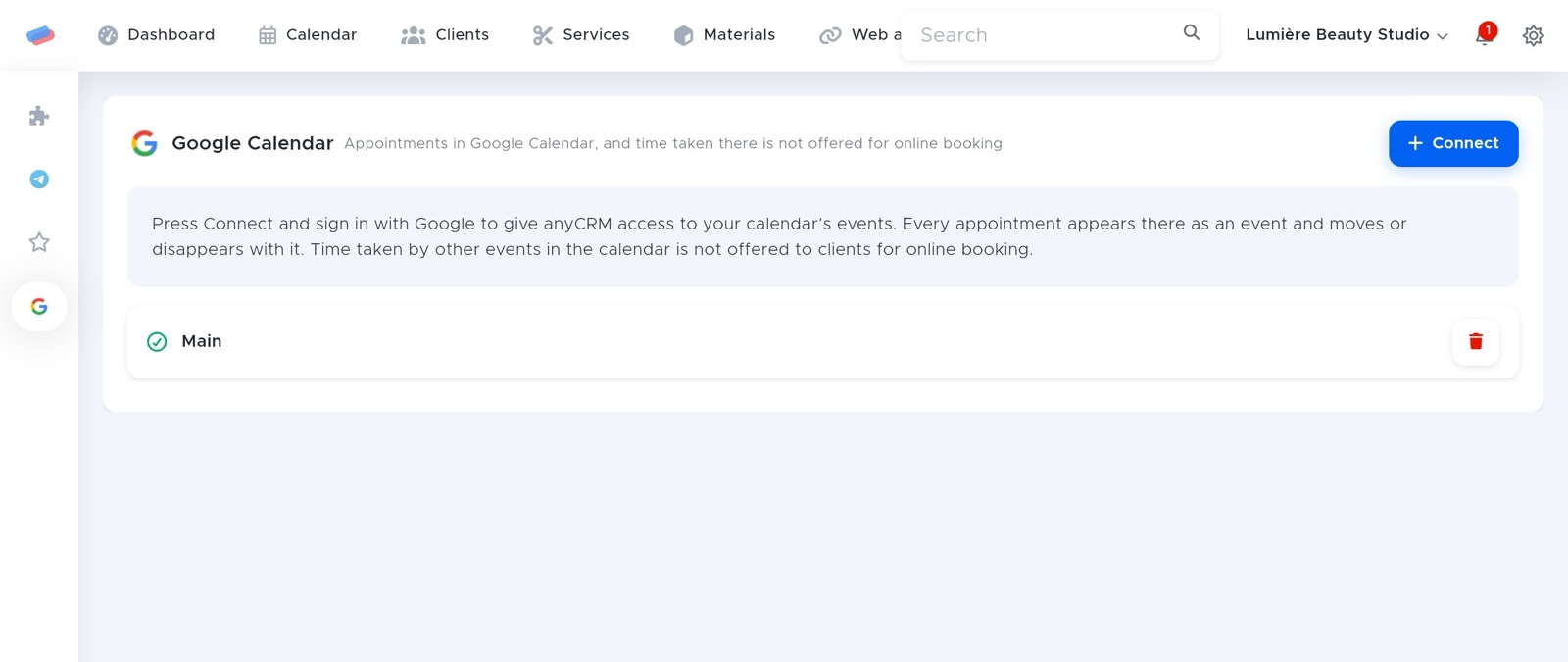
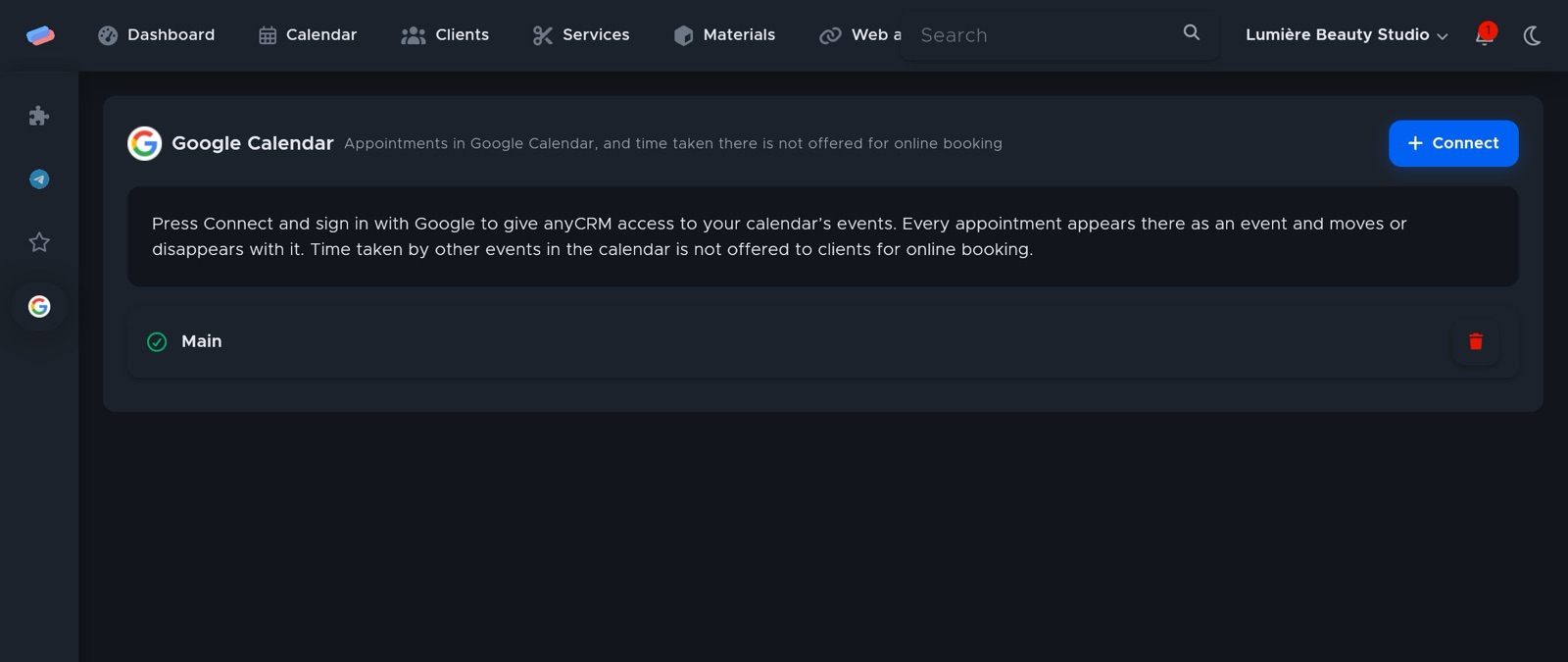
- Go to the module’s page in the side panel and press Connect.
- Sign in to Google Calendar in the window that opened and allow anyCRM access. Come back to anyCRM and press Done.
- The account appears in the list with a green tick. An error, if any, shows in red under its name.
Can’t get it connected? Write to us and we’ll help.