 OLX
OLX- Price
- 100 UAH/mo
- For
- shops
- Required modules
- Products
What it does
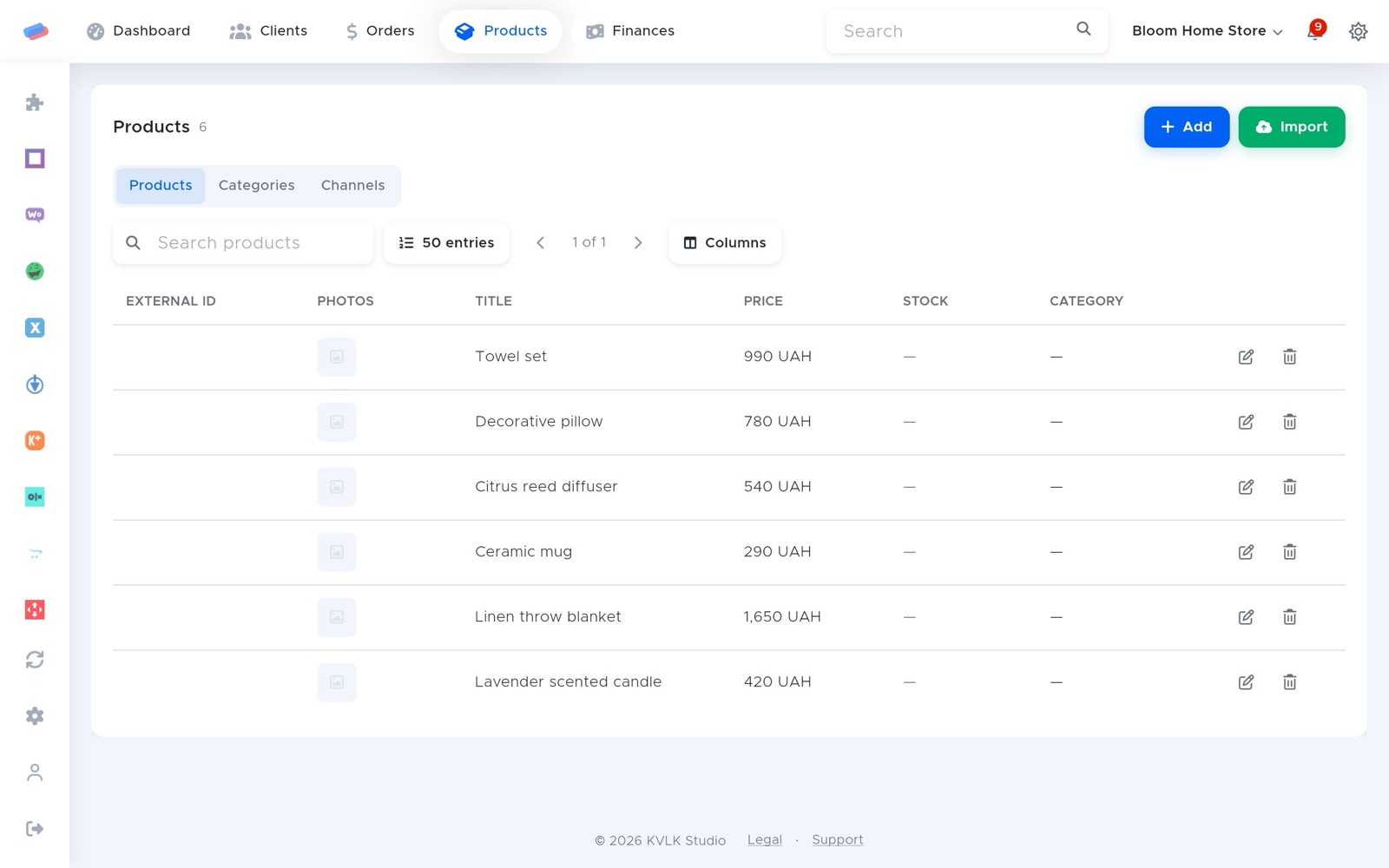
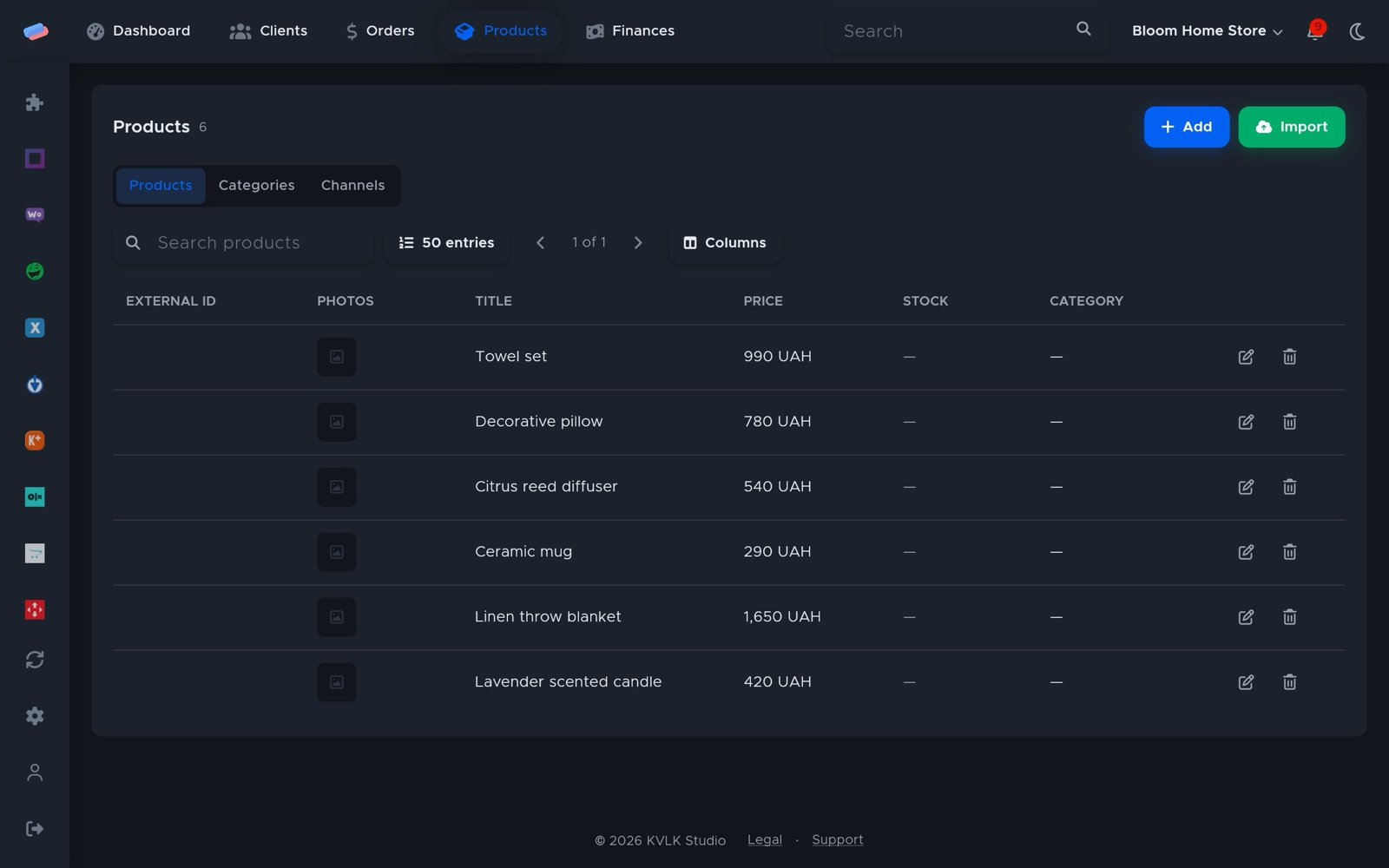
OLX listings become products: prices come from anyCRM, and when a product runs out OLX takes its listing down as sold.
What you need
- An OLX account with listings.
Where to get the keys
- Press Connect in anyCRM and an OLX sign-in opens.
- Sign in and allow access to your listings.
Connecting in anyCRM
- Open Modules in anyCRM, find “OLX” and press Enable.
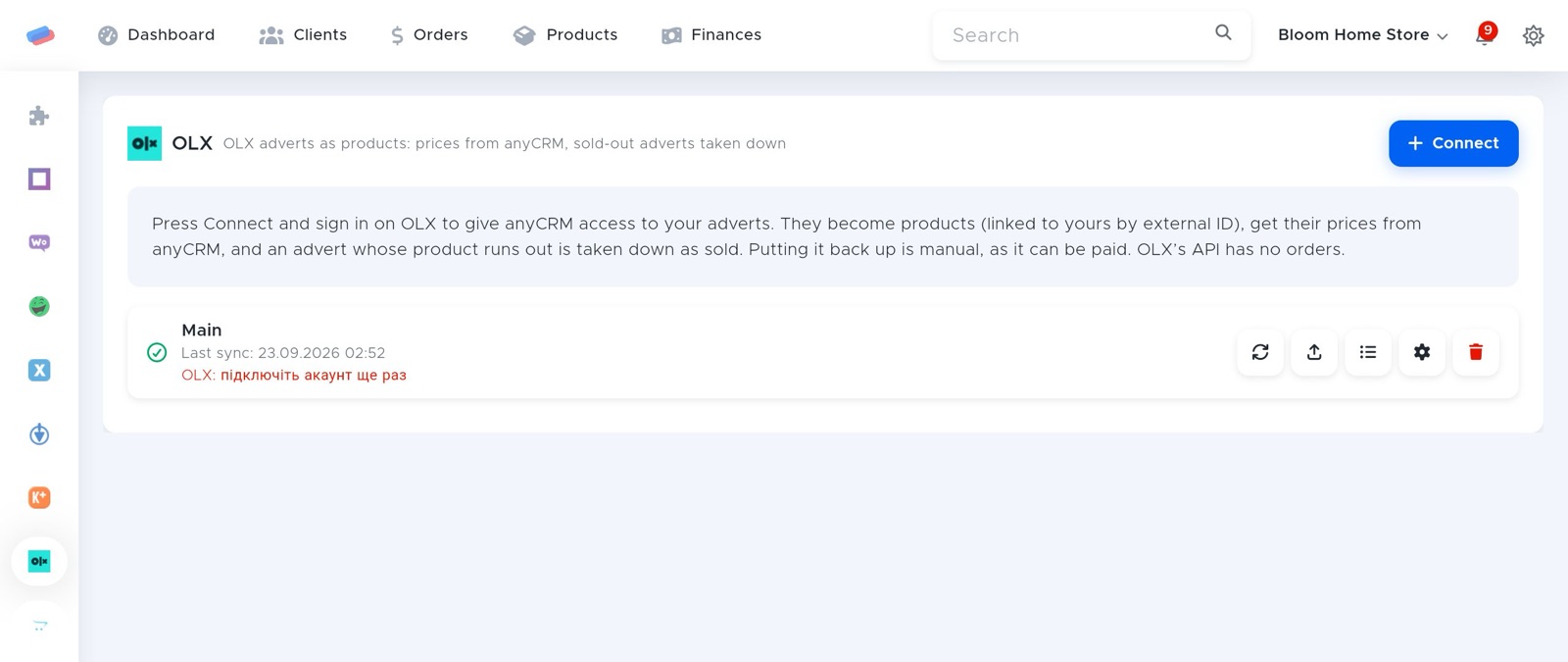
- Go to the module’s page in the side panel and press Connect.
- Sign in to OLX in the window that opened and allow anyCRM access. Come back to anyCRM and press Done.
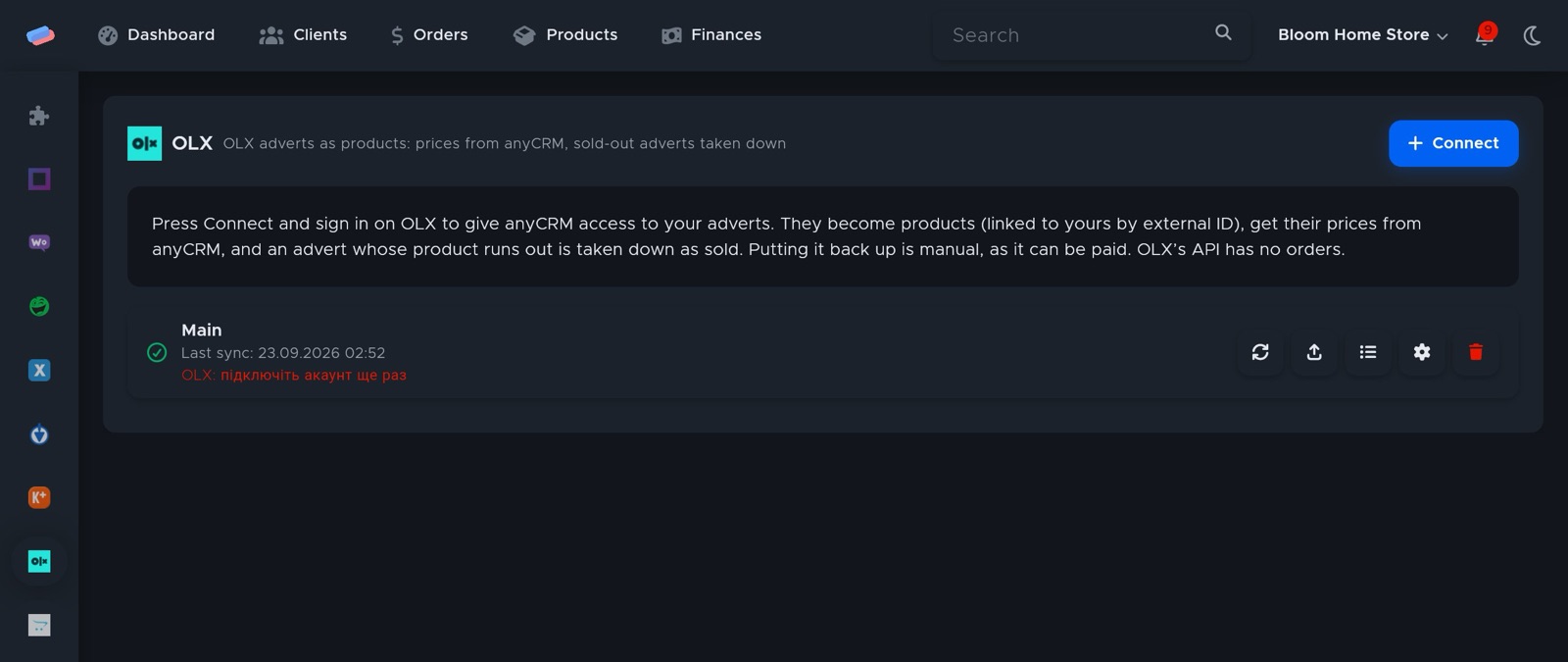
- The account appears in the list with a green tick. An error, if any, shows in red under its name.
After connecting
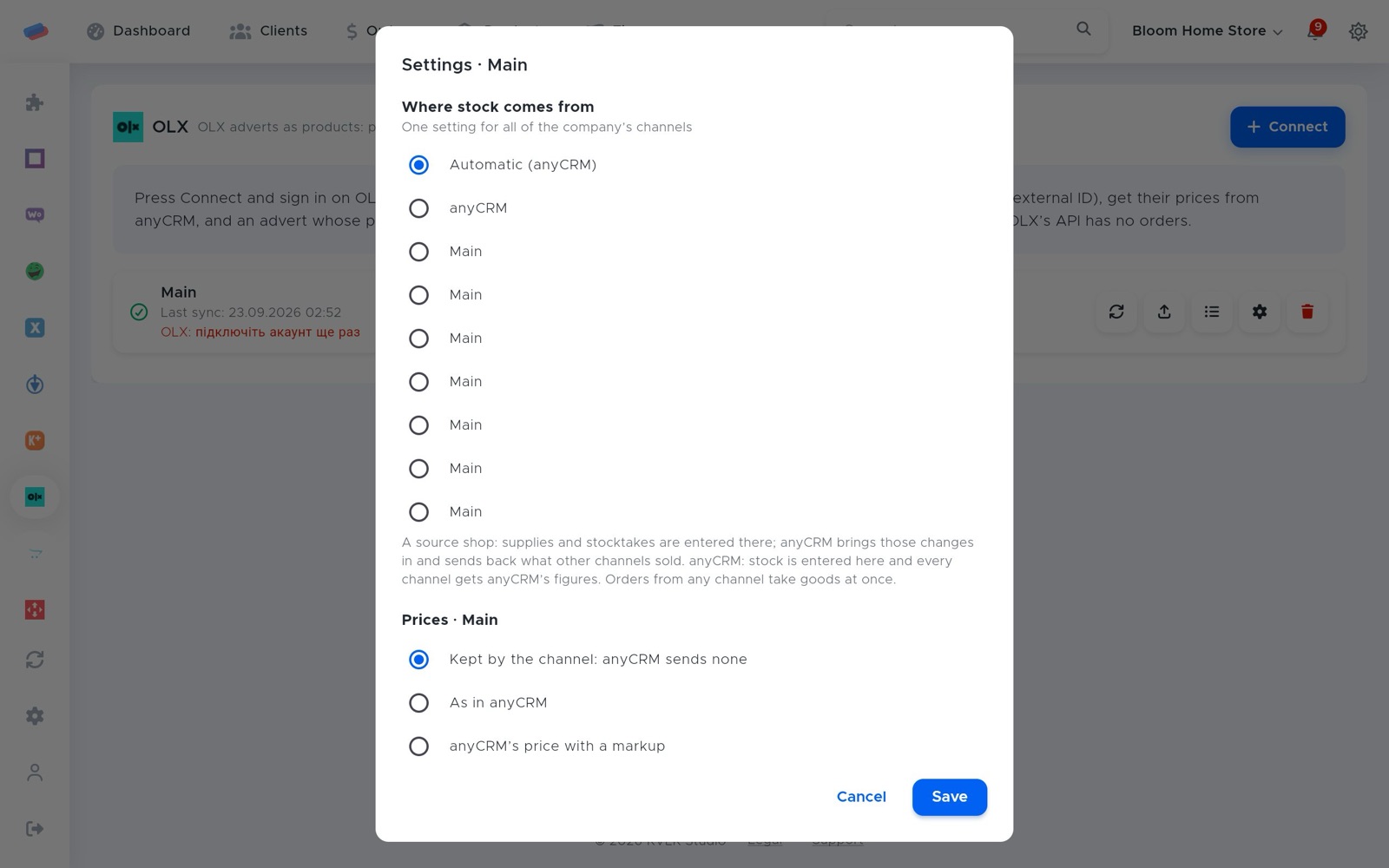
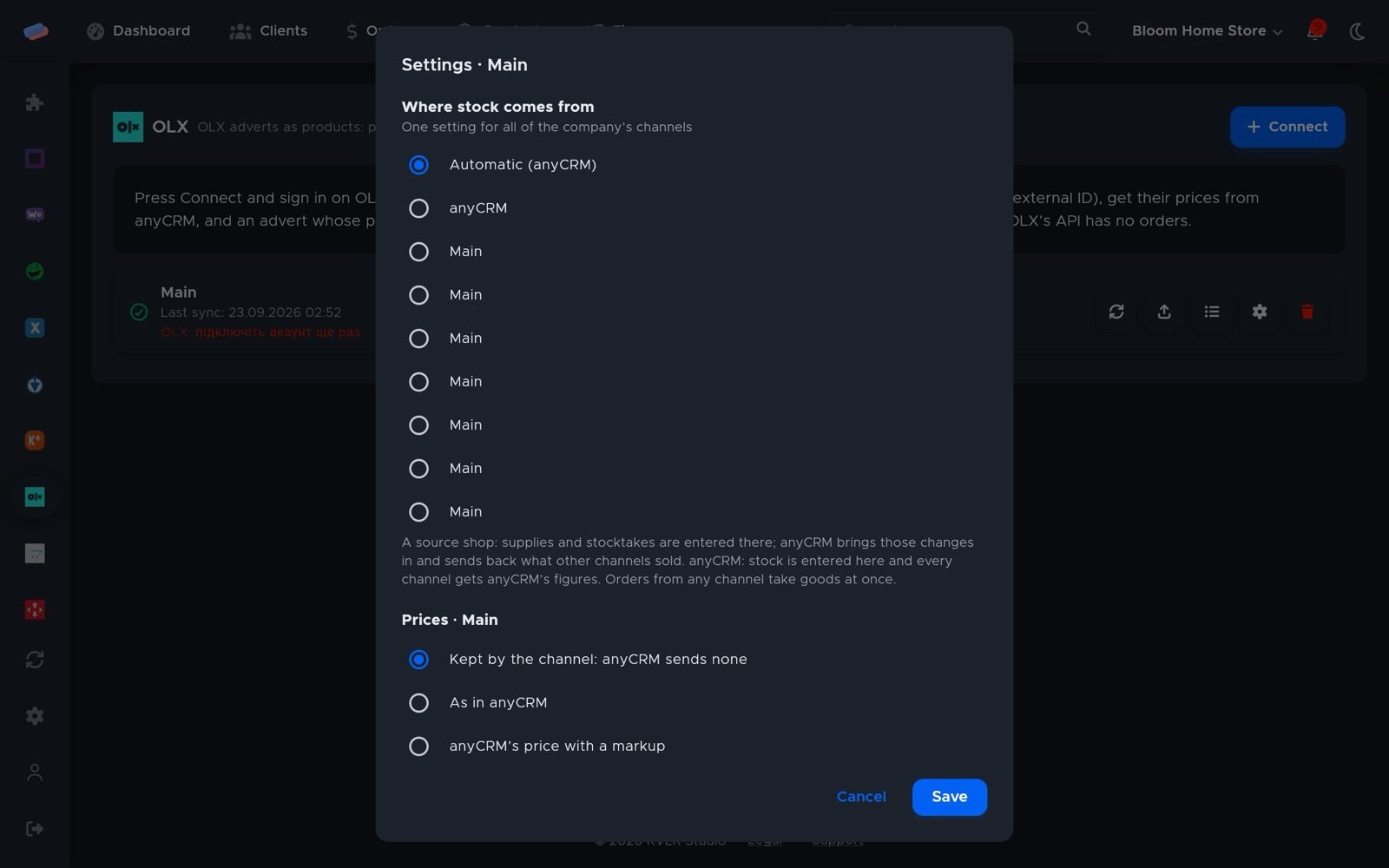
- Press ⚙ next to the account to choose where stock comes from (anyCRM or a source shop), the price rule (as in anyCRM, with a markup, or kept by the channel), rounding, currency and safety stock.
- The ⟳ button syncs right away; the sync log shows what changed.
Good to know
- Listings are matched to your products by external ID.
- Putting a listing back up is manual, as it may be paid.
- The OLX API has no orders.
Can’t get it connected? Write to us and we’ll help.