

 OpenCart
- Price
- 100 UAH/mo
- For
- shops
- Required modules
- Products, Orders
What it does
An OpenCart or ocStore shop: products with options, orders, stock, prices, statuses and waybills both ways.
What you need
- OpenCart 3, OpenCart 4 or ocStore admin access.
Where to get the keys
- Download the module: for OpenCart 4 or for OpenCart 3 and ocStore.
- In the OpenCart admin: Extensions → Installer → upload the archive.
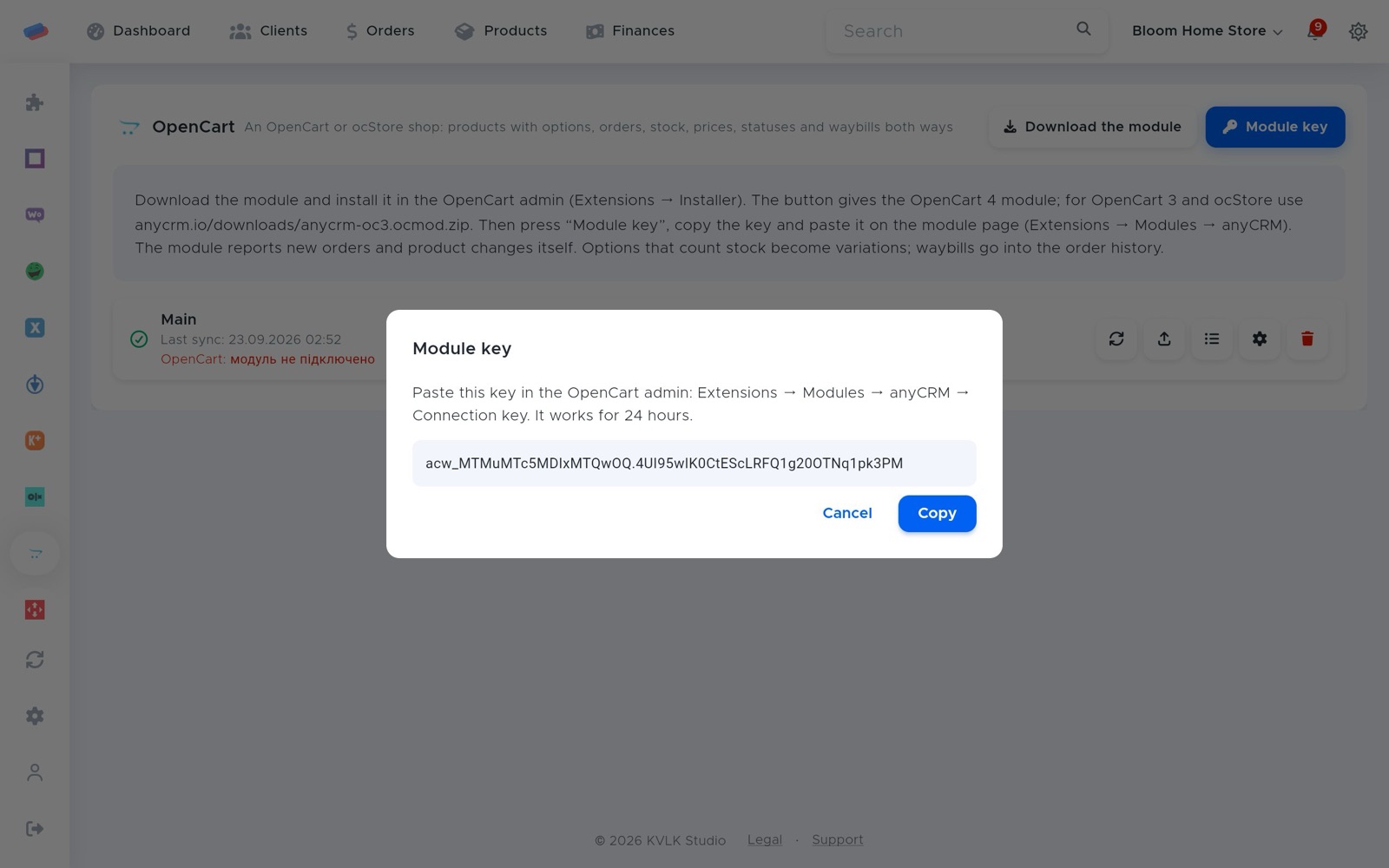
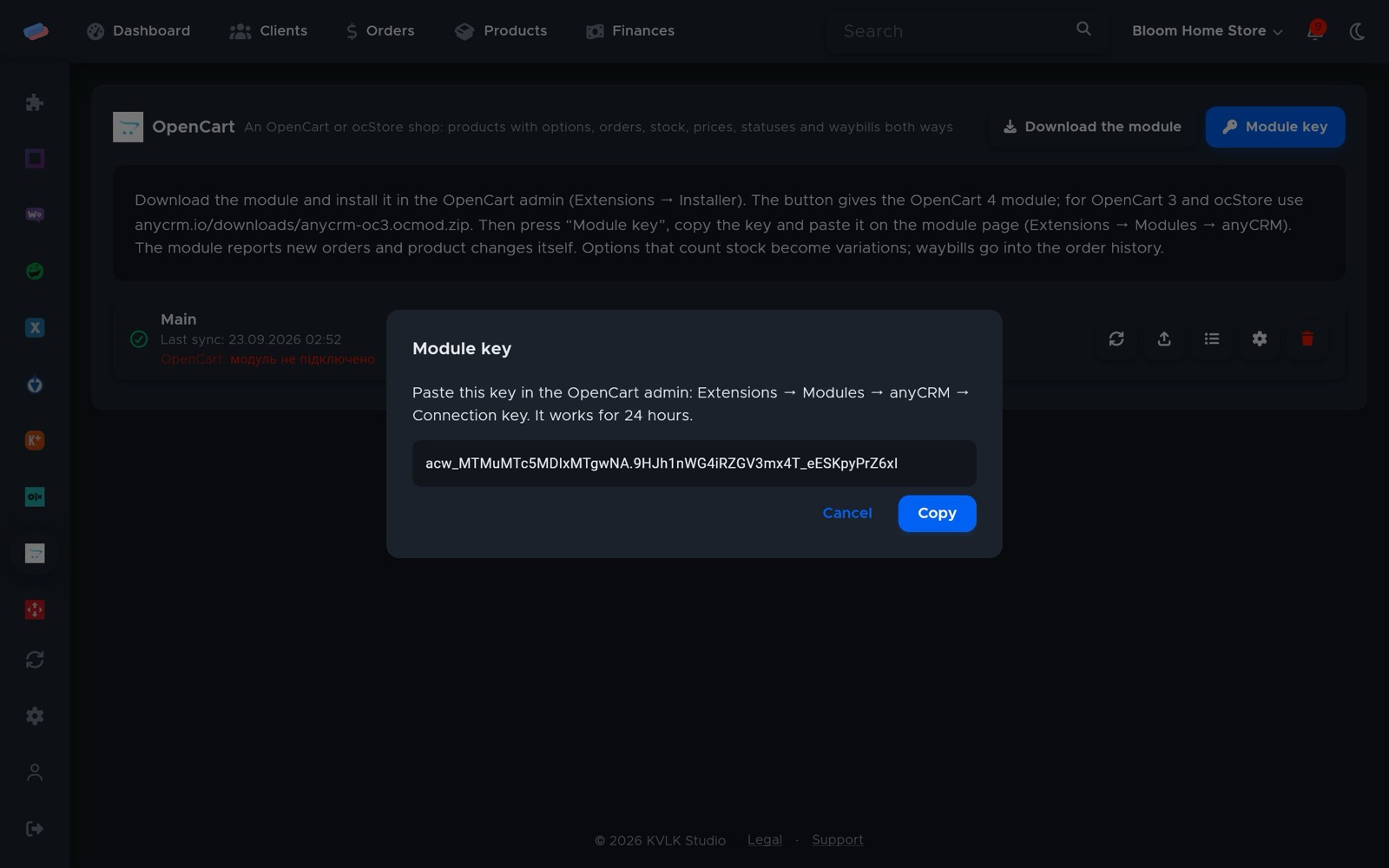
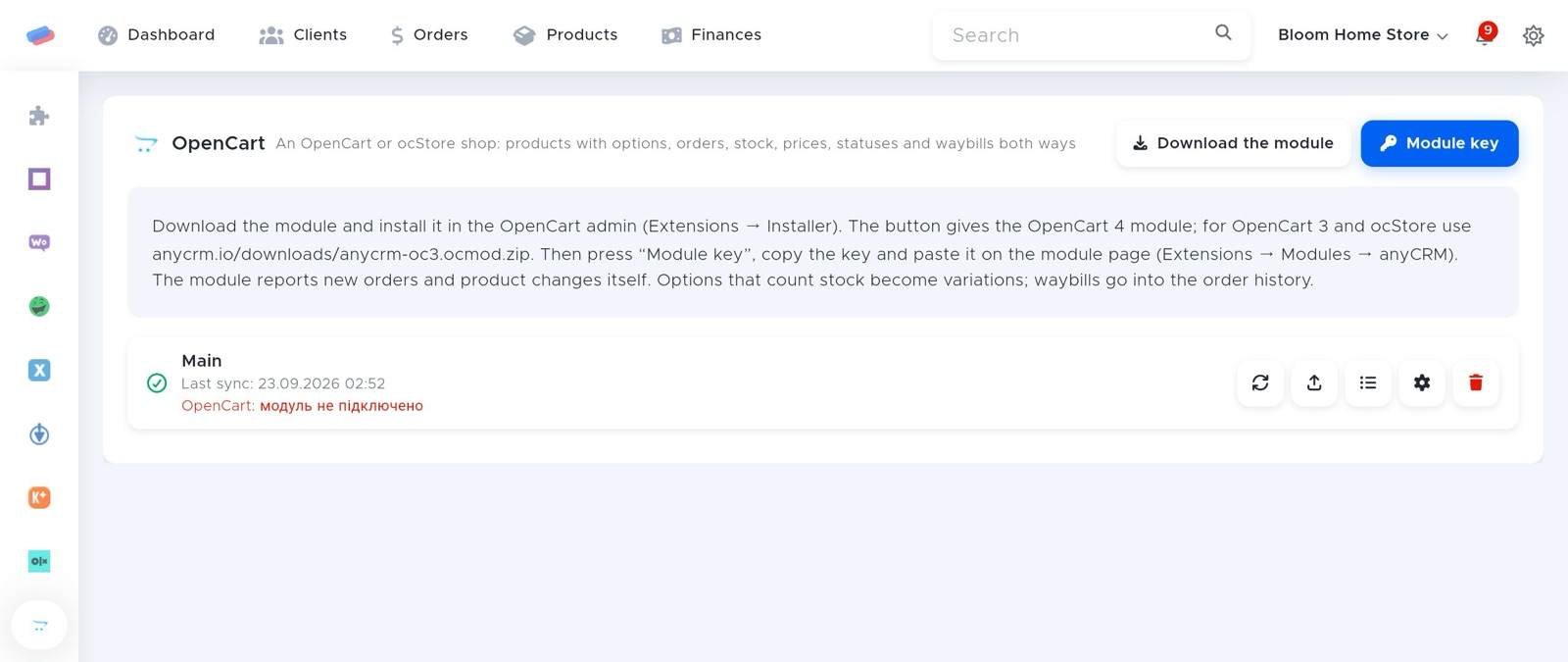
- In anyCRM, press Module key and copy the key.
- In OpenCart, open Extensions → Modules → anyCRM and paste it into Connection key. It works for 24 hours.
Connecting in anyCRM
- Open Modules in anyCRM, find “OpenCart” and press Enable.
- Go to the module’s page in the side panel and press Connect.
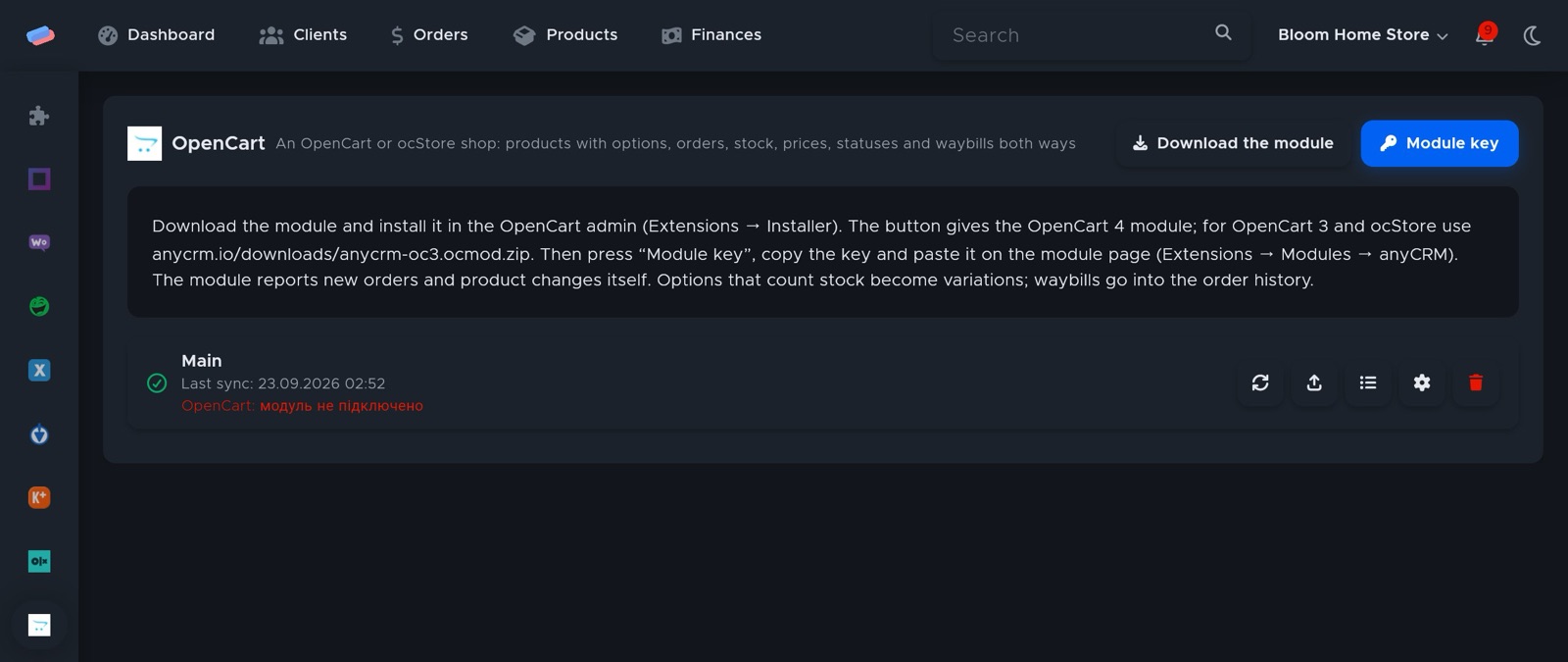
- The account appears in the list with a green tick. An error, if any, shows in red under its name.
After connecting
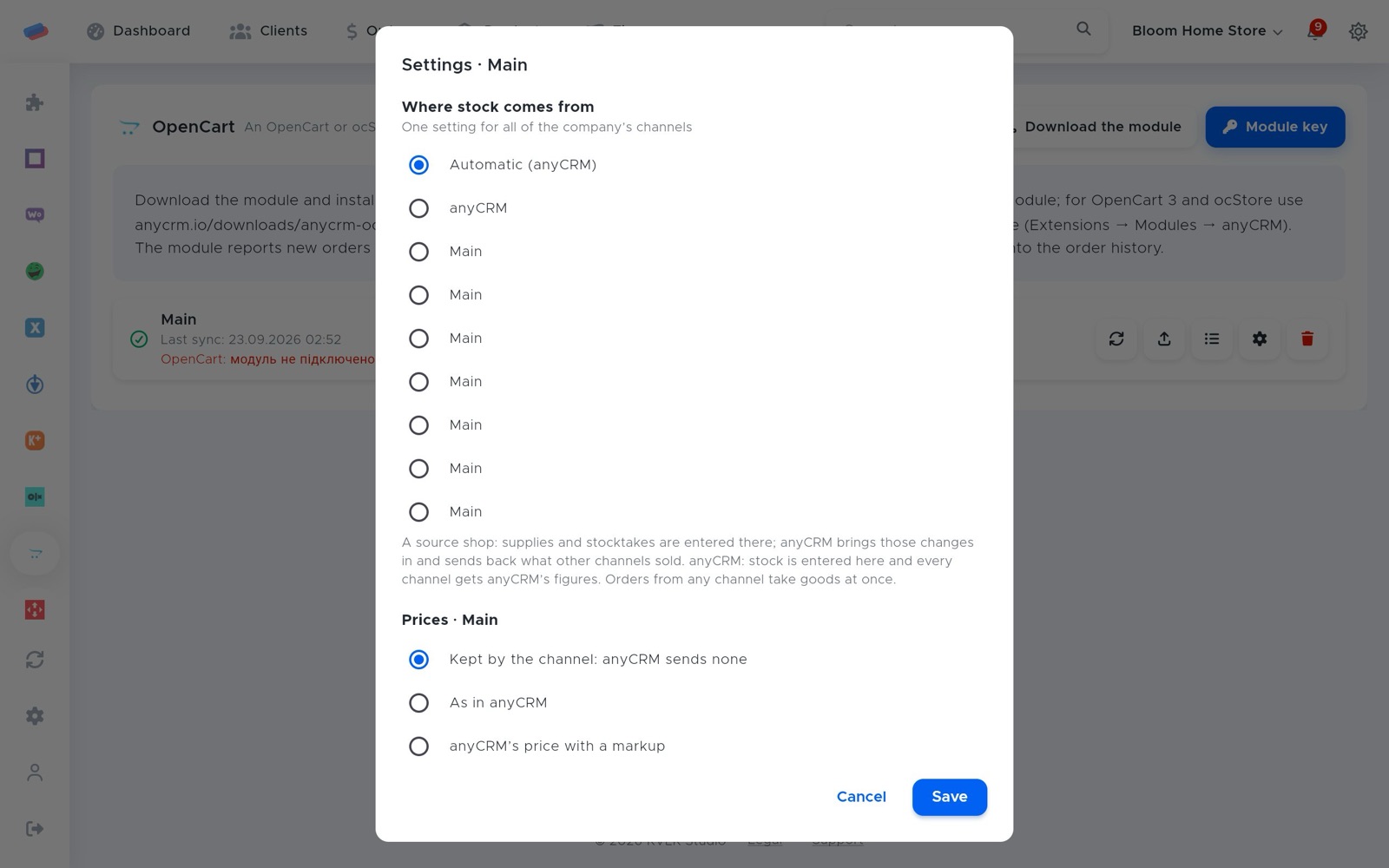
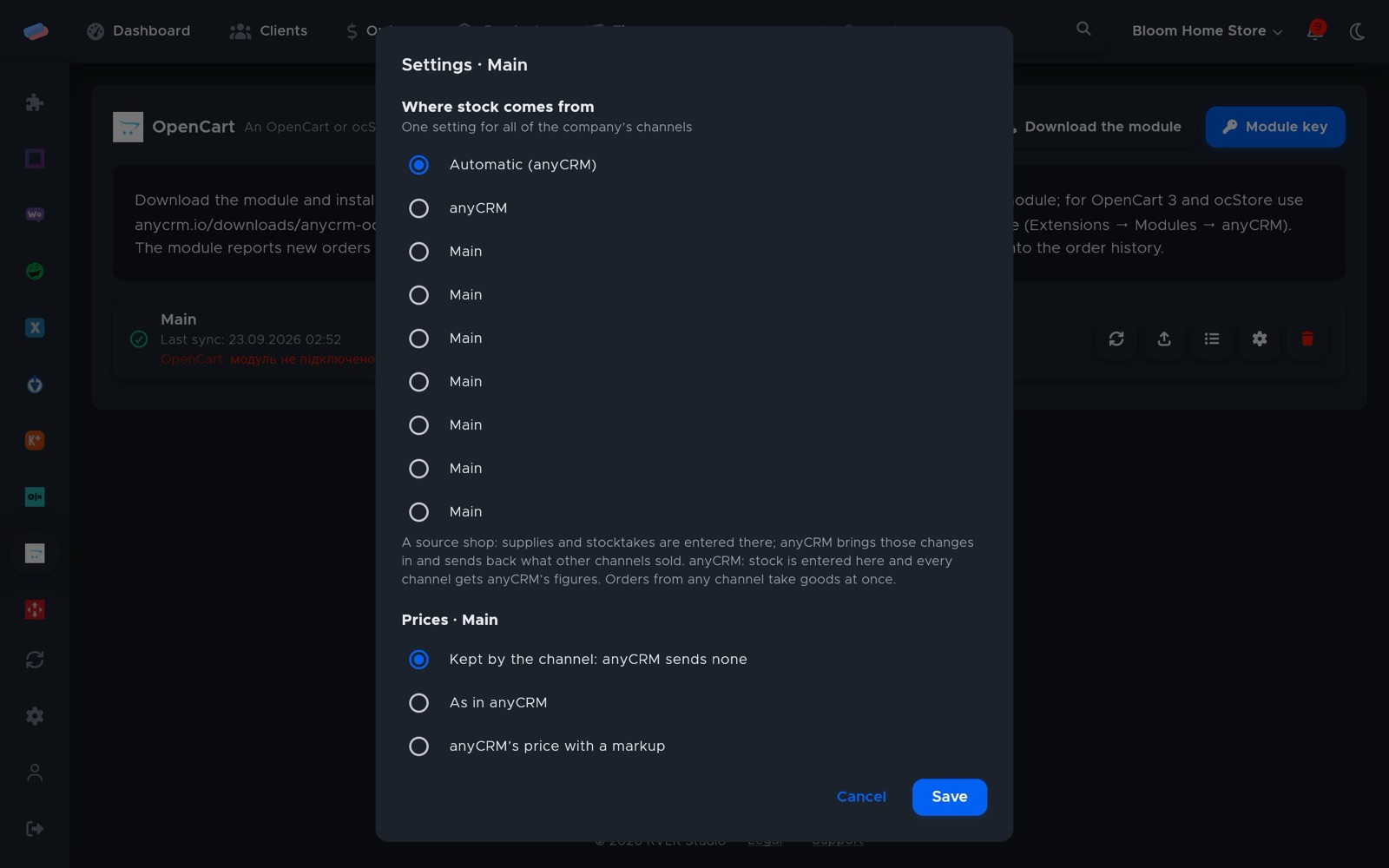
- Press ⚙ next to the account to choose where stock comes from (anyCRM or a source shop), the price rule (as in anyCRM, with a markup, or kept by the channel), rounding, currency and safety stock.
- The ⟳ button syncs right away; the sync log shows what changed.
Good to know
- The module reports new orders and product changes on its own.
- Options with stock tracking become variants, and the waybill is added to the order history.
Can’t get it connected? Write to us and we’ll help.