

 Ringostat
- Price
- 60 UAH/mo
- For
- services, food service, shops
- Required modules
- Clients
What it does
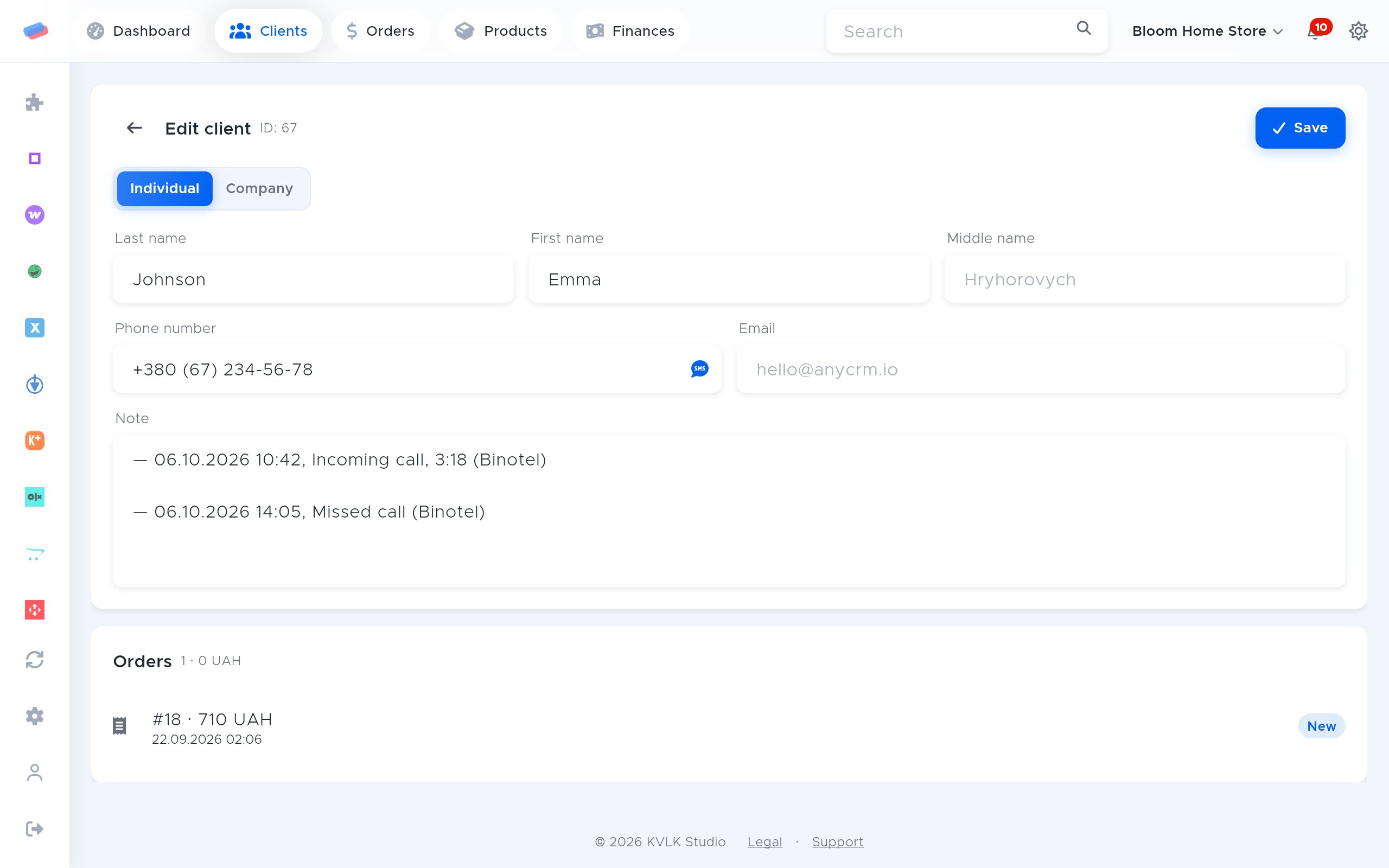
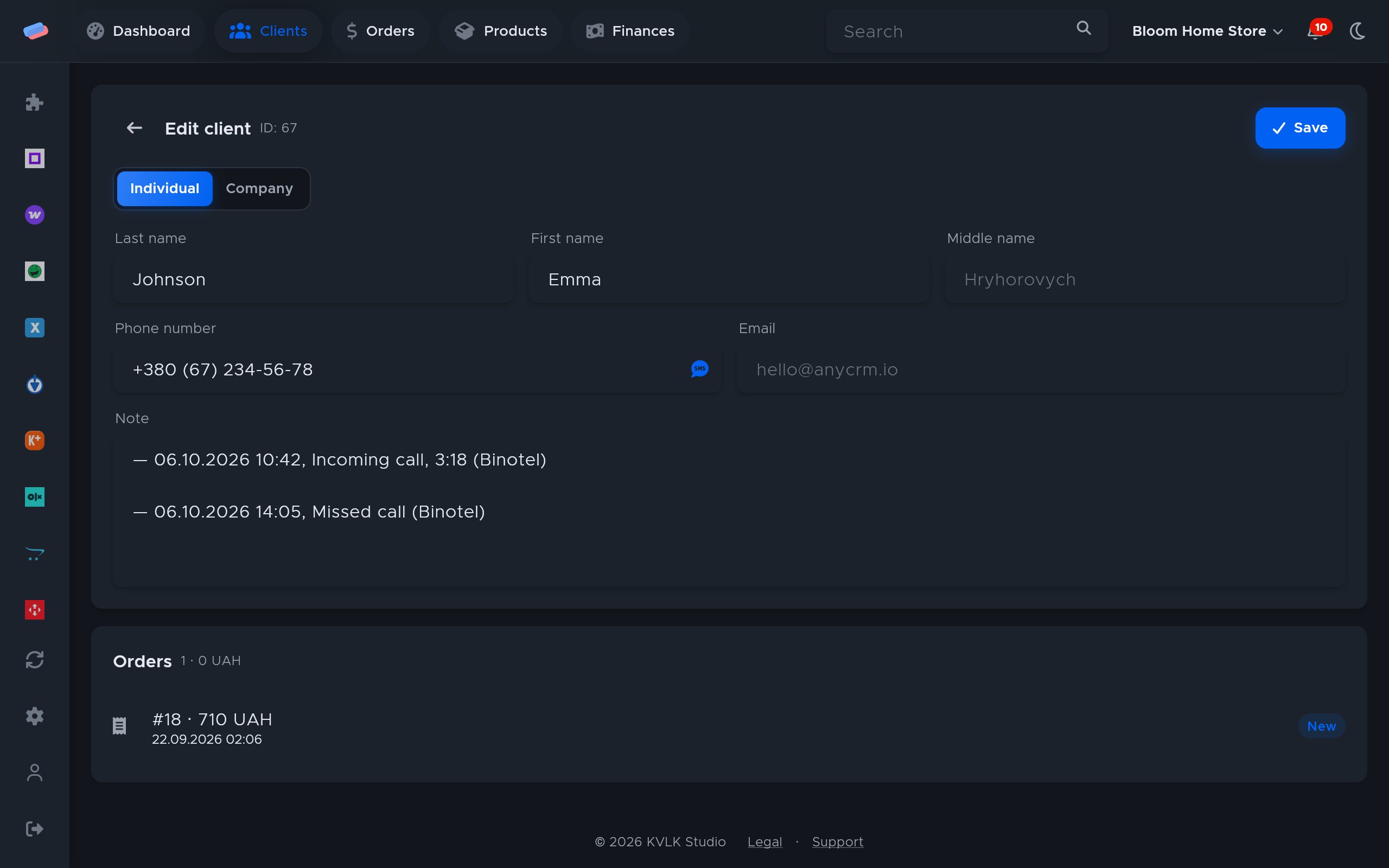
Every Ringostat call lands on the client card: type, status, length and recording. A new number becomes a new client.
What you need
- A Ringostat project with webhook access.
Where to get the keys
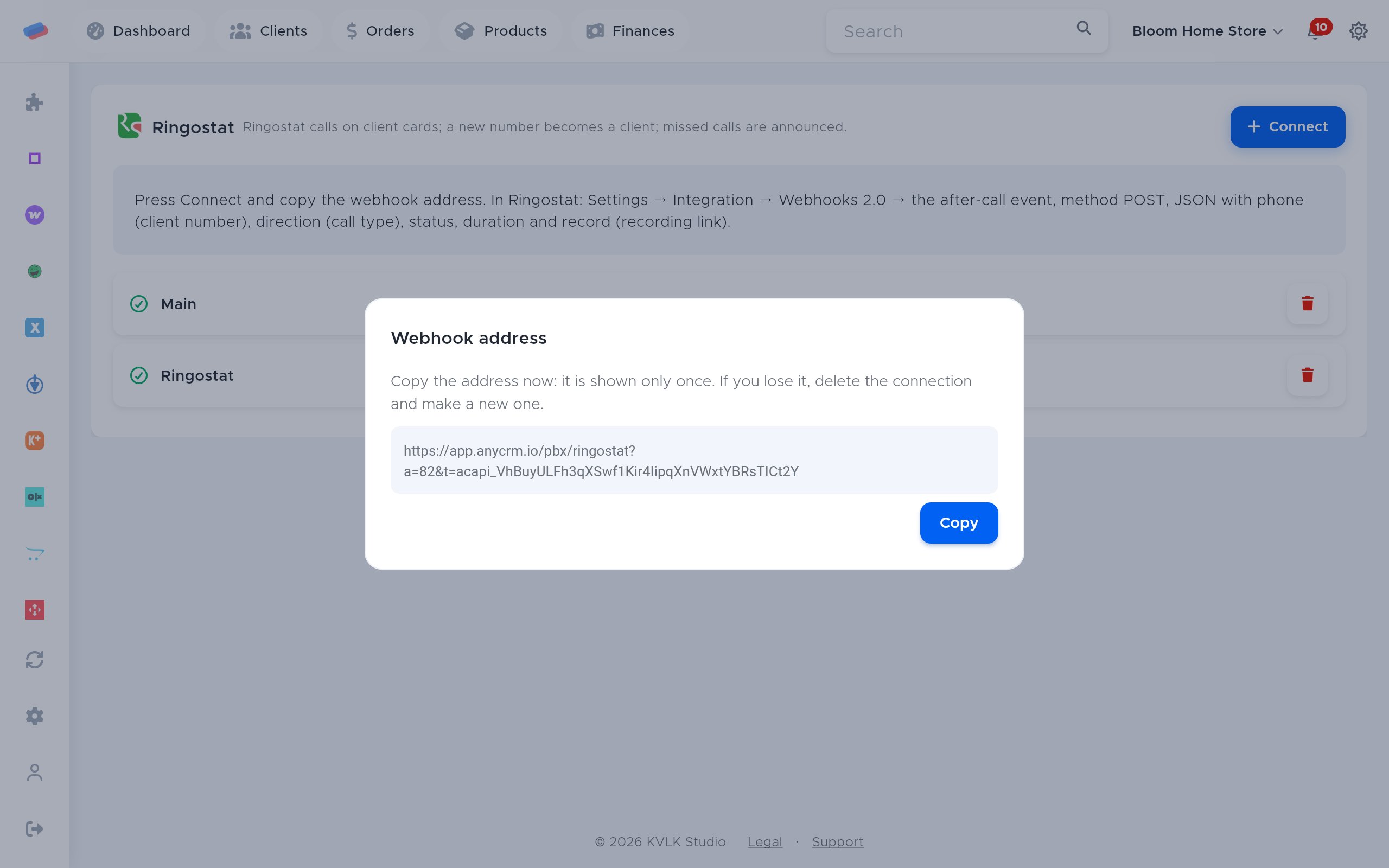
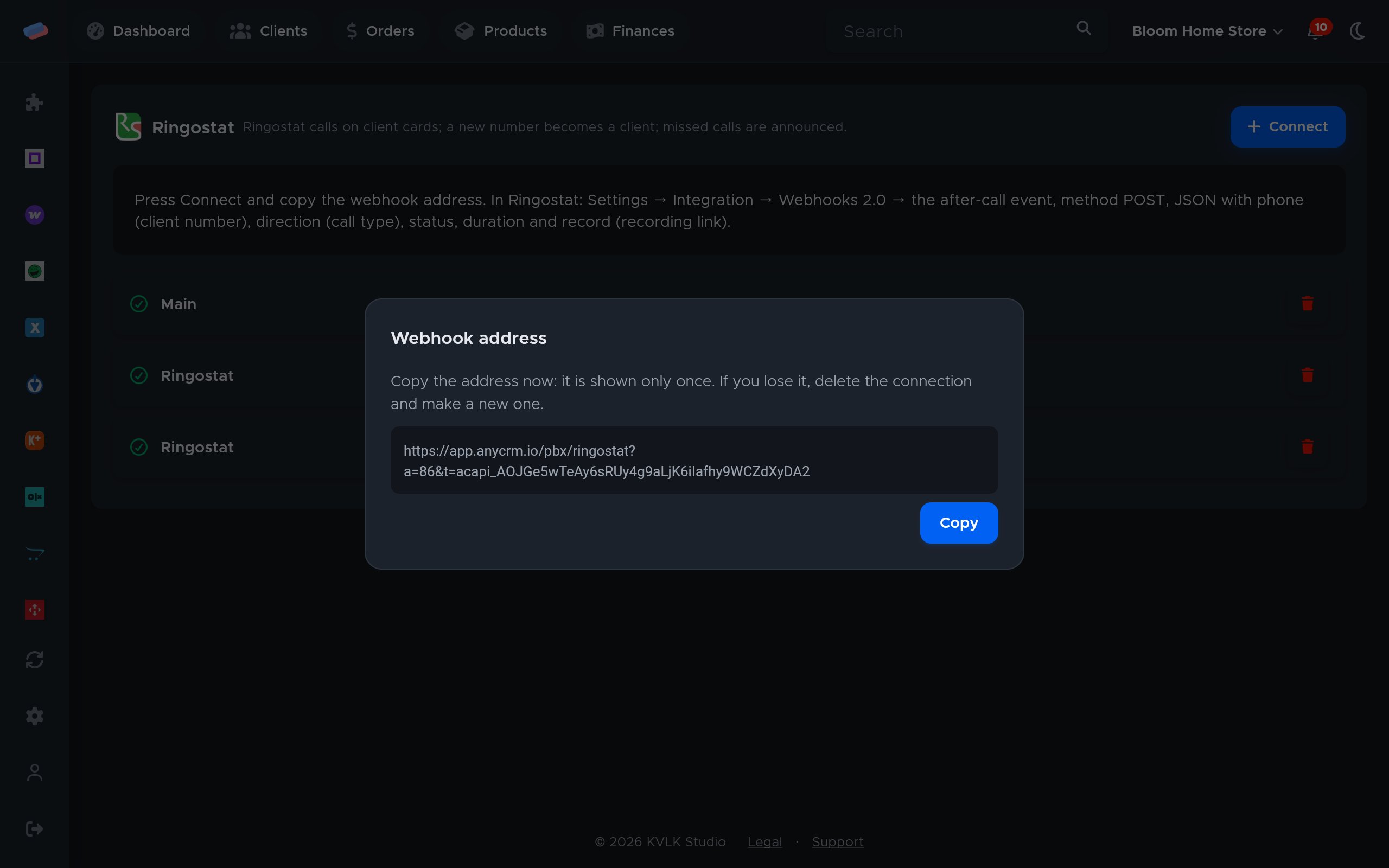
- In anyCRM, on the module page, press Connect, copy the webhook address and press Save.
- In Ringostat: Settings → Integration → Webhooks 2.0 → the after-call event, method POST.
- Body: JSON with
phone(client number),direction(call type),status,duration(seconds) andrecord(recording link).
Connecting in anyCRM
- Open Modules in anyCRM, find “Ringostat” and press Enable.
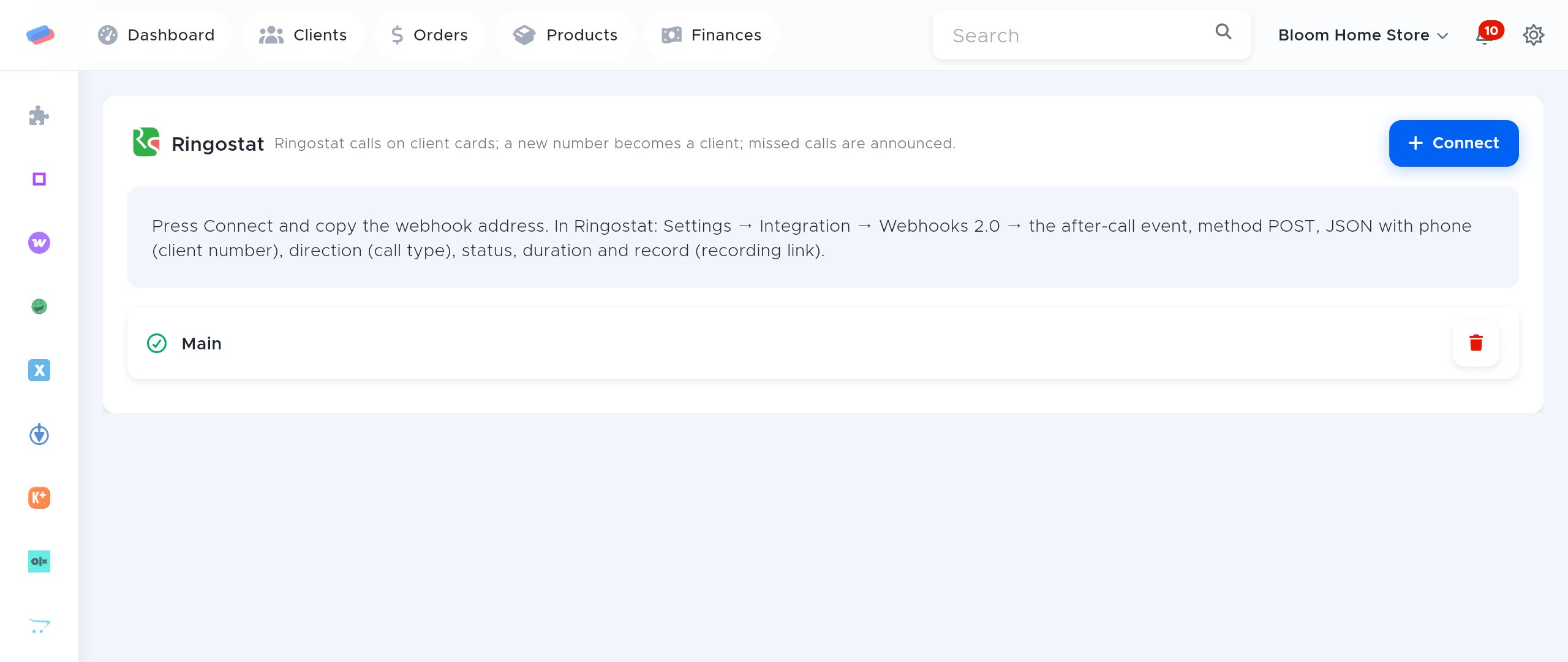
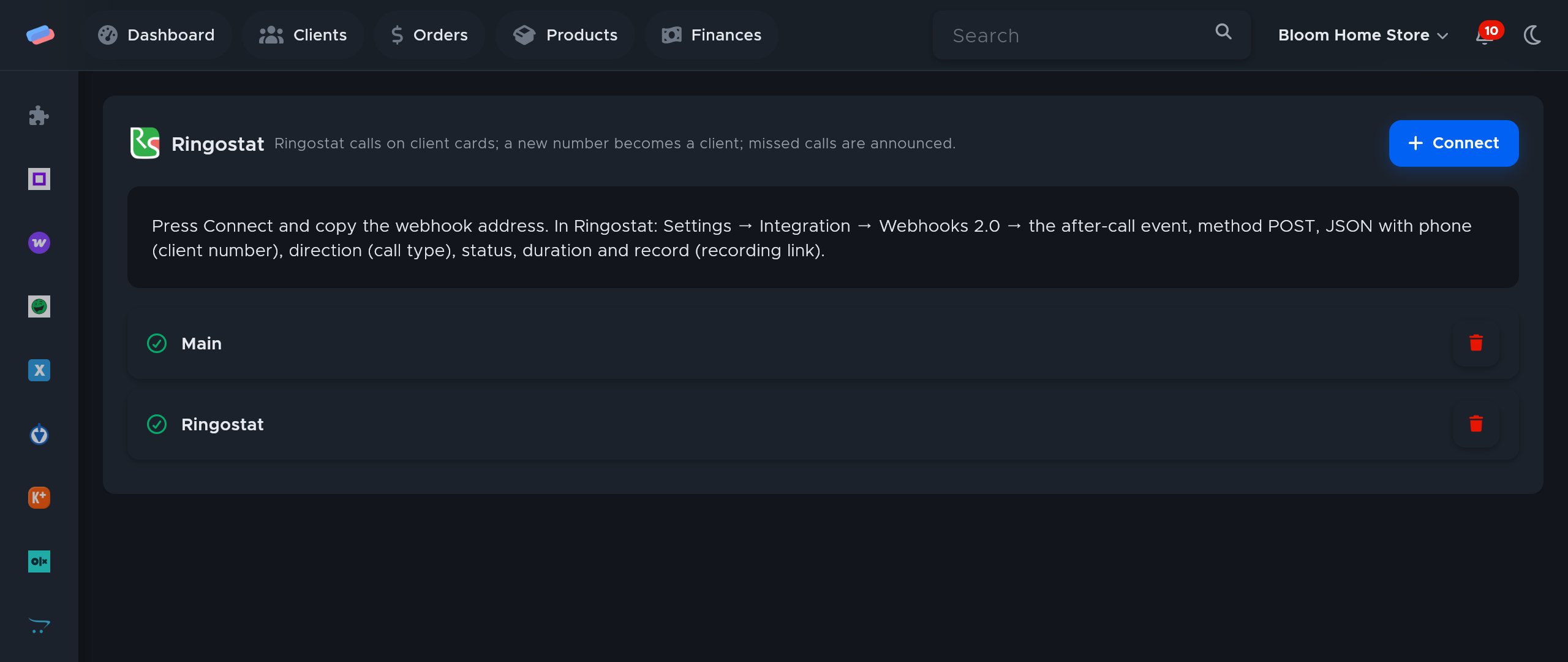
- Go to the module’s page in the side panel and press Connect.
- The account appears in the list with a green tick. An error, if any, shows in red under its name.
After connecting
- Make a test call: within a minute it shows on the client card as a line with the date, length and recording link.
- A new number becomes a new client, and a missed incoming call sends a “Missed call” notification, which can be switched off in notification settings.
Good to know
- The webhook address is shown only once. Lost it? Delete the connection and make a new one: the old address stops working at once.
- Events the PBX sends again are not duplicated on the card.
Can’t get it connected? Write to us and we’ll help.