 Rozetka
- Price
- 100 UAH/mo
- For
- shops
- Required modules
- Products
What it does
Rozetka Marketplace sync: products, orders and stock.
What you need
- A Rozetka Marketplace seller account.
Where to get the keys
- Enter the login and password of your seller.rozetka.com.ua account.
Connecting in anyCRM
- Open Modules in anyCRM, find “Rozetka” and press Enable.
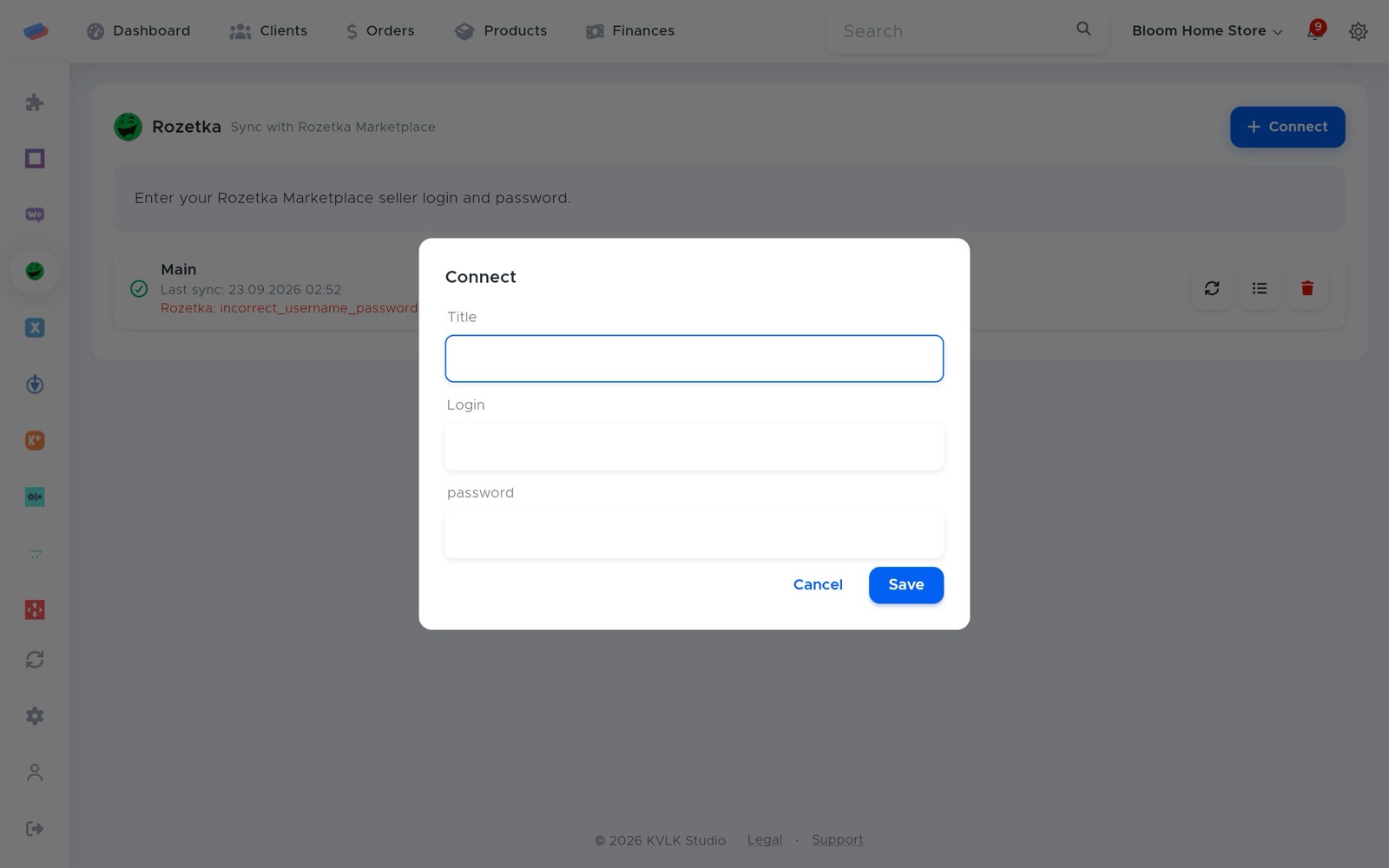
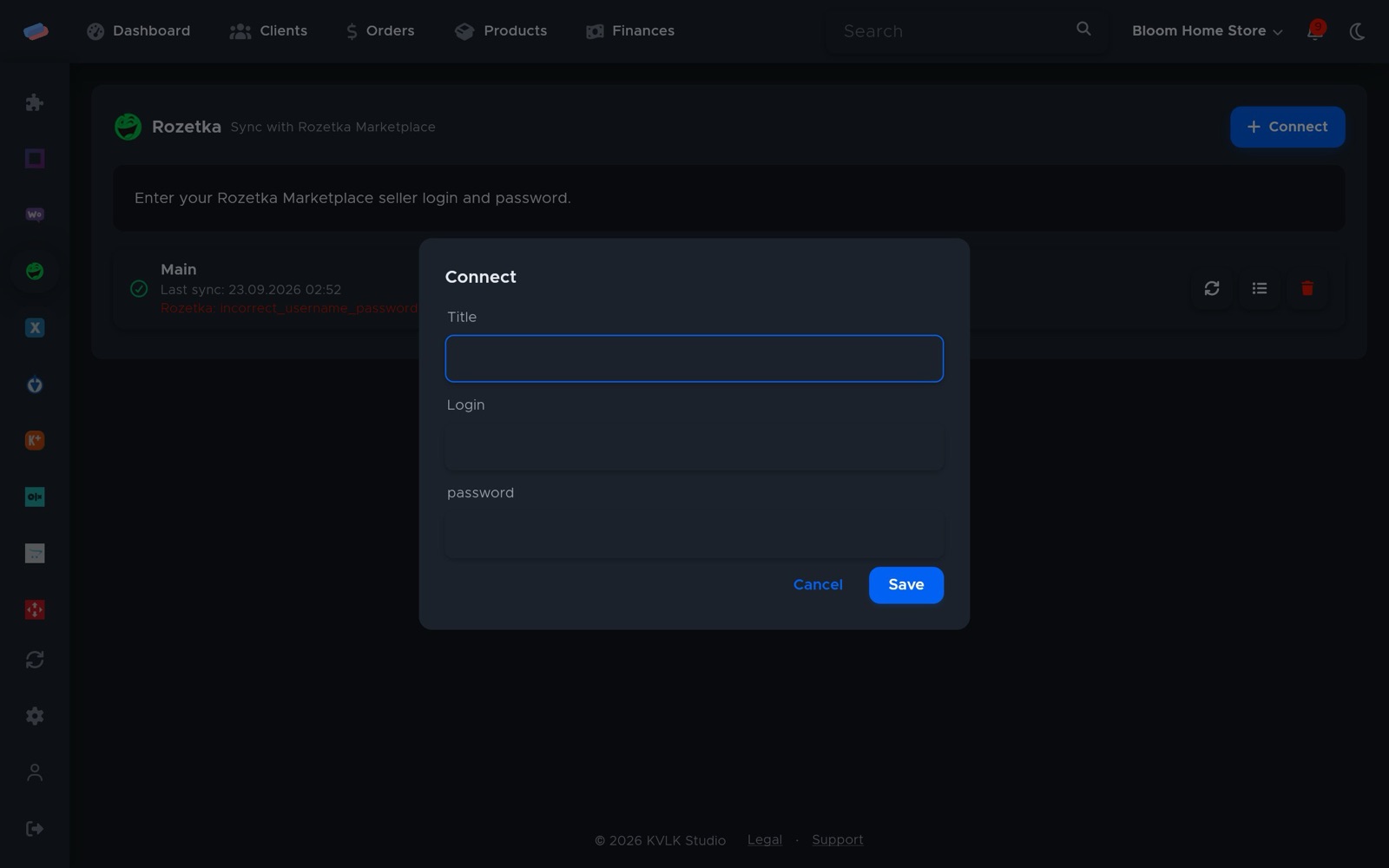
- Go to the module’s page in the side panel and press Connect.
- Fill in the fields and press Save:
- Title — how the account is labelled in anyCRM (optional)
- Login
- Password
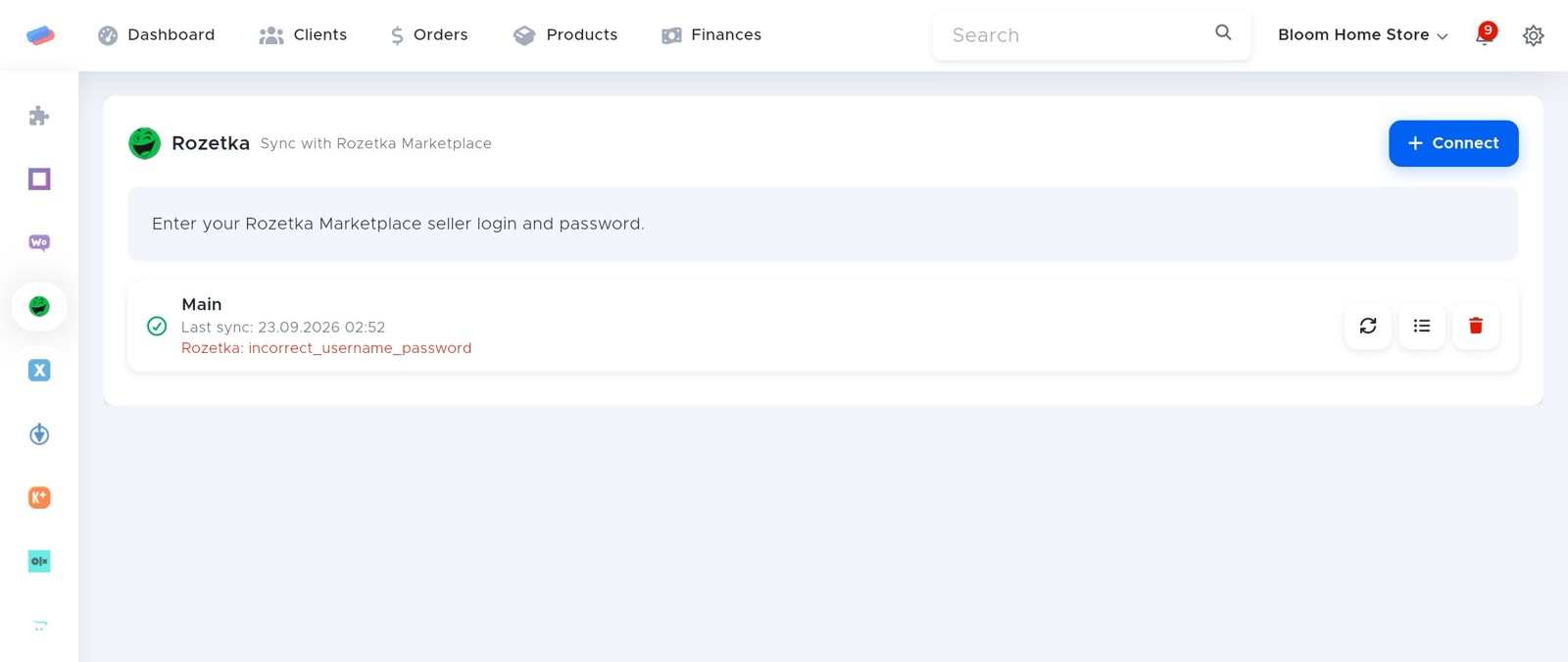
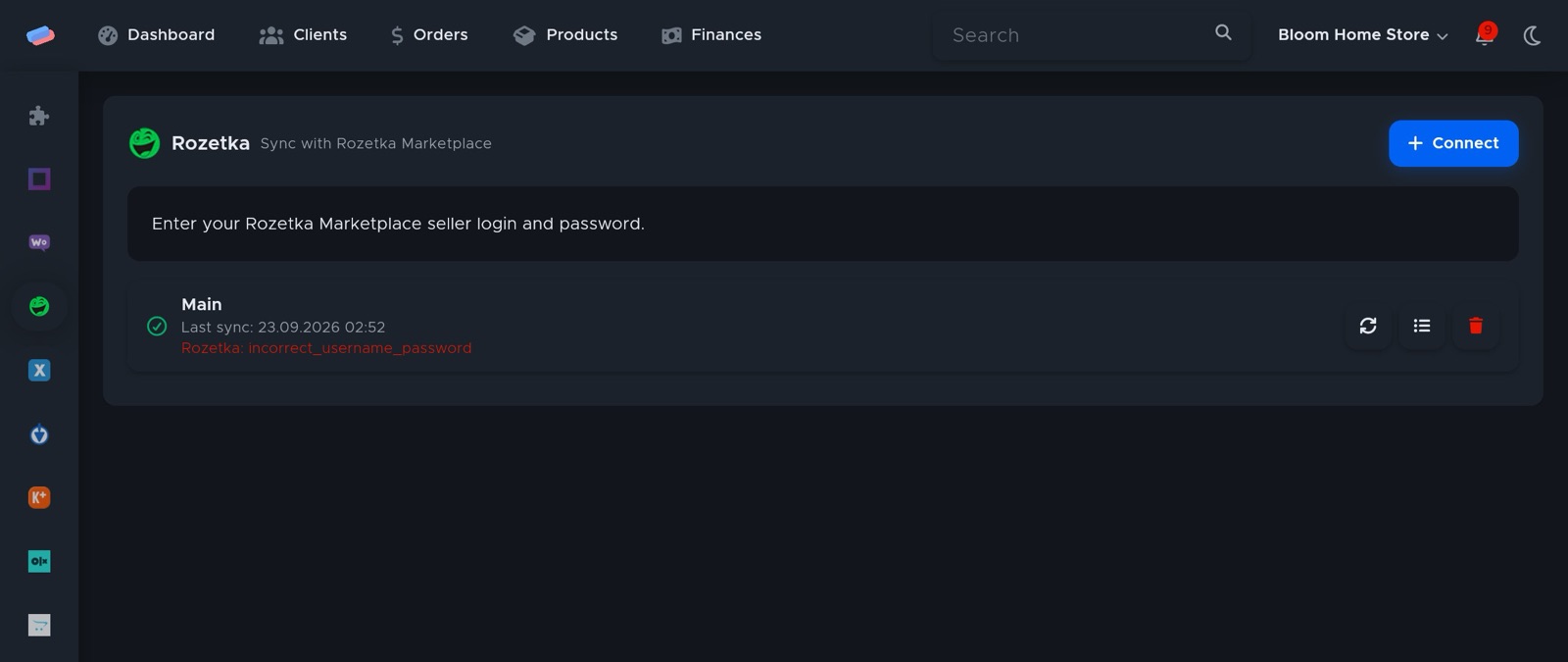
- The account appears in the list with a green tick. An error, if any, shows in red under its name.
After connecting
- The ⟳ button syncs right away; the sync log shows what changed.
Can’t get it connected? Write to us and we’ll help.