

 Statement import
- Price
- 60 UAH/mo
- For
- services, food service, shops
- Required modules
- Finances
What it does
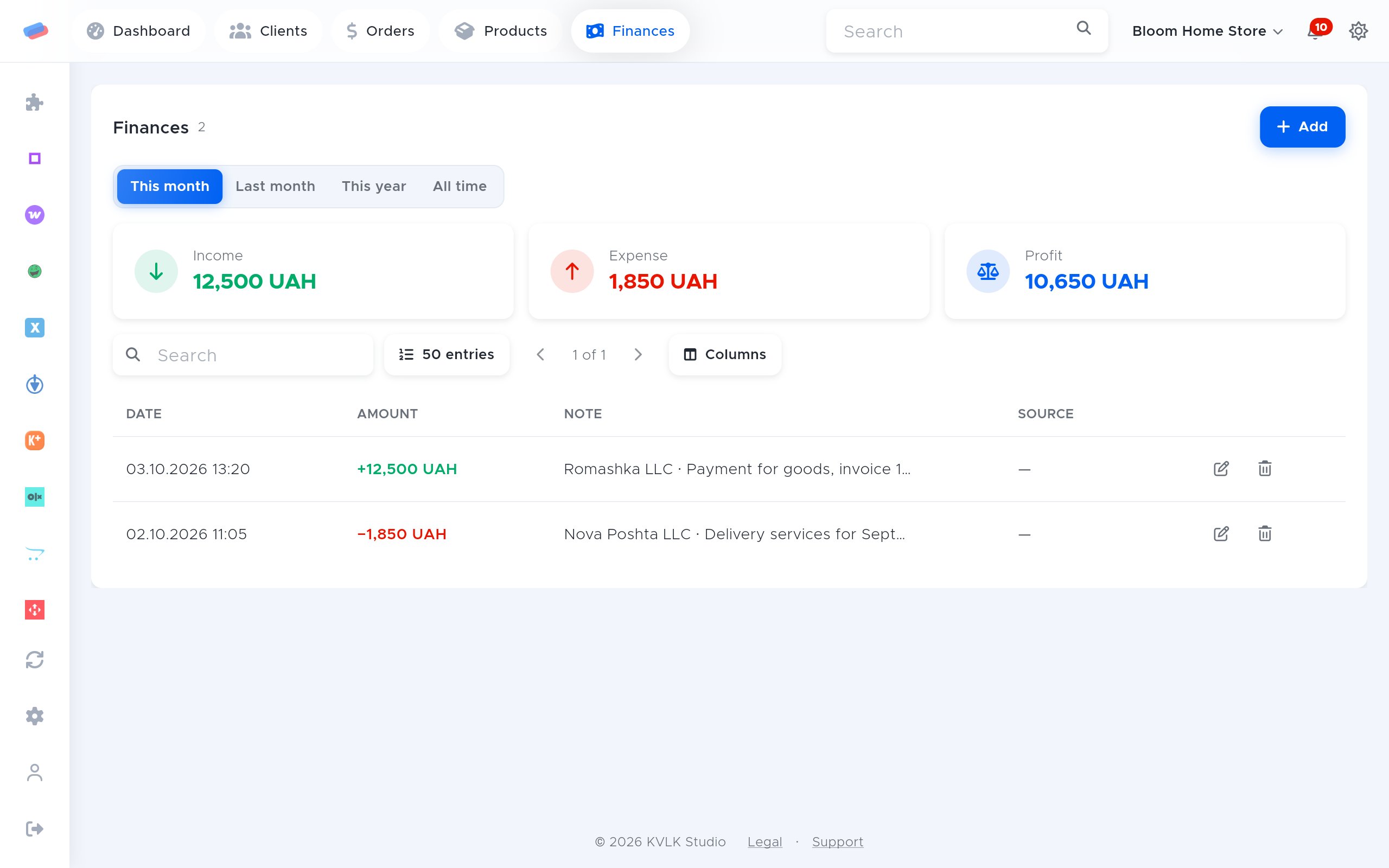
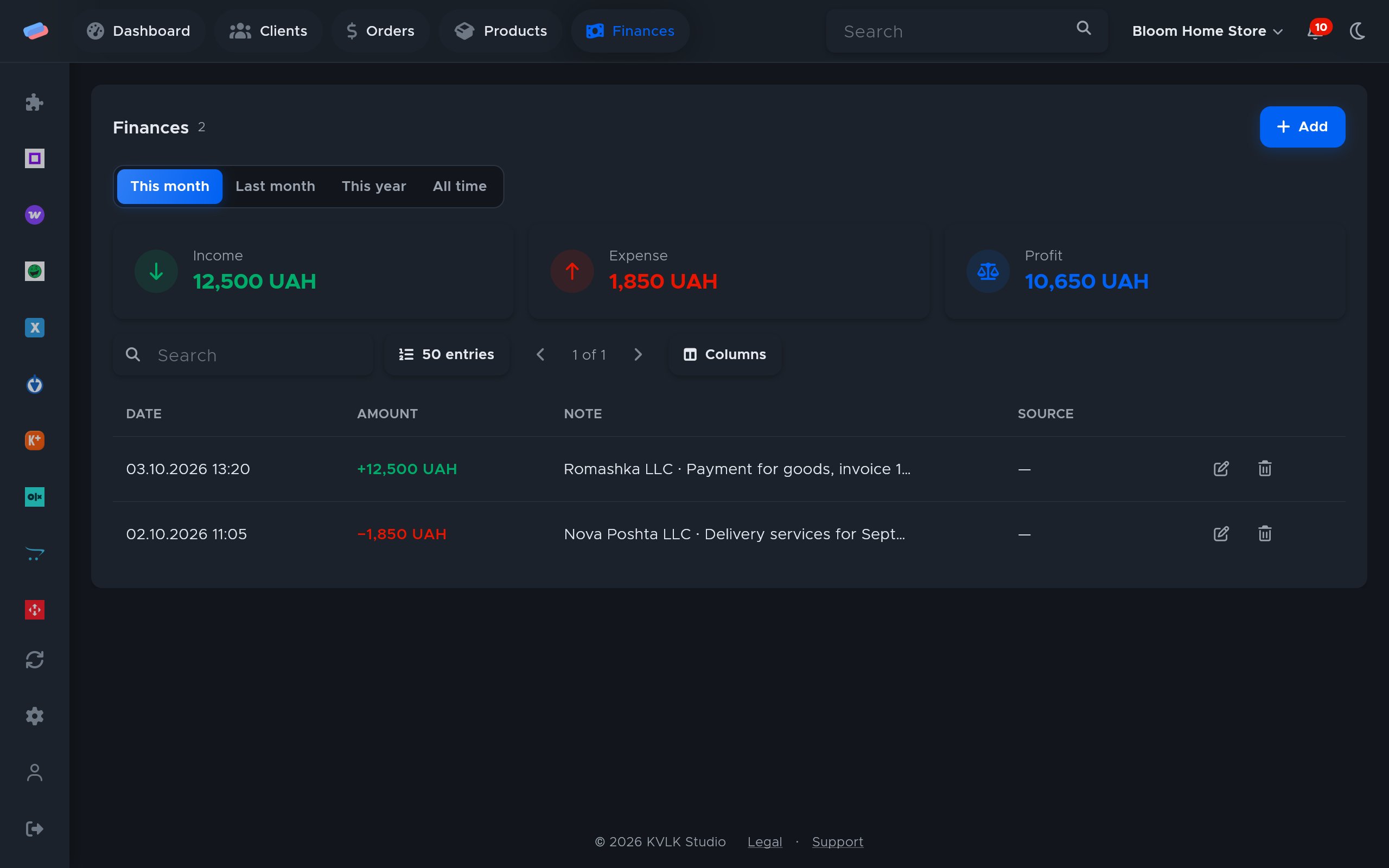
Statements of PUMB, Sense Bank, Oschadbank or any other bank, from a client-bank file, land in Finances: for banks with no API a sole trader can use.
What you need
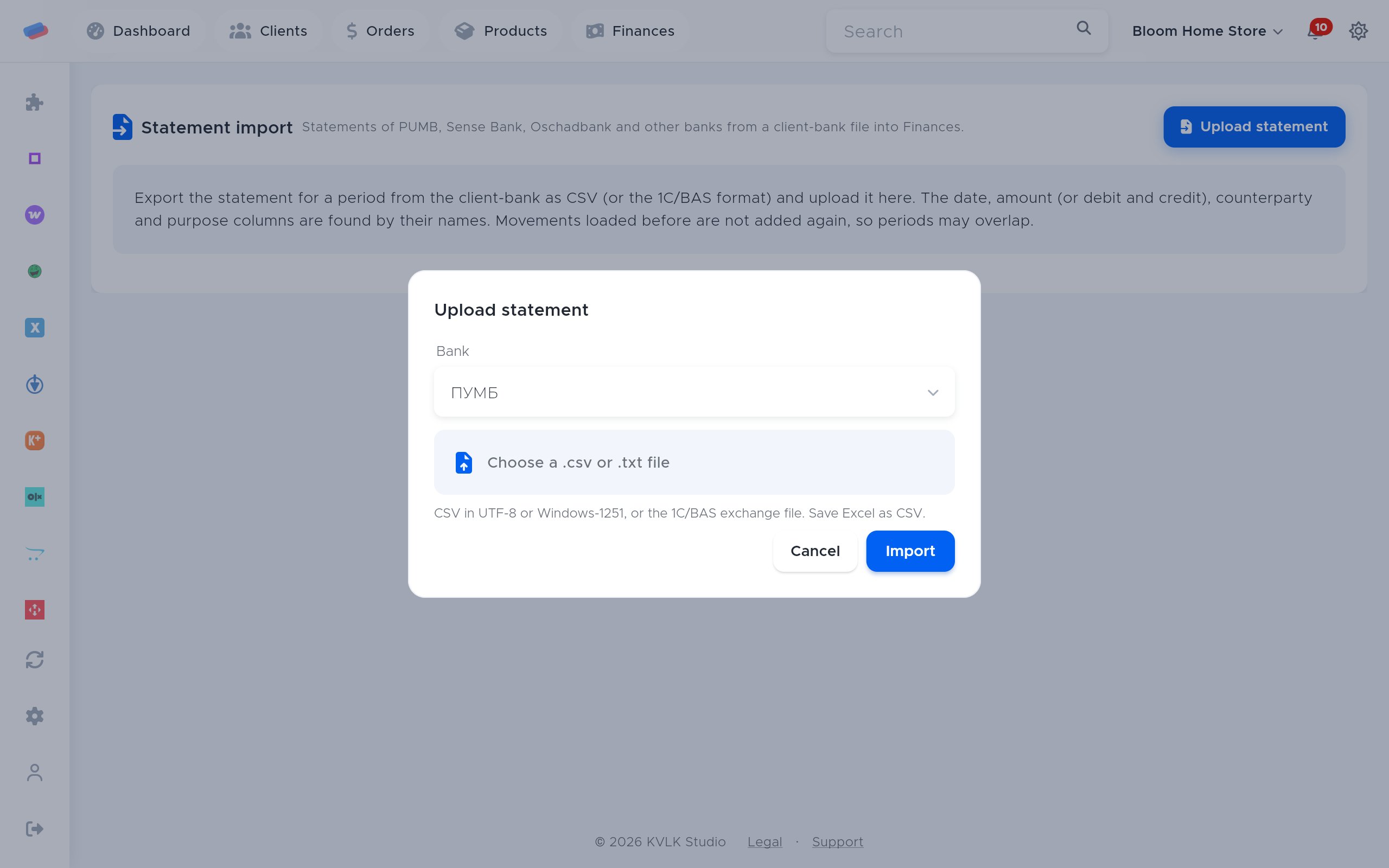
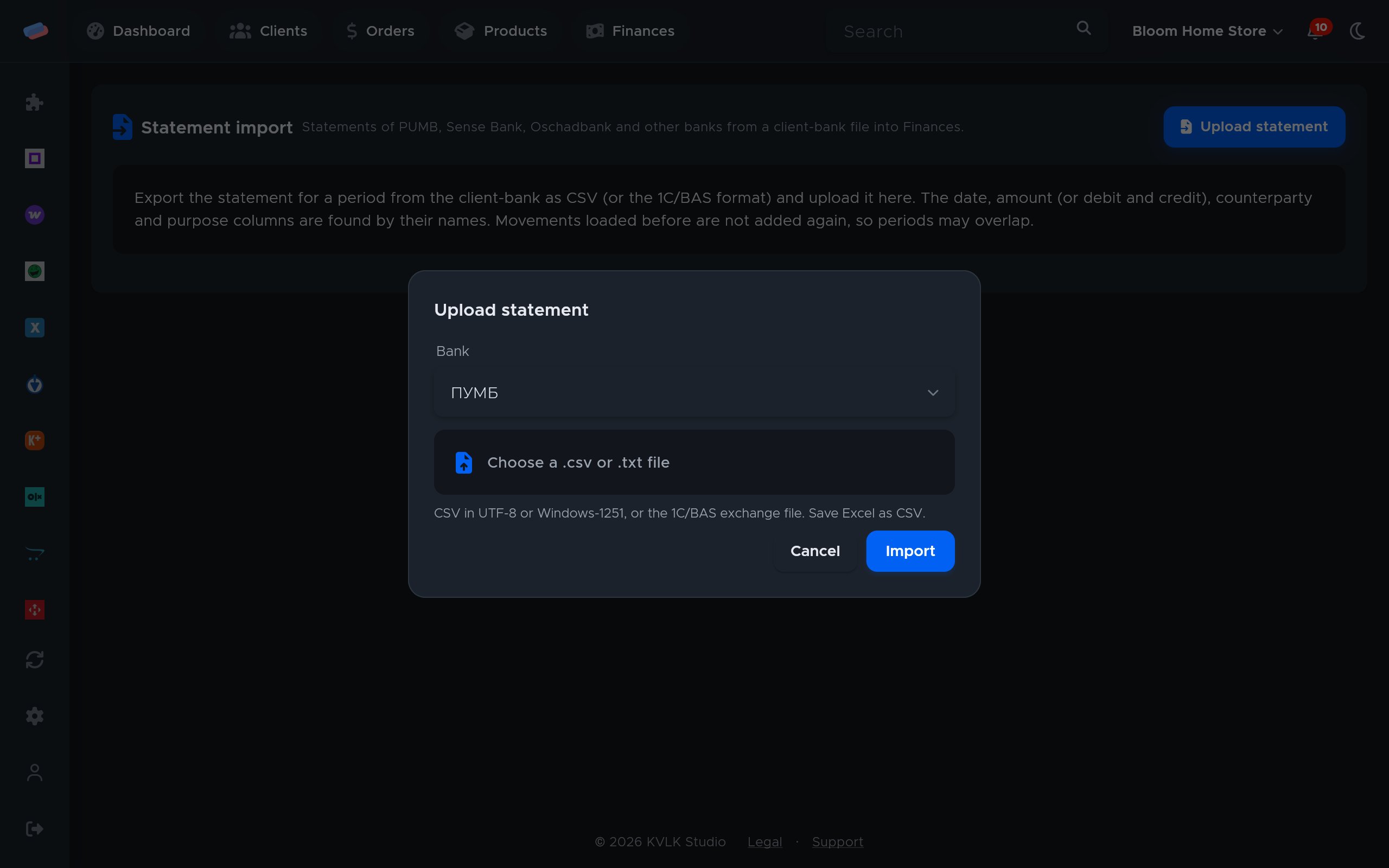
- Client-bank access that exports the statement as CSV or the 1C/BAS format.
Where to get the keys
- In the client-bank, open the statement for the period you need.
- Export it as CSV (save Excel as CSV) or in the 1C/BAS exchange format.
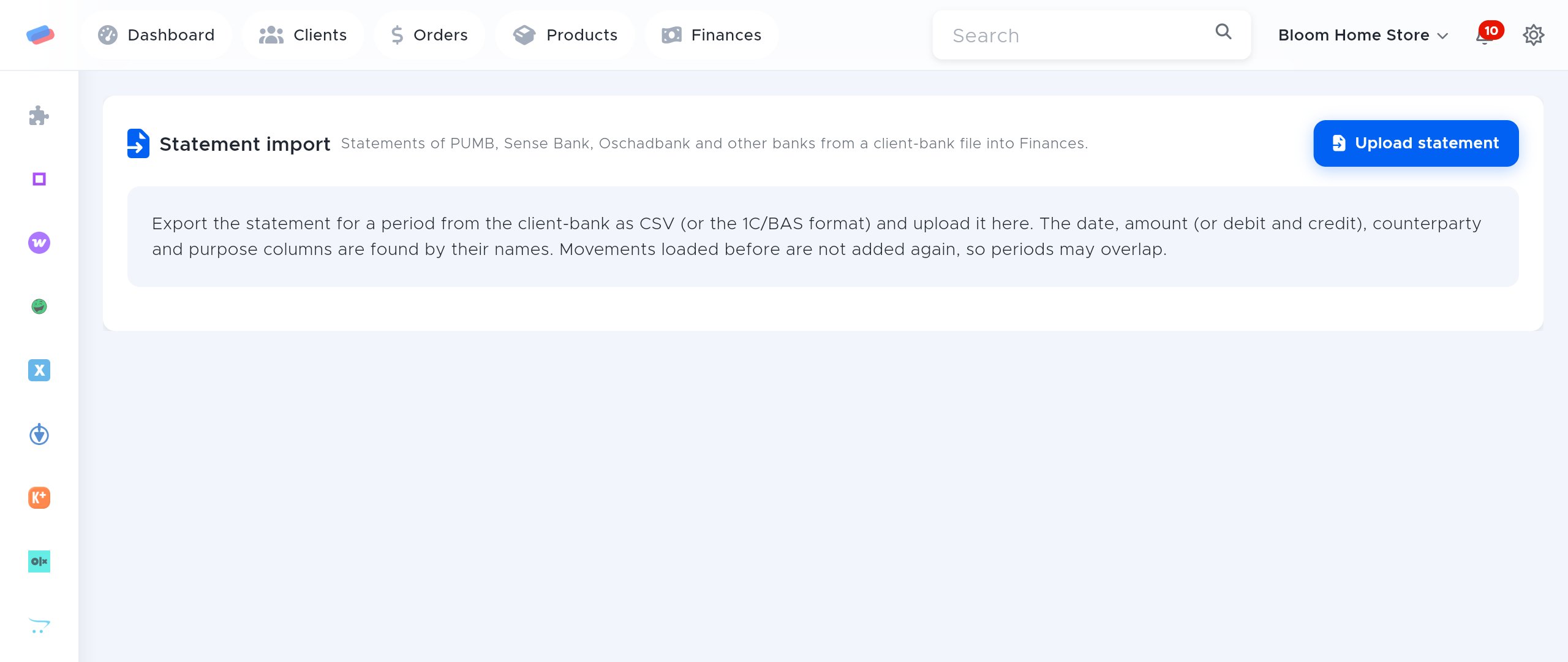
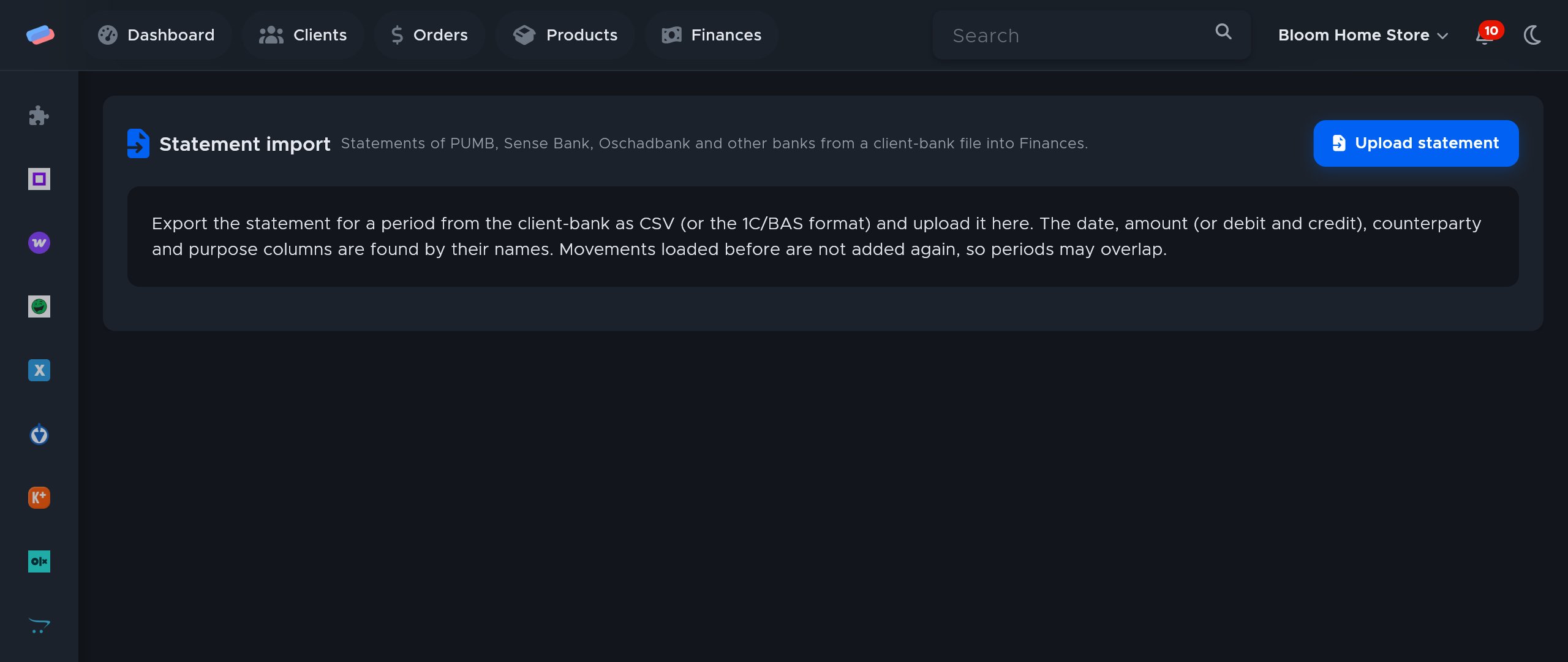
- In anyCRM, on the module page, press Upload statement and pick the bank and the file.
Connecting in anyCRM
- Open Modules in anyCRM, find “Statement import” and press Enable.
- Go to the module’s page in the side panel and press Connect.
- The account appears in the list with a green tick. An error, if any, shows in red under its name.
After connecting
- Movements show up in Finances with the bank’s name: money in as income, money out as expenses.
- The income book and single tax recount on their own.
Good to know
- The date, amount (or debit and credit), counterparty and purpose columns are found by their names, in any order.
- The CSV can be UTF-8 or Windows-1251.
- Movements loaded before are not added again, so statement periods may overlap.
Can’t get it connected? Write to us and we’ll help.