
 Calendly
- Price
- 60 UAH/mo
- For
- services
- Required modules
- Calendar, Clients
What it does
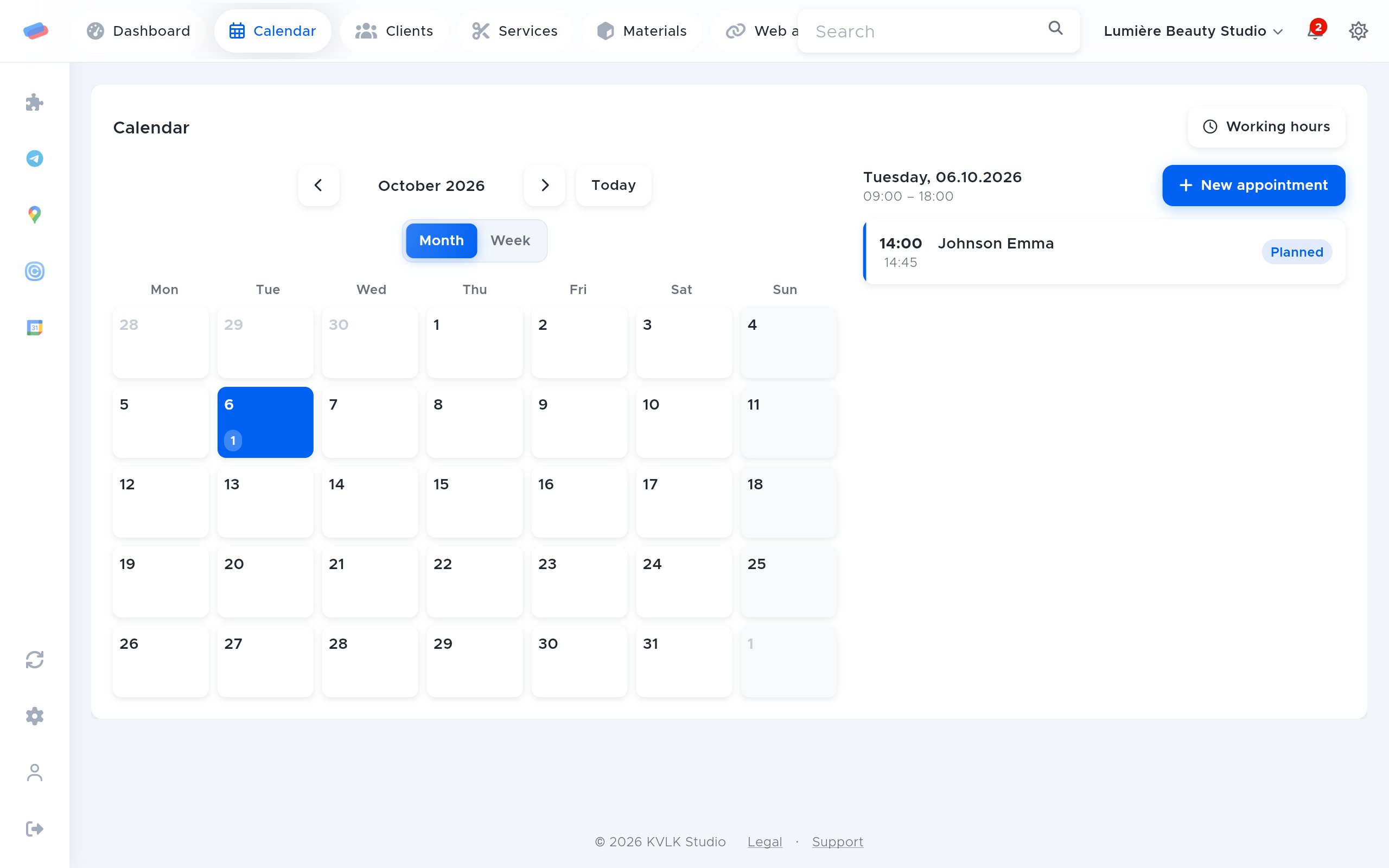
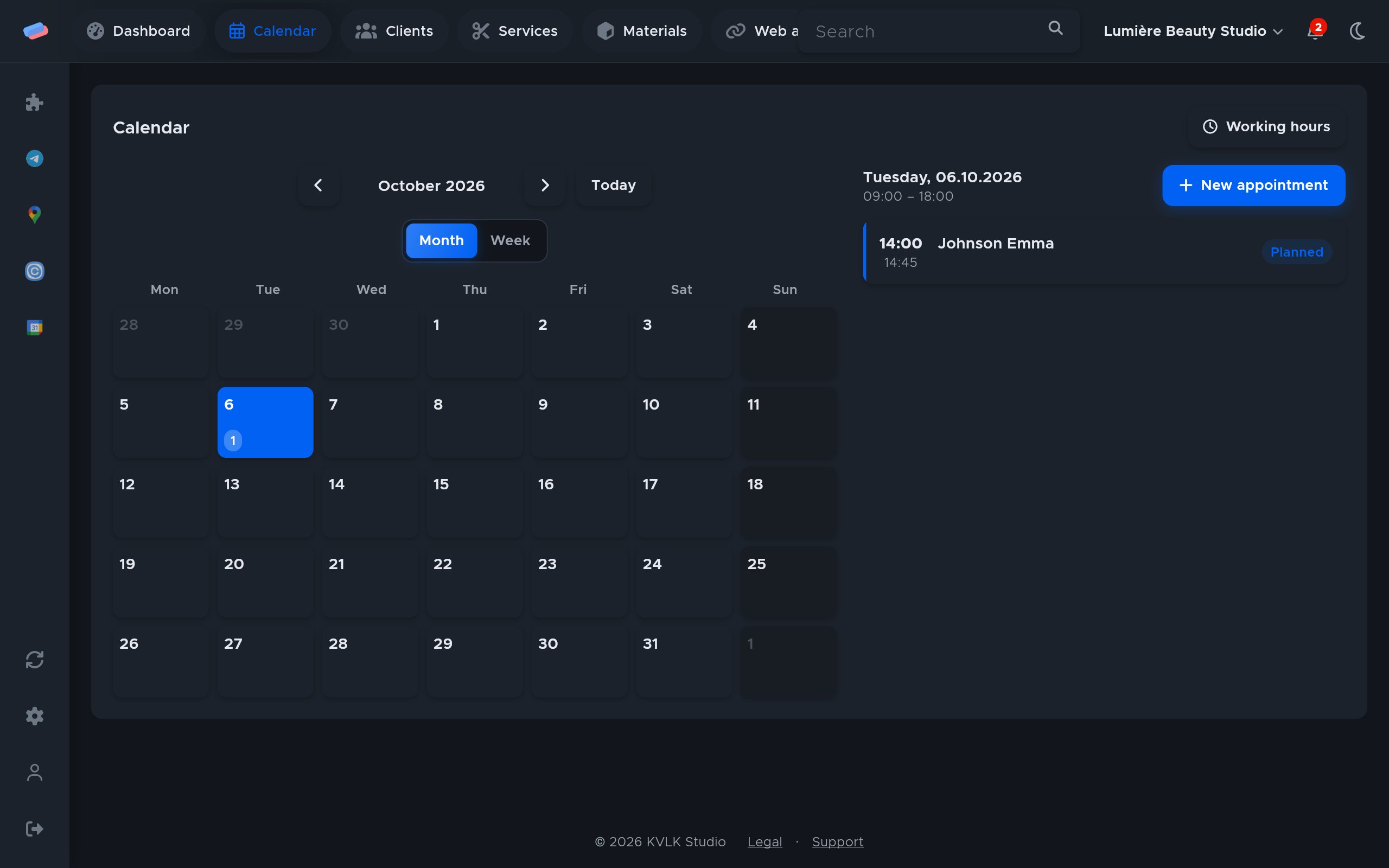
Calendly bookings show up in the anyCRM calendar, the client is created on its own, and a cancellation in Calendly cancels the visit.
What you need
- Calendly Standard or higher: the free plan has no webhooks.
Where to get the keys
- Sign in to Calendly.
- Open Integrations & apps → API and webhooks → Personal access tokens.
- Press Generate new token and copy it.
Connecting in anyCRM
- Open Modules in anyCRM, find “Calendly” and press Enable.
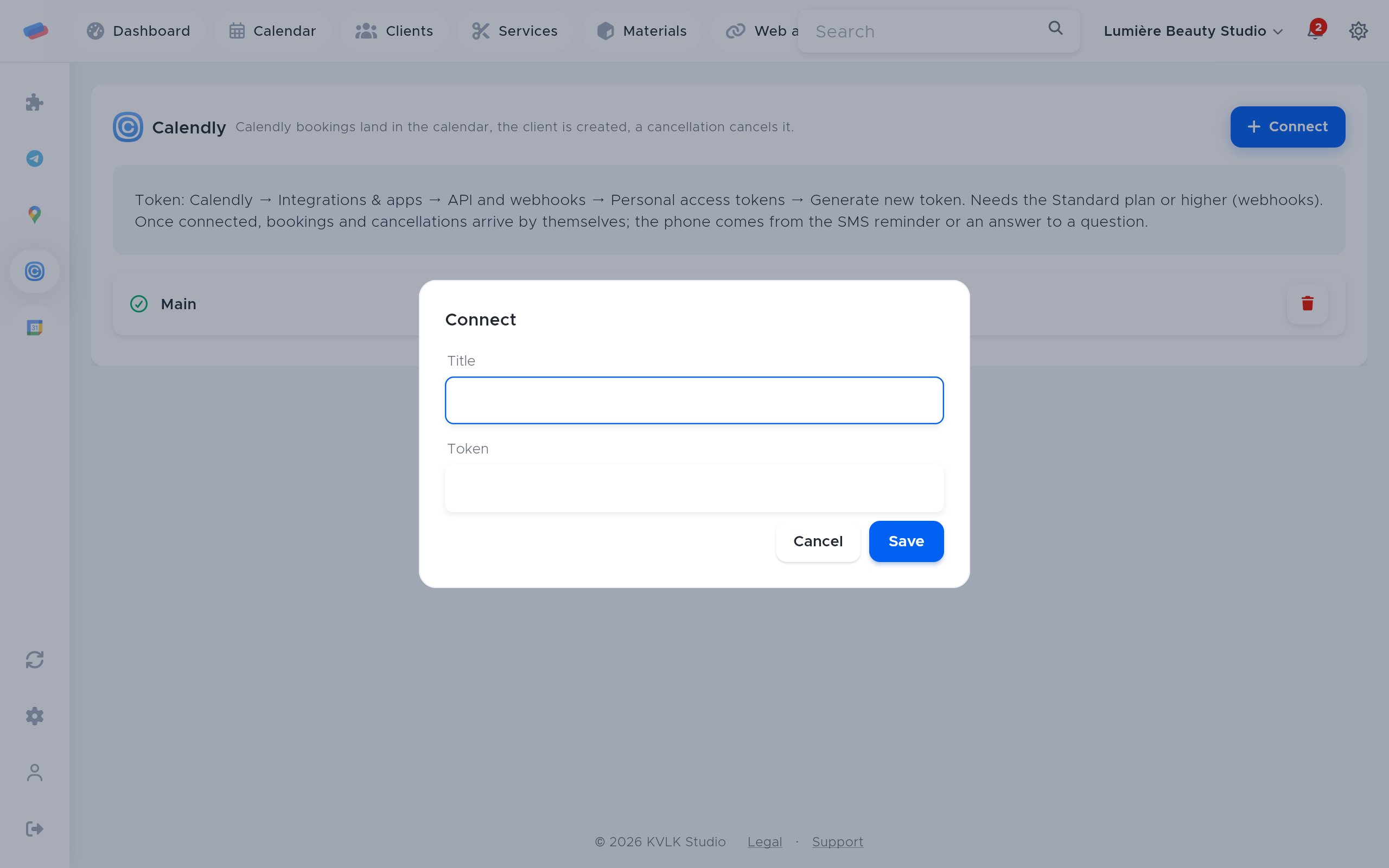
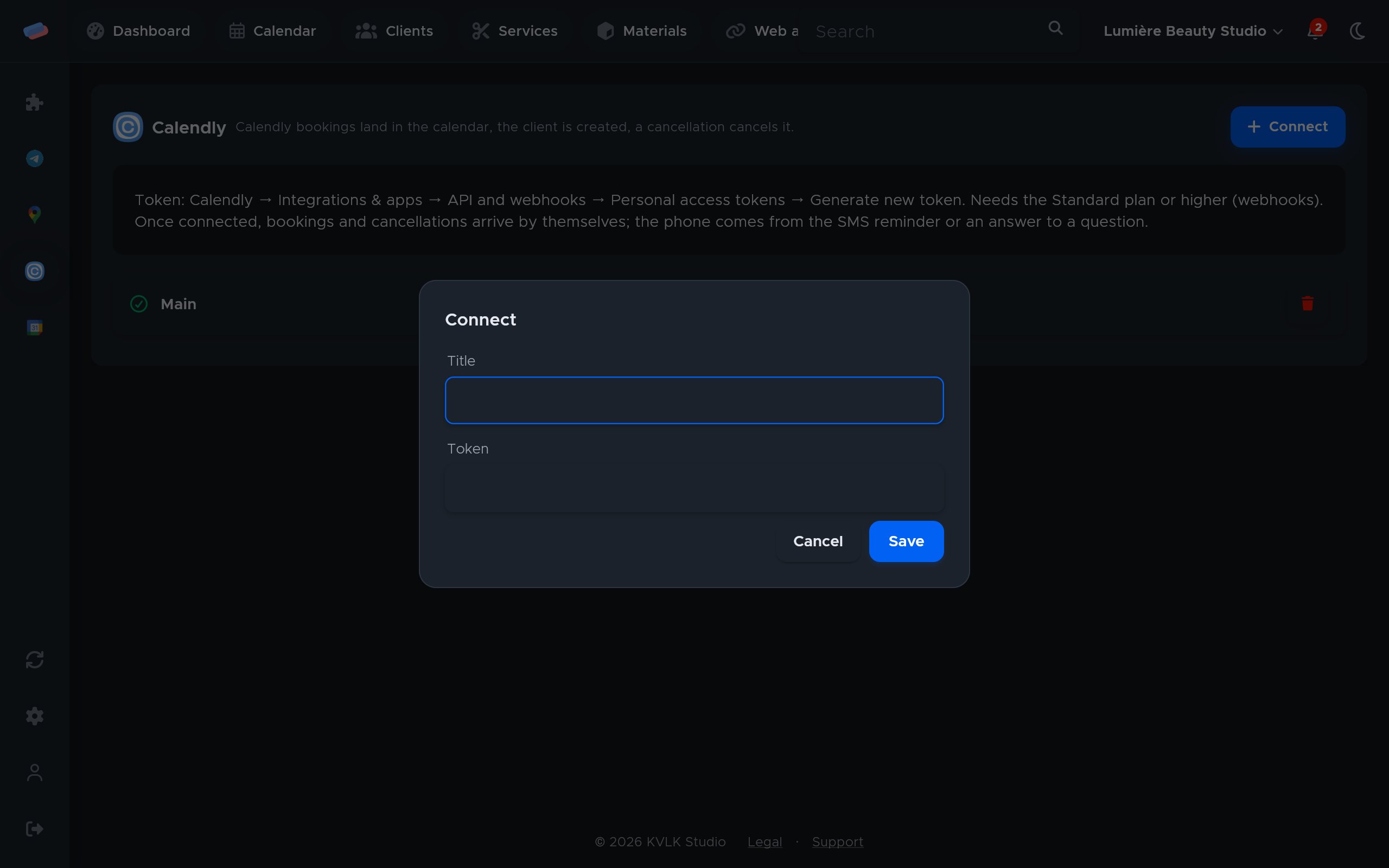
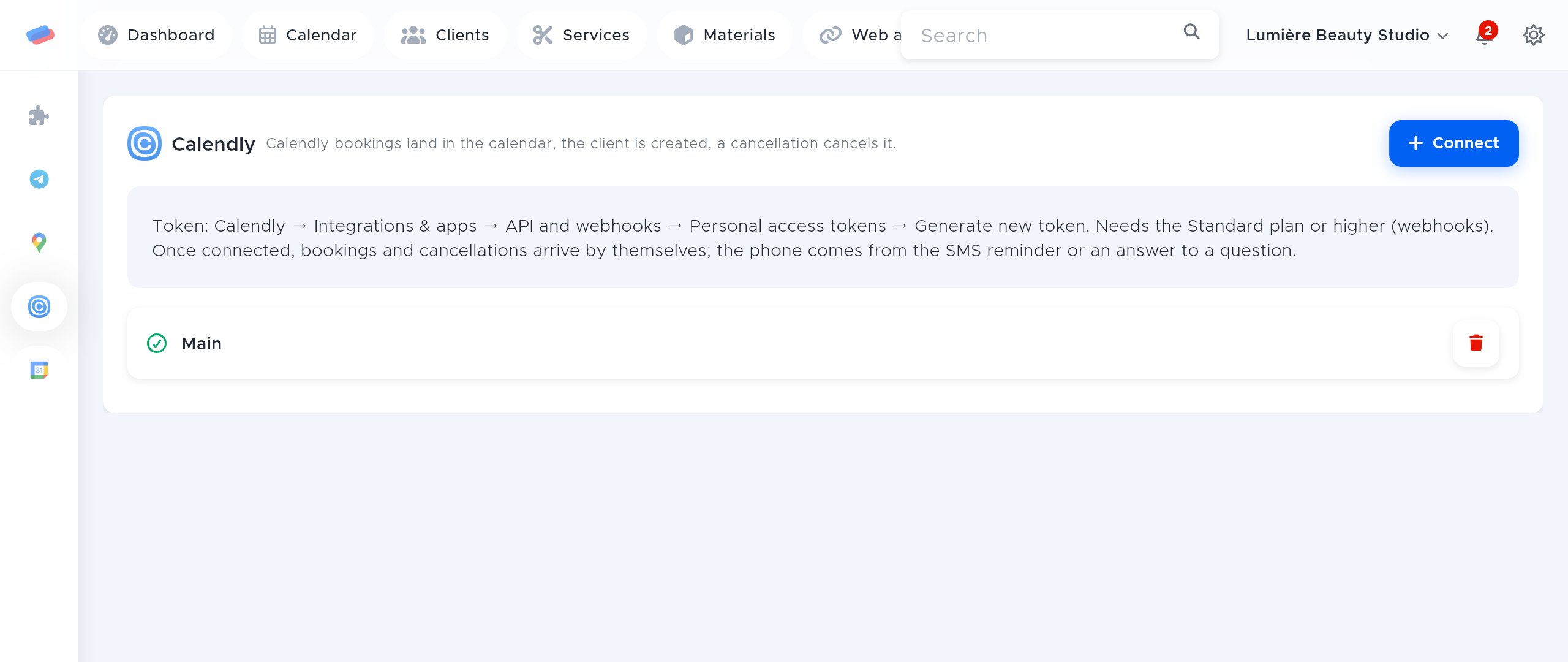
- Go to the module’s page in the side panel and press Connect.
- Fill in the fields and press Save:
- Title — how the account is labelled in anyCRM (optional)
- Token
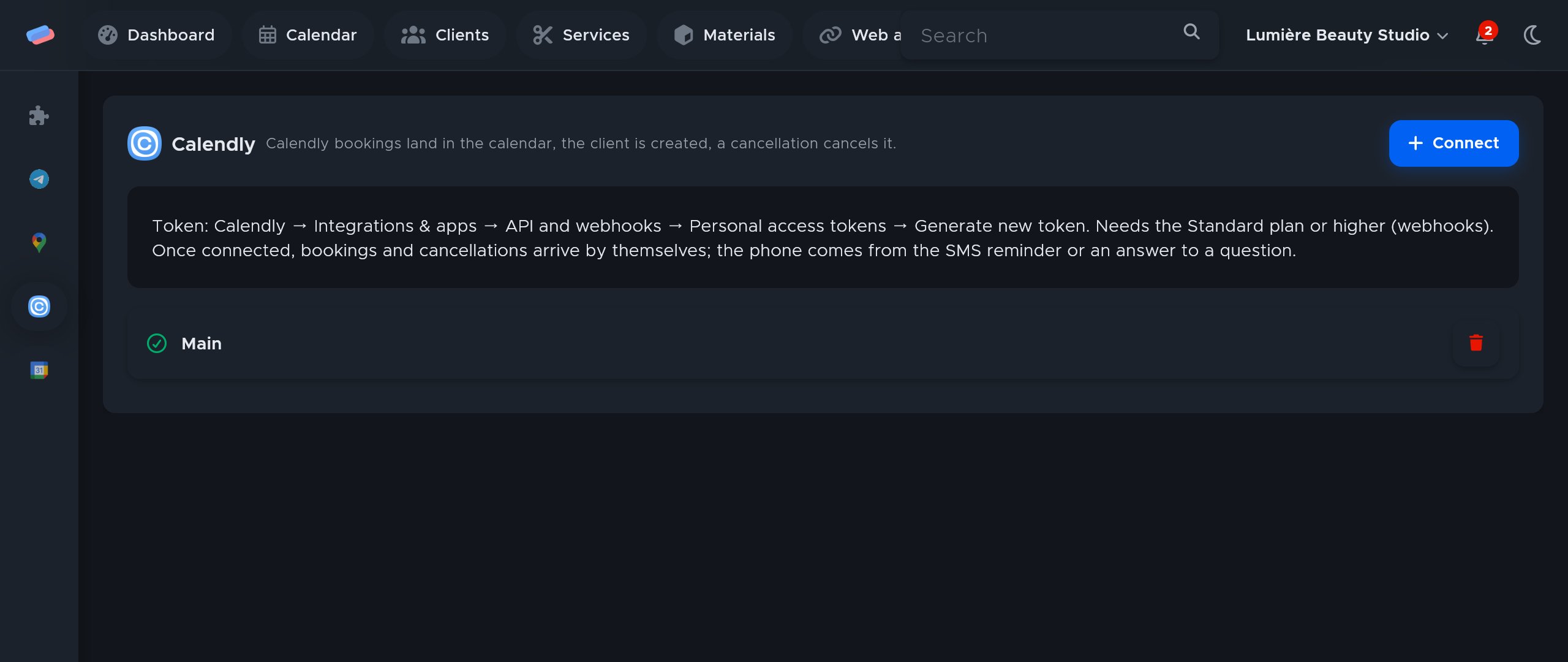
- The account appears in the list with a green tick. An error, if any, shows in red under its name.
After connecting
- New bookings and cancellations arrive by themselves: nothing else to set up.
- The meeting name, length and answers to the form’s questions go into the visit’s notes.
- With Google Calendar connected, the visit shows up there too.
Good to know
- The phone comes from the SMS reminder number or an answer to a question: add a phone question in Calendly so clients are matched by number. Without a phone, the client is matched by email.
- Disconnecting the module removes the Calendly subscription on its own.
Can’t get it connected? Write to us and we’ll help.