

 Venue Telegram bot
- Price
- 50 UAH/mo
- For
- services, food service, shops
- Required modules
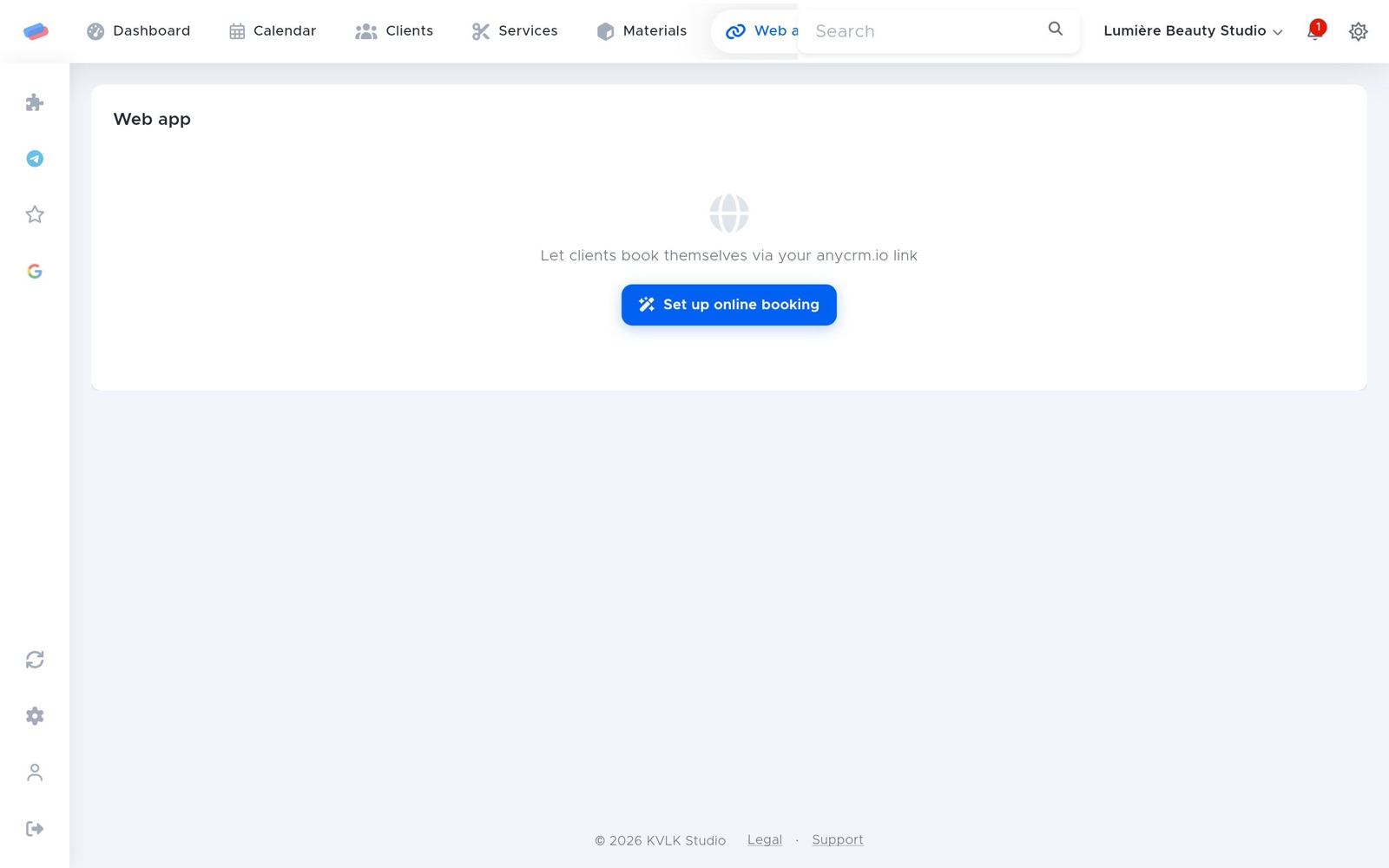
- Web app
What it does
Your own Telegram bot: its button opens online booking, the menu or the catalogue, and customers get confirmations, order status and visit reminders — free, no SMS.
What you need
- Telegram on a phone or computer.
- The Web app module switched on.
Where to get the keys
- Open @BotFather in Telegram and send /newbot.
- Give the bot a name and a username (it must end in bot).
- Copy the token BotFather sends.
Connecting in anyCRM
- Open Modules in anyCRM, find “Venue Telegram bot” and press Enable.
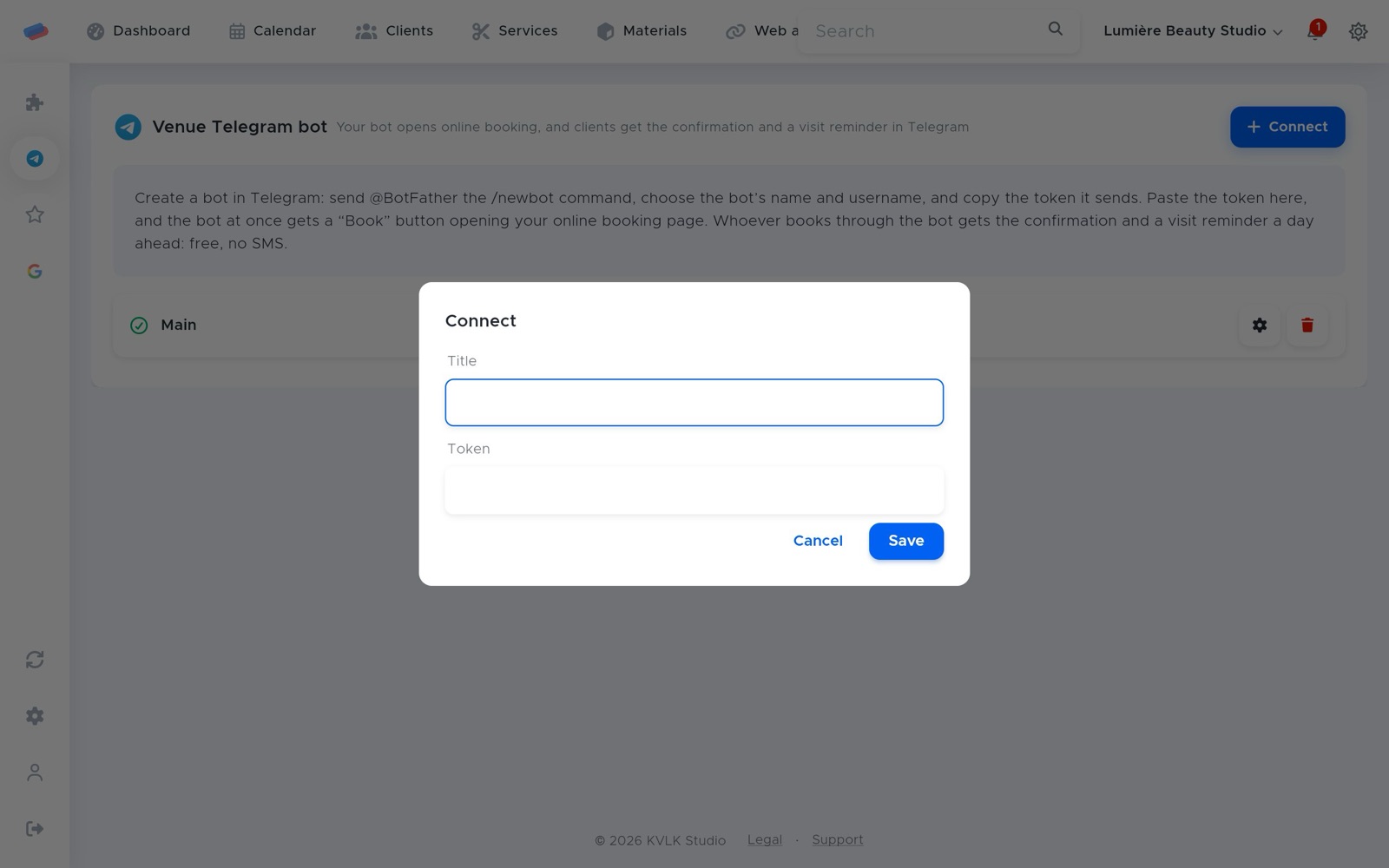
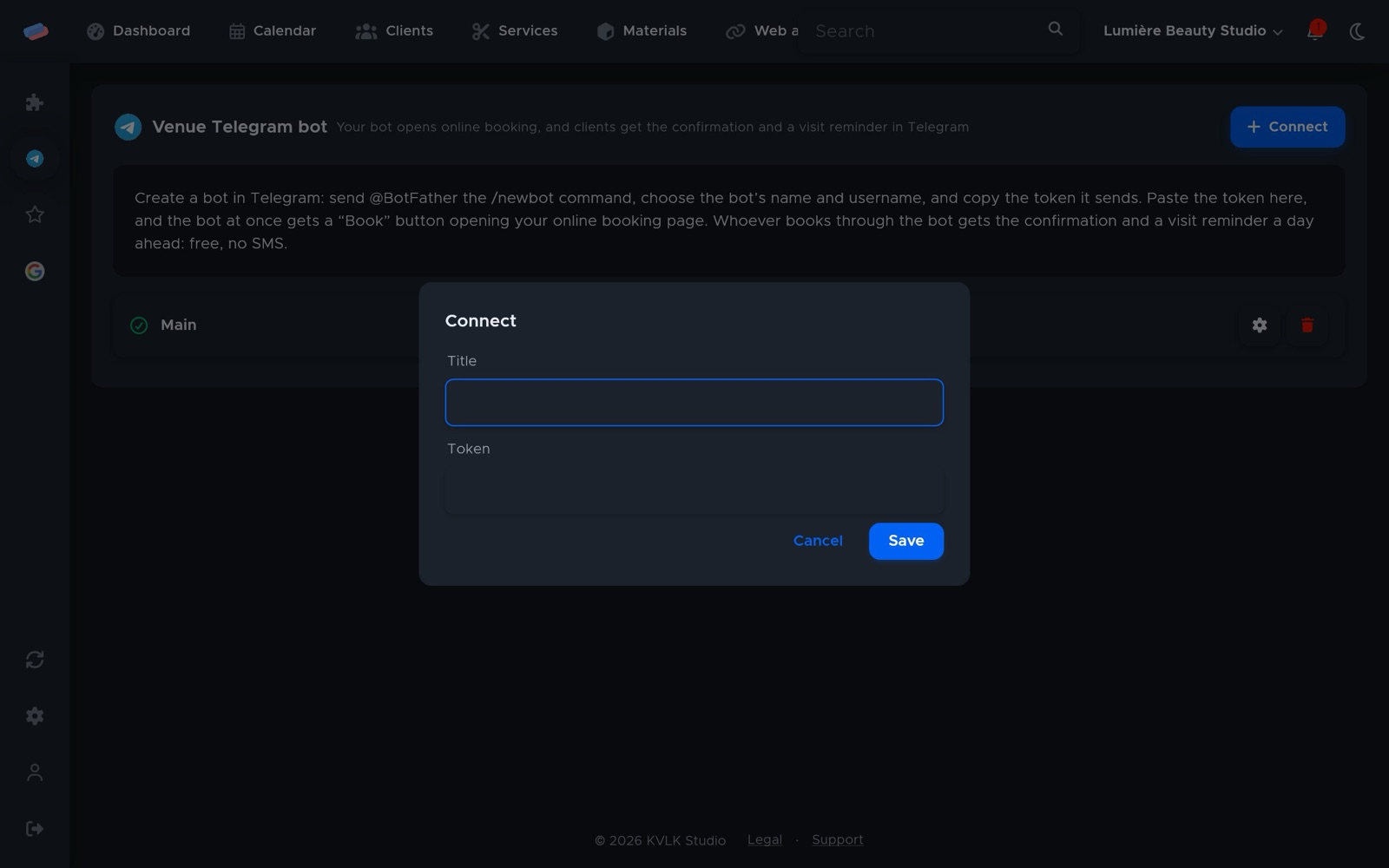
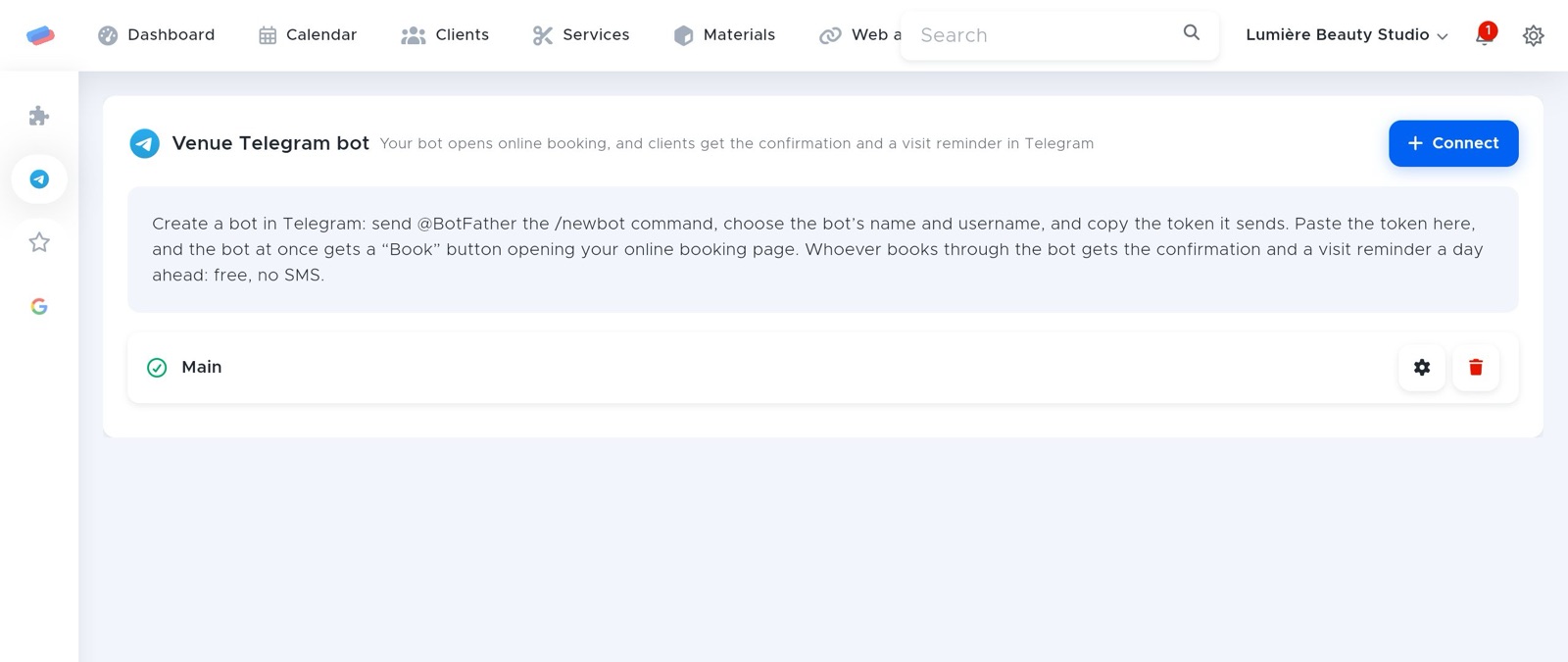
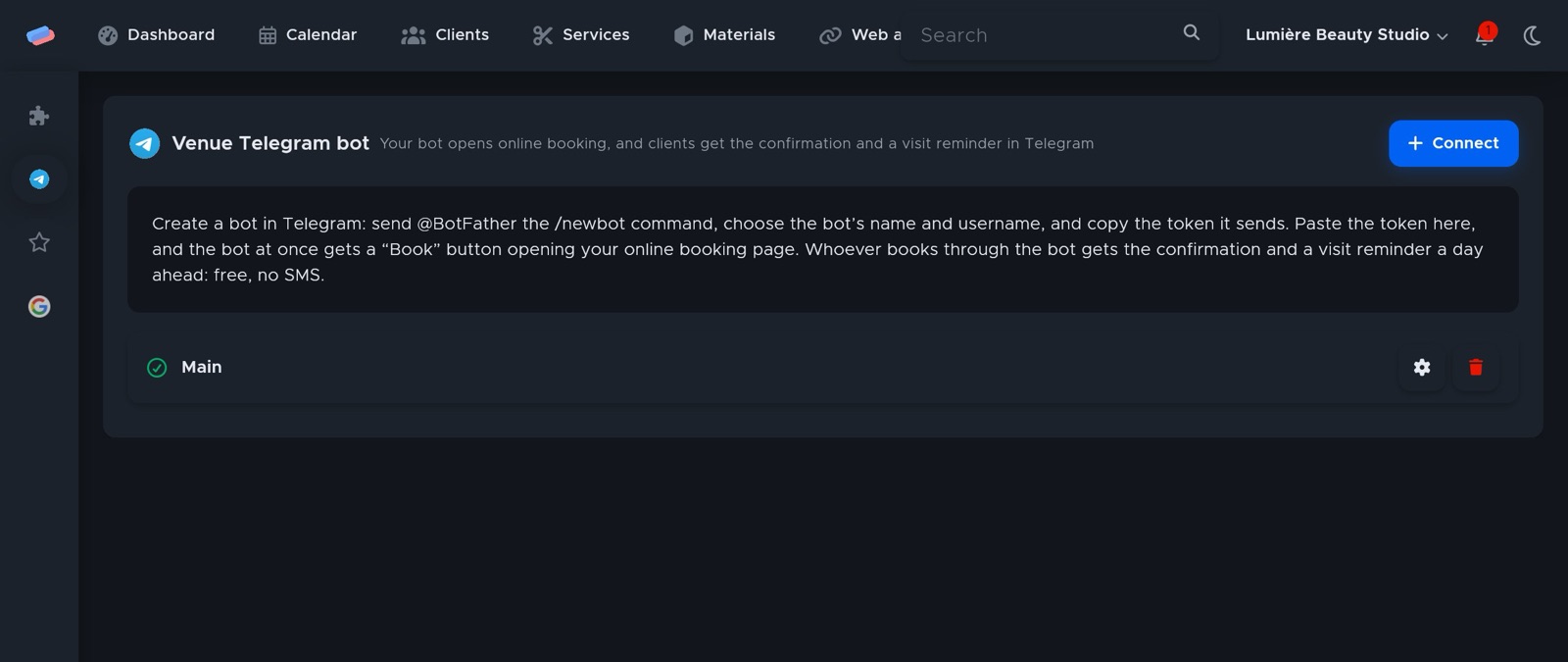
- Go to the module’s page in the side panel and press Connect.
- Fill in the fields and press Save:
- Title — how the account is labelled in anyCRM (optional)
- Token
- The account appears in the list with a green tick. An error, if any, shows in red under its name.
After connecting
- The bot gets a Book button (services) or an Order button (venues, shops) at once.
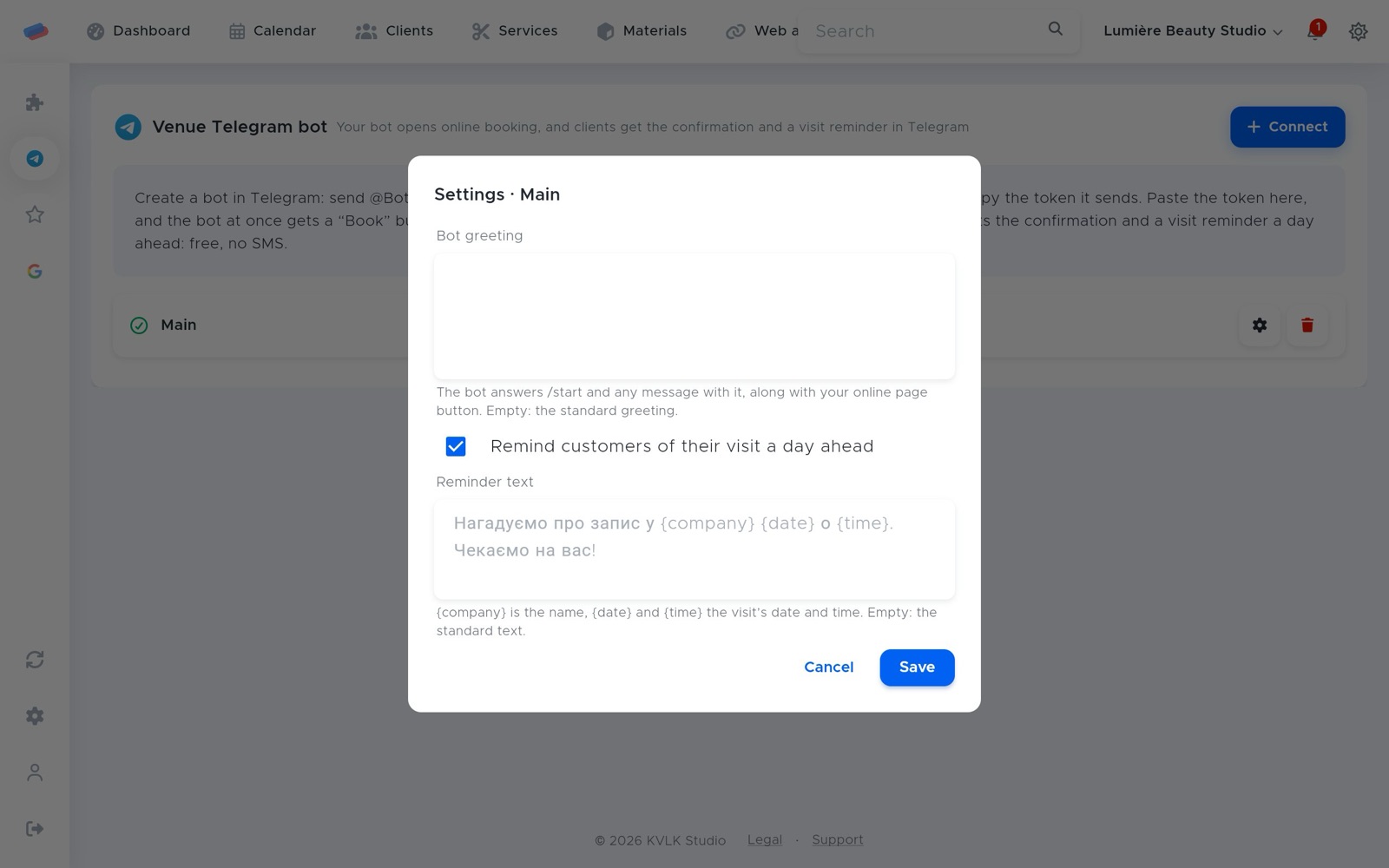
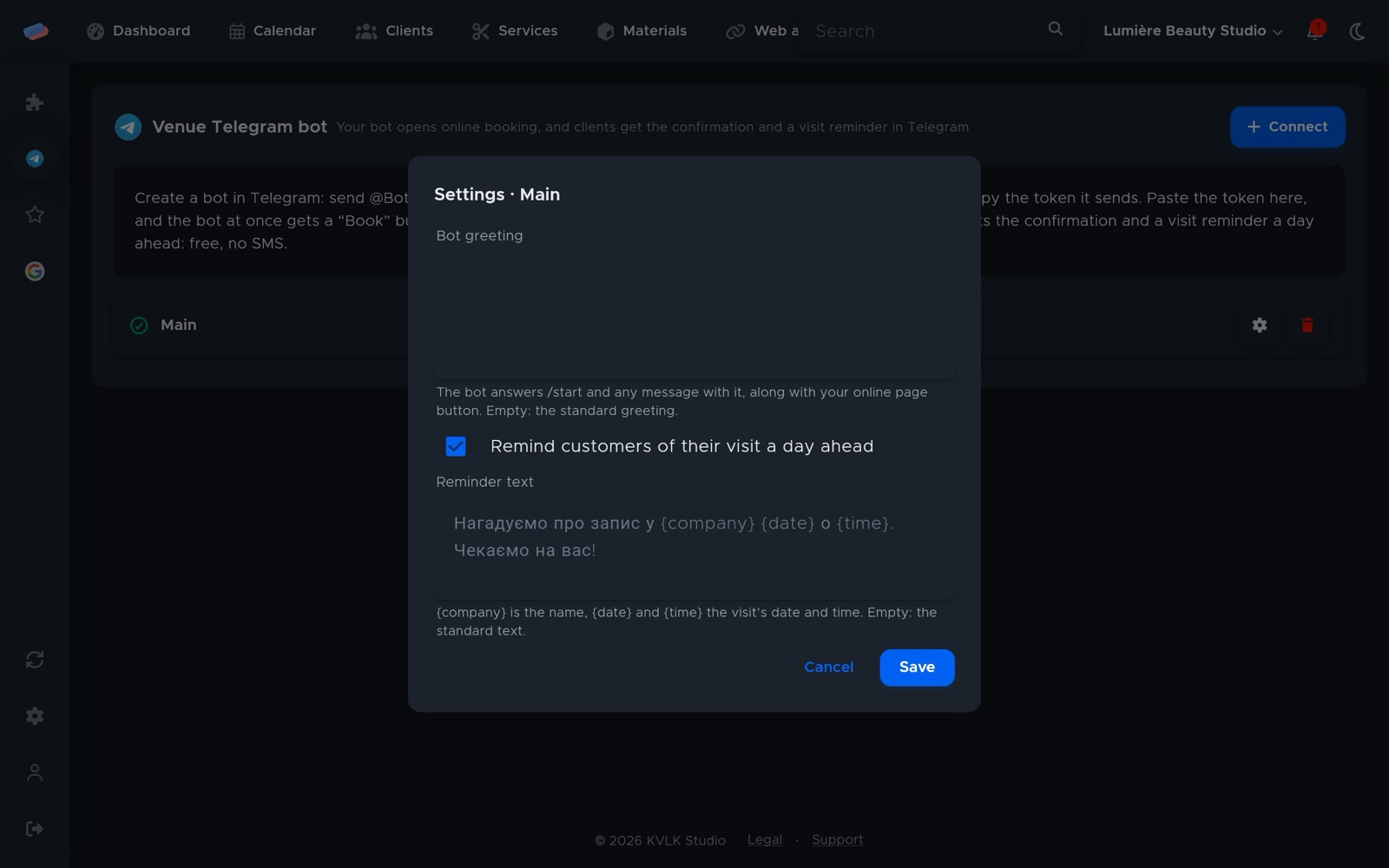
- Press ⚙ next to the account to change the bot’s greeting. For services, visit reminders a day ahead and their text ({company}, {date}, {time}) are set there too.
- Whoever books or orders through the bot gets a confirmation, then word when the order is being made, ready or on its way.
Good to know
- The token is access to your bot. Share it with no one but anyCRM.
Can’t get it connected? Write to us and we’ll help.