

 WooCommerce
- Price
- 100 UAH/mo
- For
- shops
- Required modules
- Products, Orders
What it does
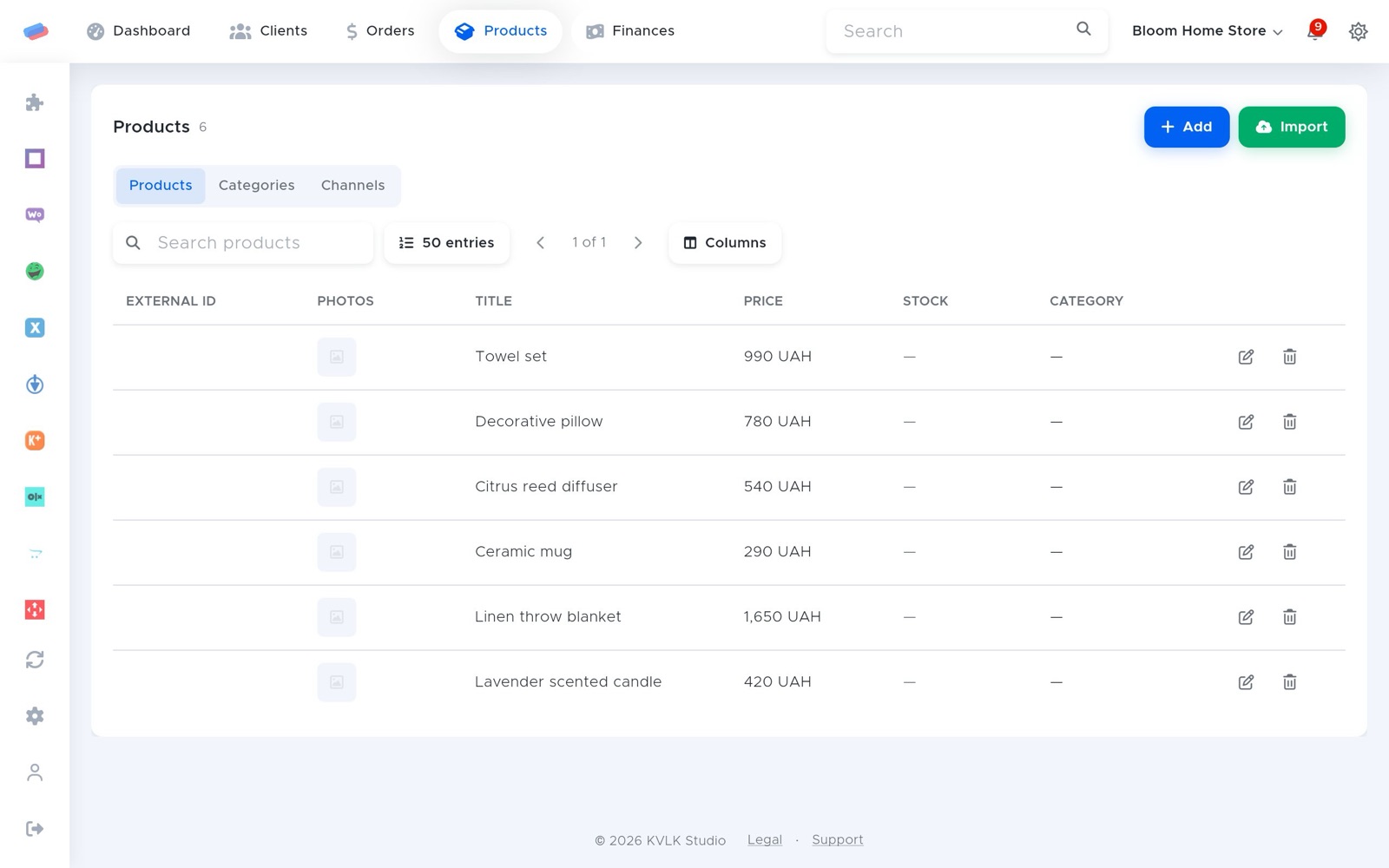
Orders and products from a WordPress + WooCommerce shop: new orders arrive at once, stock and prices go both ways.
What you need
- A WordPress site with WooCommerce and admin access.
Where to get the keys
- On the module page in anyCRM, press Download the plugin (or download it here).
- In WordPress: Plugins → Add New → Upload Plugin → pick the archive and activate it.
- In anyCRM, press Plugin key and copy the key.
- In WordPress, open anyCRM → Connection and paste the key. It works for 24 hours.
Connecting in anyCRM
- Open Modules in anyCRM, find “WooCommerce” and press Enable.
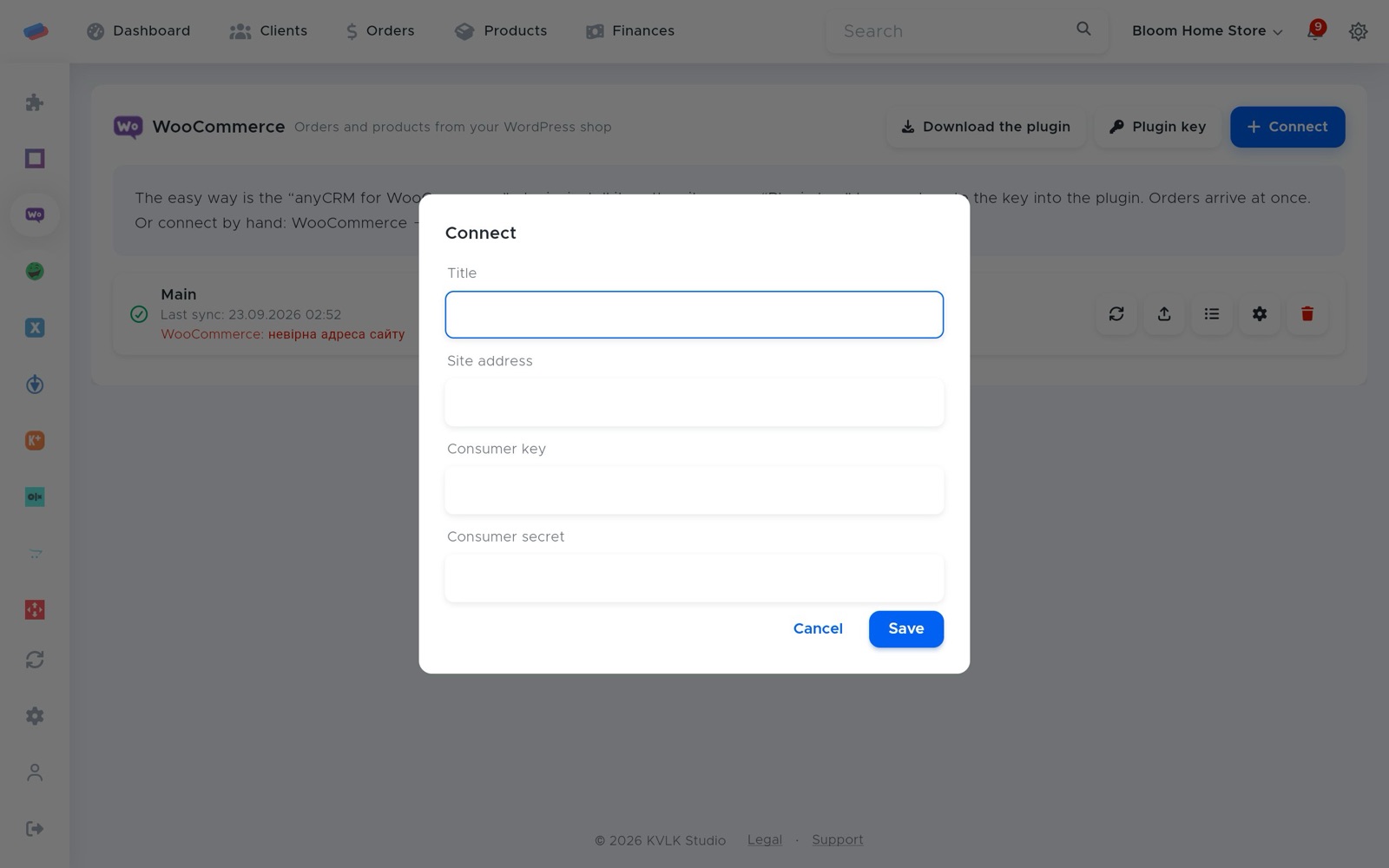
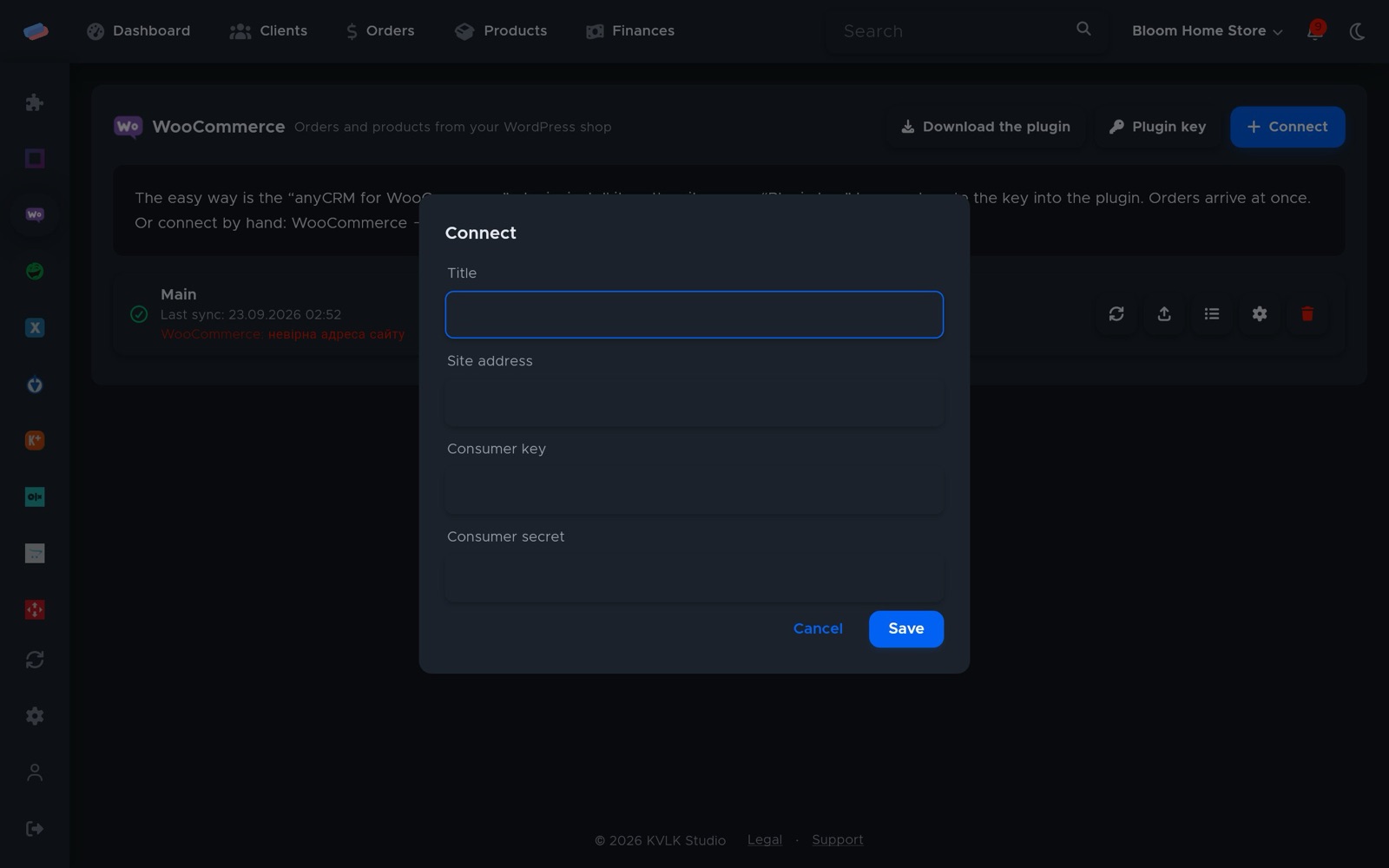
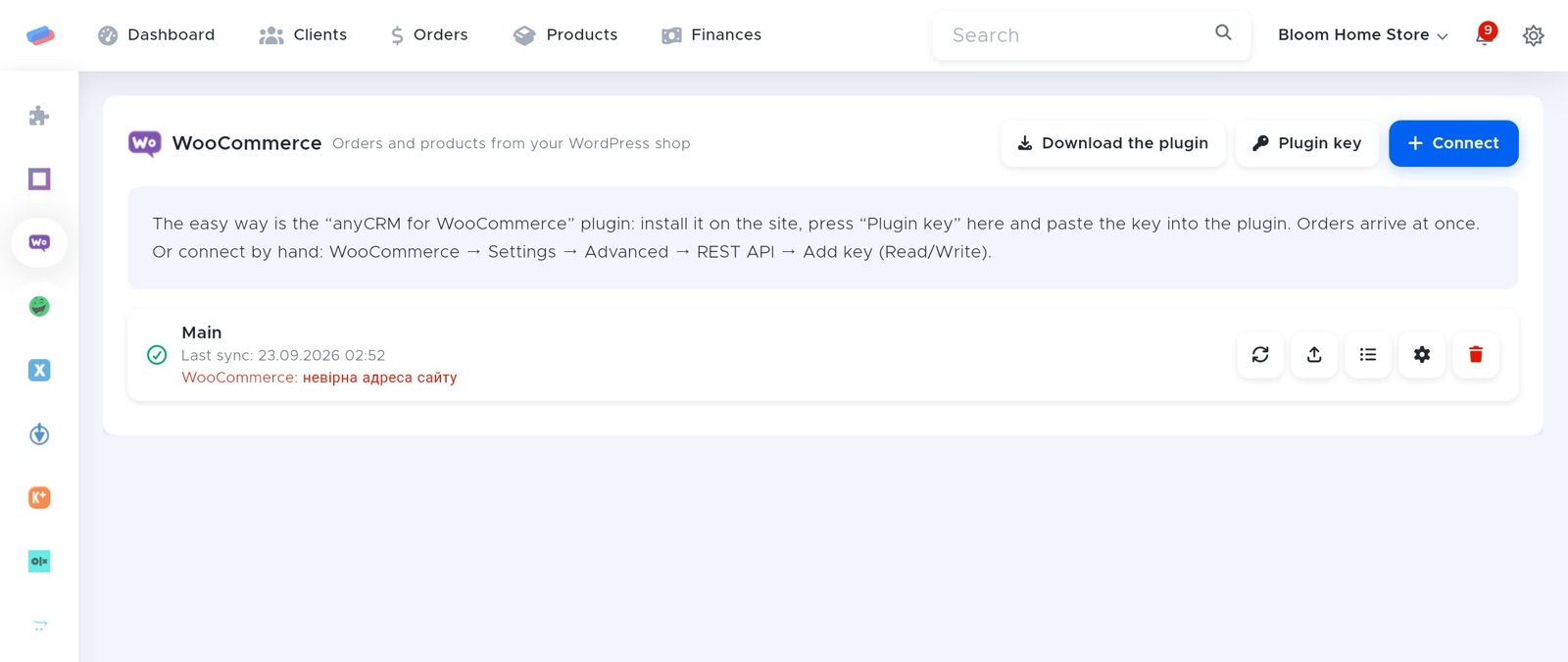
- Go to the module’s page in the side panel and press Connect.
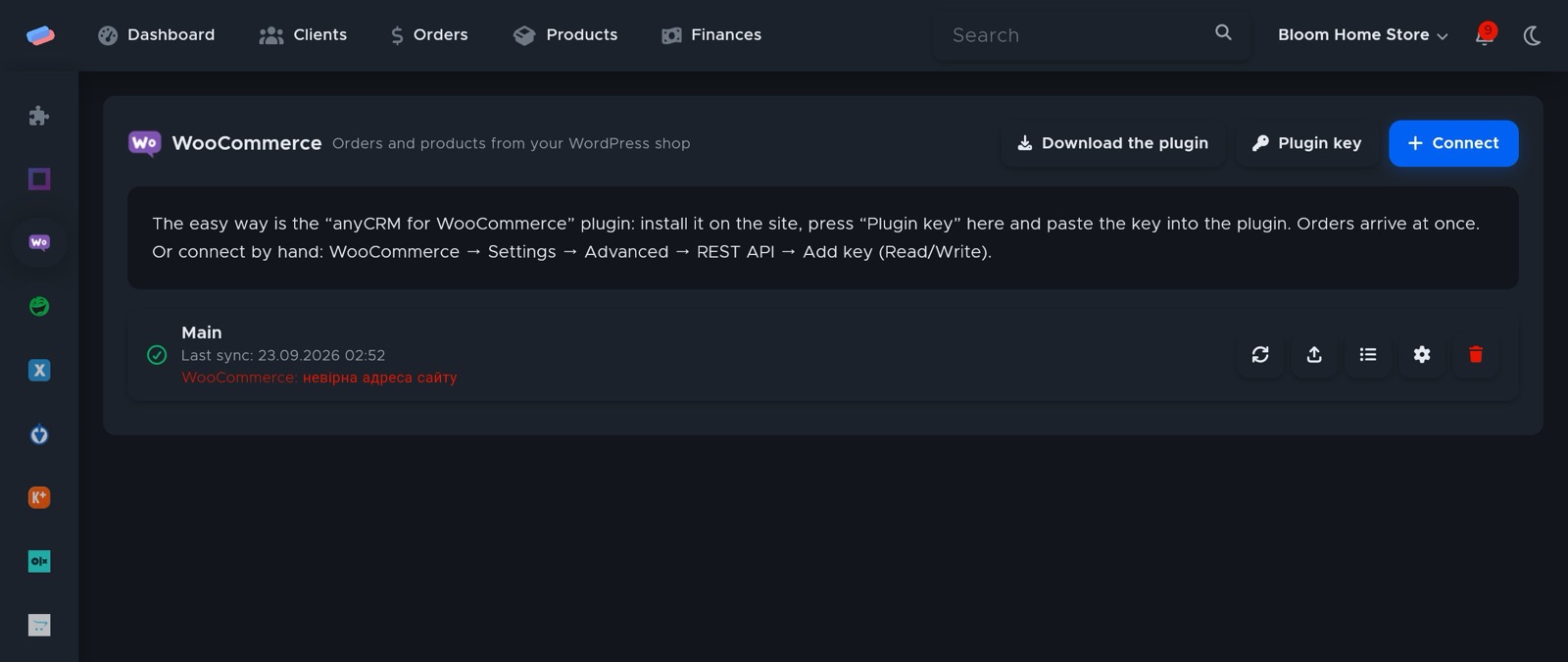
- The account appears in the list with a green tick. An error, if any, shows in red under its name.
After connecting
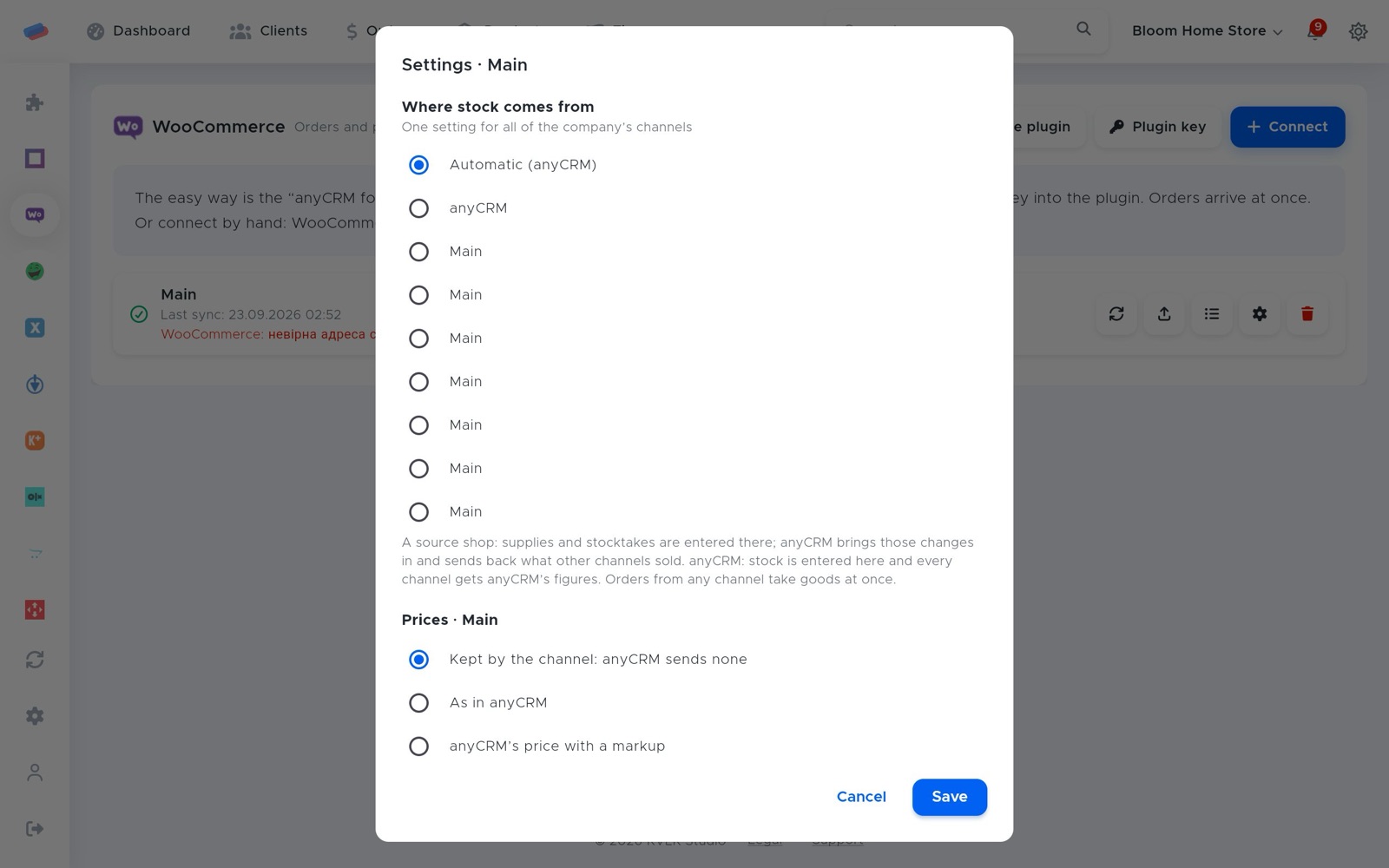
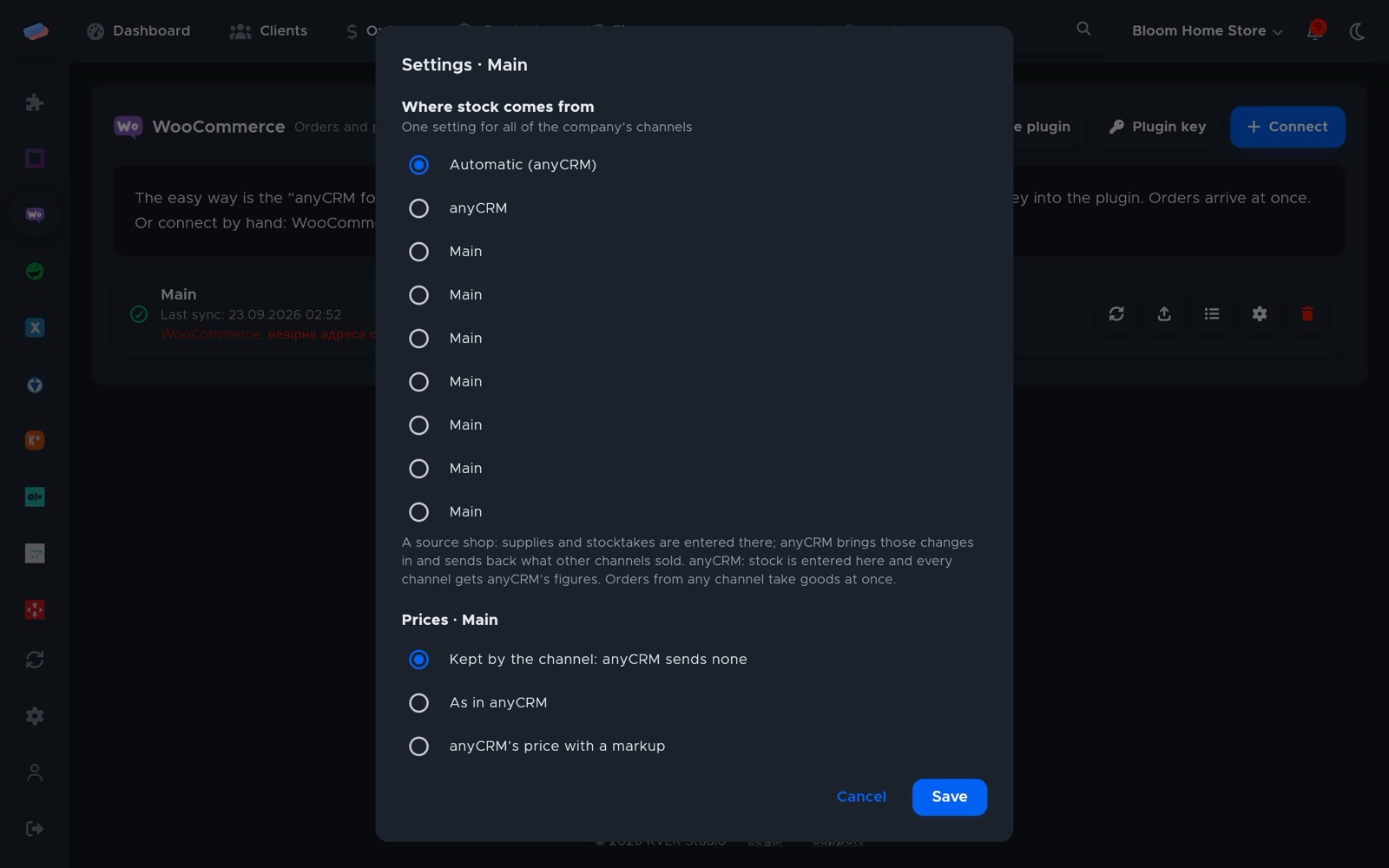
- Press ⚙ next to the account to choose where stock comes from (anyCRM or a source shop), the price rule (as in anyCRM, with a markup, or kept by the channel), rounding, currency and safety stock.
- The ⟳ button syncs right away; the sync log shows what changed.
Good to know
- Without the plugin: WooCommerce → Settings → Advanced → REST API → Add key (Read/Write), then enter the site address, consumer key and consumer secret in anyCRM.
Can’t get it connected? Write to us and we’ll help.