anyCRM knows what was sold, so it sends the receipt to Checkbox itself. No retyping the sum into a separate till: the order is paid, the receipt is registered with the tax office, and the buyer has an electronic copy.
What anyCRM does
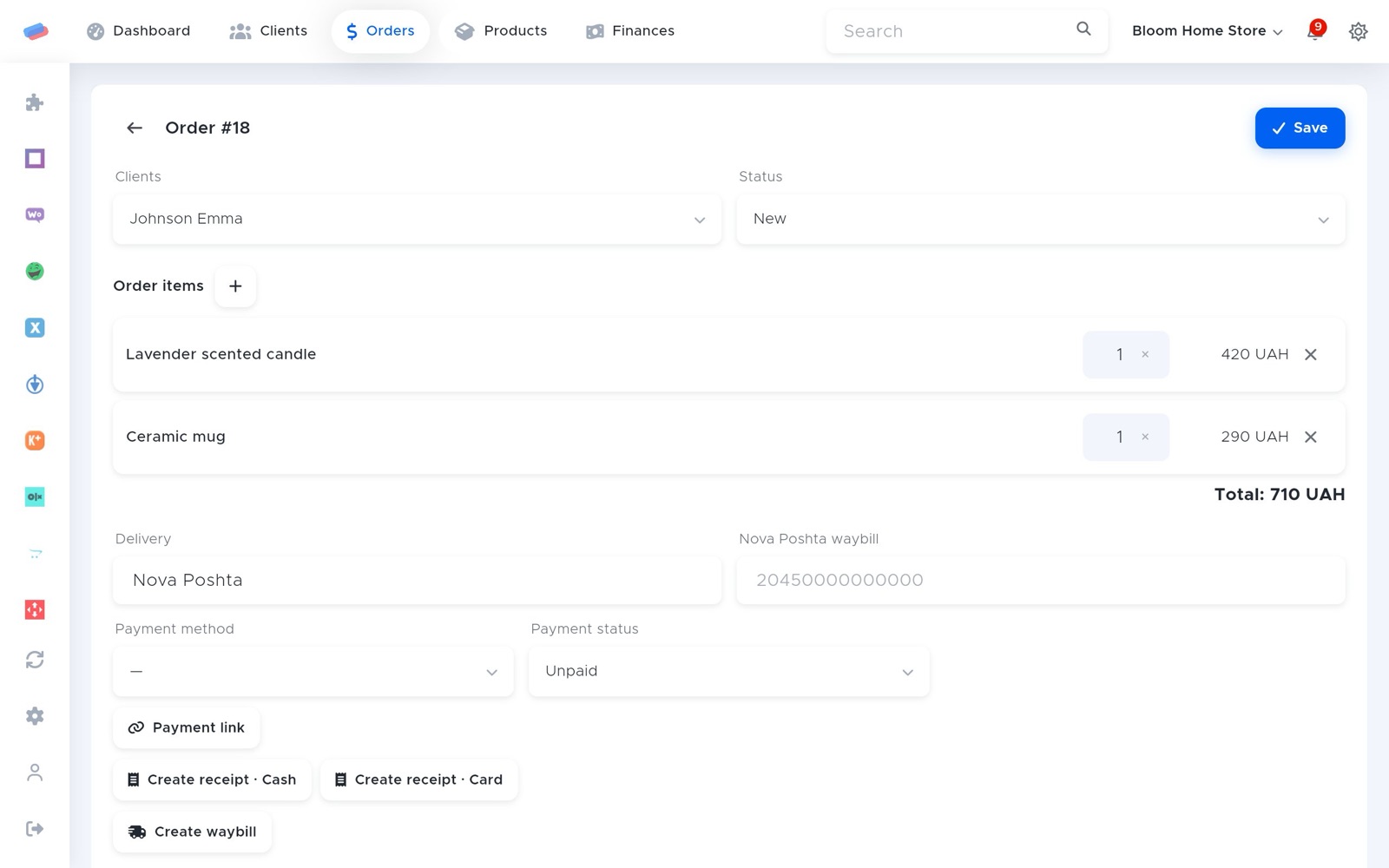
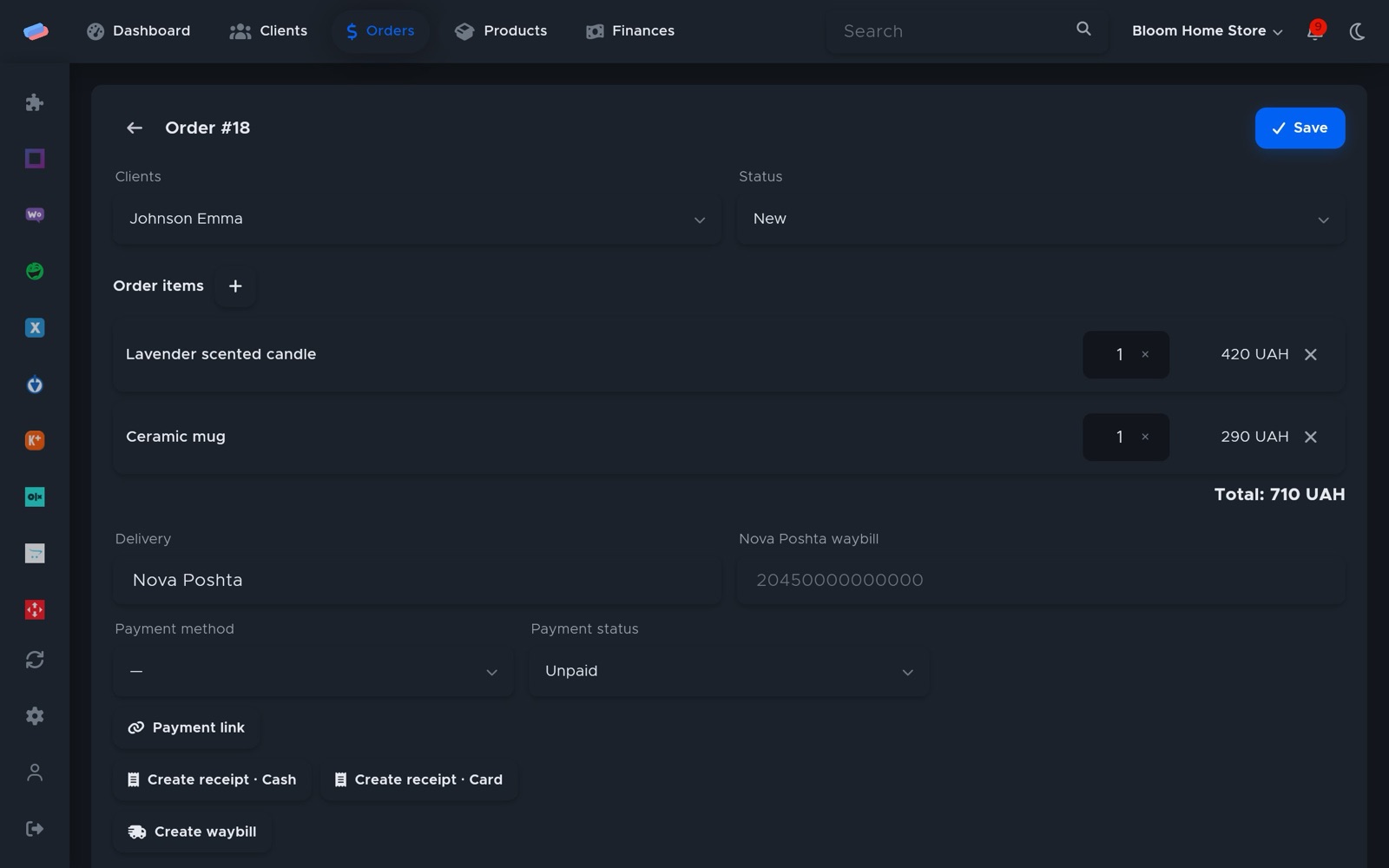
- A receipt after payment, on its own. Switch on “Fiscalise paid orders automatically” and the receipt is created as soon as an order is paid, including after online payment by monobank, LiqPay or WayForPay. Or create it with a button on the order.
- Cash or card. The receipt’s payment form comes from the order’s payment method, the lines from its items.
- An e-receipt for the buyer. anyCRM passes the client’s email and phone to Checkbox so the receipt reaches them, and the receipt link stays on the order.
- Shift and Z-report. Opening and closing the shift and the Z-report are buttons in the module settings, no Checkbox dashboard needed.
- No duplicates, no lost sales. One order never gets two receipts. If the till refuses, the sale stands and the error shows on the order and in notifications.
- Vchasno.Kasa. If your software till is Vchasno.Kasa, it connects the same way. How to connect.
Modules and prices
| Module | What it gives you | Price |
|---|---|---|
| Checkbox (software till) | Receipts, shift and Z-report | 120 UAH/mo |
| Orders | The orders receipts are made from | 180 UAH/mo |
| monobank | Online payment that triggers the receipt | free |
| LiqPay | LiqPay online payment | free |
Checkbox together with Orders: 300 UAH/mo. All paid modules are free for the first 14 days after sign-up. Prices are per month, charged as 1/30 for each day a module is on. A module that is off costs nothing.
Getting started
- Register a software till with Checkbox and set up a cashier with a login and password or a PIN.
- In anyCRM, open Modules → Checkbox and press Enable.
- Paste the till’s licence key and the cashier’s details. A step-by-step guide with screenshots is in the help.
- Press ⚙, open the shift and switch on automatic fiscalisation.
Integrations
 Checkbox (software till)Checkbox software till
 Vchasno.KasaVchasno
 monobankmonobank internet acquiring
 LiqPayCard payments through PrivatBank’s LiqPay
 WayForPayCard payments through WayForPay
 Poster POSThe menu comes from the Poster till, and orders from the web app and Telegram bot reach the till as online orders
Questions
Who is it for?
Shops and food service: receipts are created from orders. The Orders module is not available for service businesses.
Do I need a cash register?
No. Checkbox is a software till, and anyCRM runs in the browser and on a phone.
Who pays for Checkbox?
The anyCRM module is 120 UAH a month. You get the till licence from Checkbox on their terms.
What if Checkbox doesn’t answer?
The order stays paid and the error shows on the order and in notifications. Once the till is back, create the receipt with the button.
Can’t get it connected? Write to us and we’ll help.