

The anyCRM for WooCommerce plugin sends orders to the CRM right after checkout on your site. Statuses, prices and stock sync both ways, and the waybill number shows up on the site order and in the buyer’s email by itself.
What anyCRM does
- Orders at once. As soon as a buyer checks out, the order is in anyCRM. Customers are matched by phone, so there are no duplicates.
- Statuses both ways. Processing, Completed, Cancelled: change them in the CRM or on the site and they match.
- Waybills in the buyer’s email. The Nova Poshta or Ukrposhta waybill number goes back to the WooCommerce order, the customer’s account and an email with a tracking link.
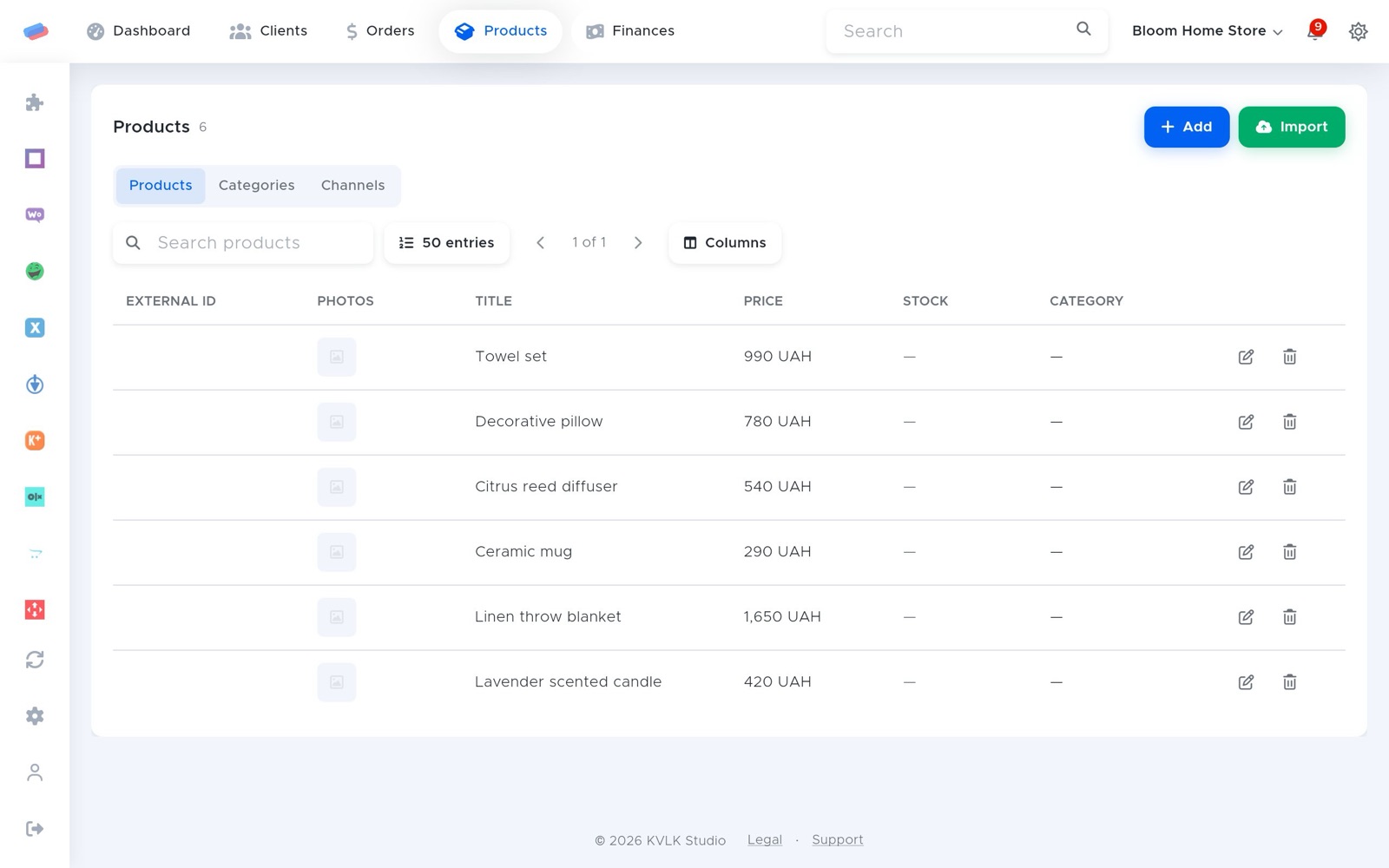
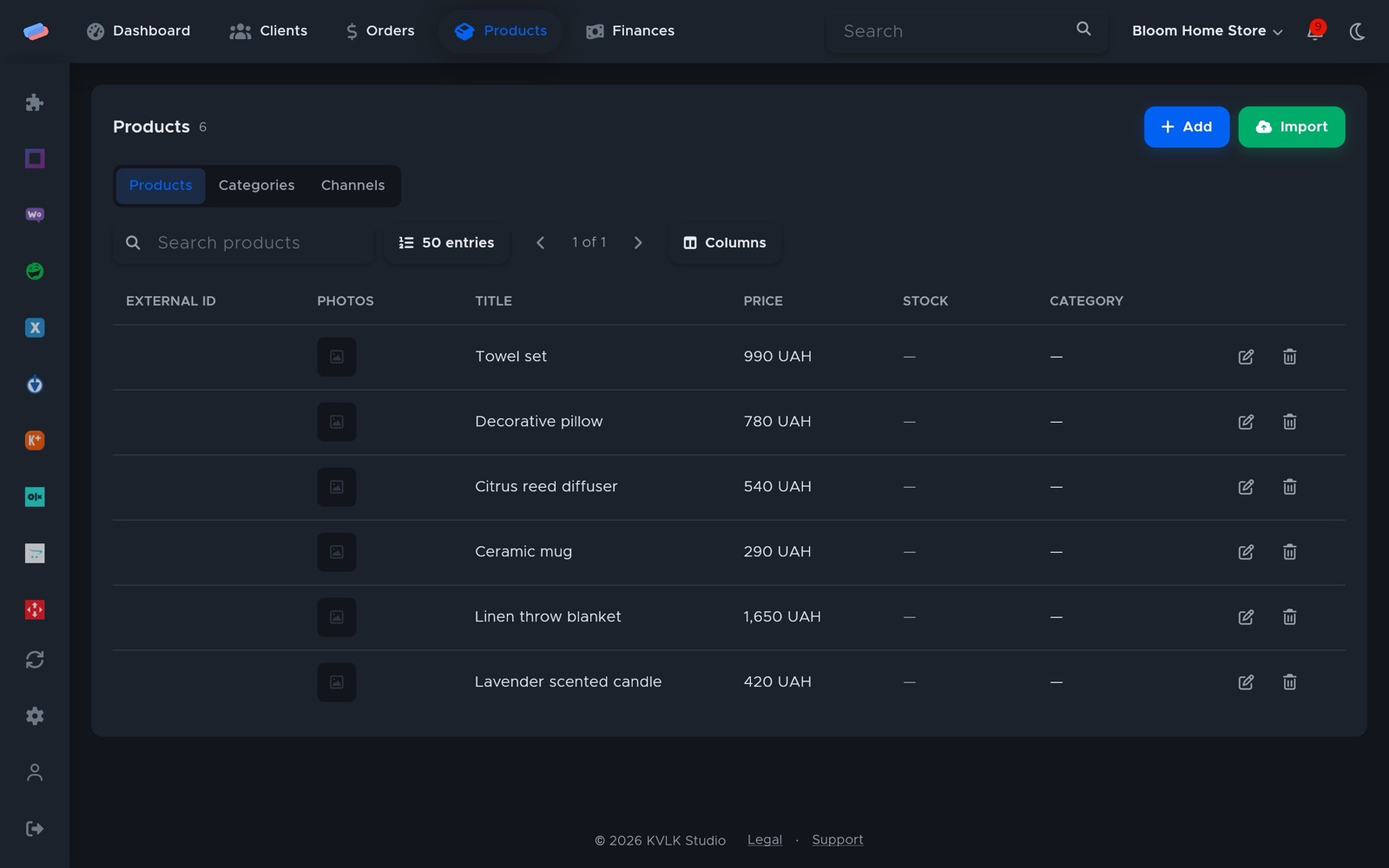
- Products, prices and stock. Products are imported from the site, and prices and stock from anyCRM go back with the same price rule, rounding and safety stock.
- Reliable. If the site was down, a fallback sync every 15 minutes picks up what was missed. HPOS and the block checkout are supported.
- Not just WooCommerce. OpenCart has its own module, and any other site can use the API.
Modules and prices
| Module | What it gives you | Price |
|---|---|---|
| Products | Products imported from the site | 120 UAH/mo |
| Orders | Orders from WooCommerce and other channels | 180 UAH/mo |
| WooCommerce | WordPress plugin, two-way sync | 120 UAH/mo |
| Nova Poshta | Waybills with the number on the site order | free |
| Checkbox (software till) | Fiscal receipts | 120 UAH/mo |
A WooCommerce shop (Products, Orders, WooCommerce): 420 UAH/mo. All paid modules are free for the first 14 days after sign-up. Prices are per month, charged as 1/30 for each day a module is on. A module that is off costs nothing.
Getting started
- Sign up at app.anycrm.io and pick the Shop type.
- In anyCRM, open Modules → WooCommerce and press Download plugin.
- In WordPress: Plugins → Add New → Upload Plugin, pick the archive and activate it.
- In anyCRM press Plugin key and paste it into WordPress → anyCRM → Connection. Details are in the help.
Integrations
 WooCommerceOrders and products from a WordPress + WooCommerce shop
 OpenCartAn OpenCart or ocStore shop
 API for your siteA site or app built your own way sends products, orders and customers to anyCRM over a REST API, adding new ones and updating those already there
 Nova PoshtaNova Poshta waybills straight from an order
 UkrposhtaUkrposhta shipments
 Checkbox (software till)Checkbox software till
Questions
Do I have to install the plugin?
No. You can connect through the WooCommerce REST API: create a Read/Write key and paste it into anyCRM. With the plugin, though, orders arrive at once and the waybill reaches the buyer’s email.
The plugin key didn’t work.
The key is valid for 24 hours. Generate a new one in anyCRM and paste it again.
Do I need Nova Poshta?
No, but it helps: the waybill is made from the order and the number reaches the site by itself. The module is free.
How much does it cost?
The WooCommerce module is 120 UAH a month, Products 120, Orders 180. Paid modules are free for the first 14 days.
Can’t get it connected? Write to us and we’ll help.